In this article
Key takeaways
- Five steps for any store: the platform, the products, the ads, the pixels and landing pages, then the countries.
- The platform sets the method: Shopify reveals a lot on many of its stores, Salla, Zid, WooCommerce and YouCan need the general methods, and a WhatsApp seller has no store at all.
- Each platform has its market: Salla is 91% Saudi, Shopify is strongest in the UAE (36% of its ads), and WhatsApp with no store is the biggest group with 13,633 pages.
- No tool sees a competitor's sales, profit or conversion rate. The honest signals: ads running for weeks, many new ads, new countries.
Know the field: store platforms in Gulf ads
Before studying a competitor, know where it stands. These are the platforms the newest 160,000 Arabic ads lead to, with the spying guide for each:
| Platform | Ads | Advertiser pages | Largest market | Guide |
|---|---|---|---|---|
| WhatsApp, no store | 43,953 | 13,633 | Saudi Arabia 30%, UAE 30% | WhatsApp sellers |
| Shopify | 15,051 | 1,936 | UAE 36% | Shopify stores |
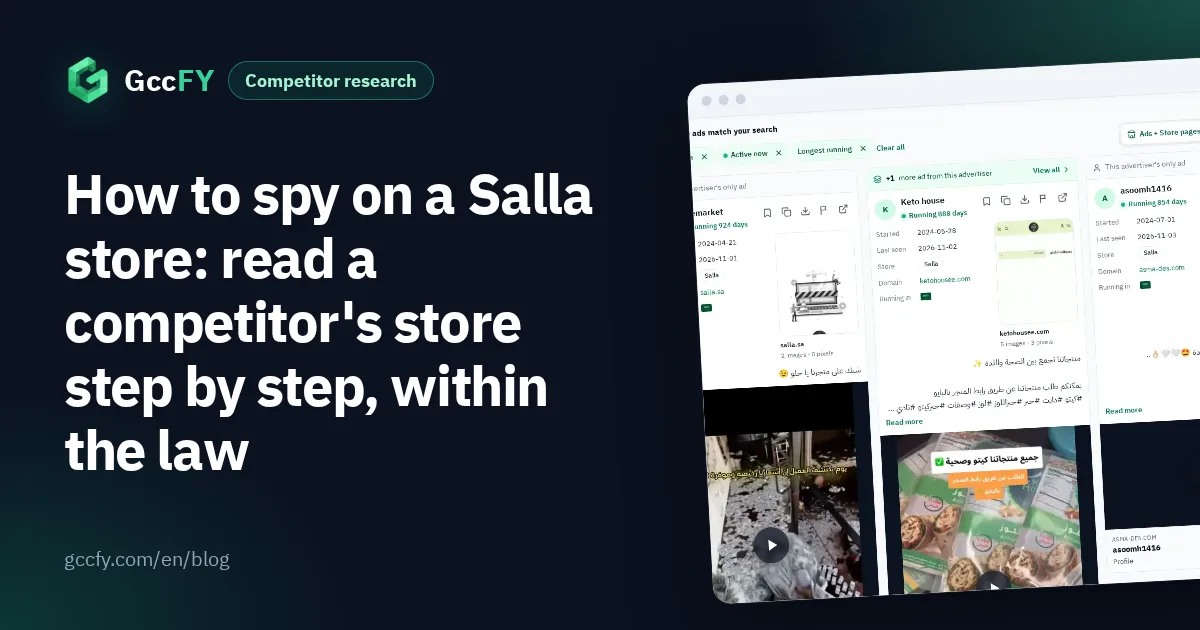
| Salla | 12,673 | 1,909 | Saudi Arabia 91% | Salla stores |
| LightFunnels | 3,711 | 142 | Saudi Arabia 49% | LightFunnels stores |
| WooCommerce | 2,034 | 375 | Saudi Arabia 31%, Kuwait 27% | WooCommerce stores |
| Zid | 1,920 | 292 | Saudi Arabia 81% | Zid stores |
| EasyOrders | 1,793 | 184 | Saudi Arabia 42% | EasyOrders stores |
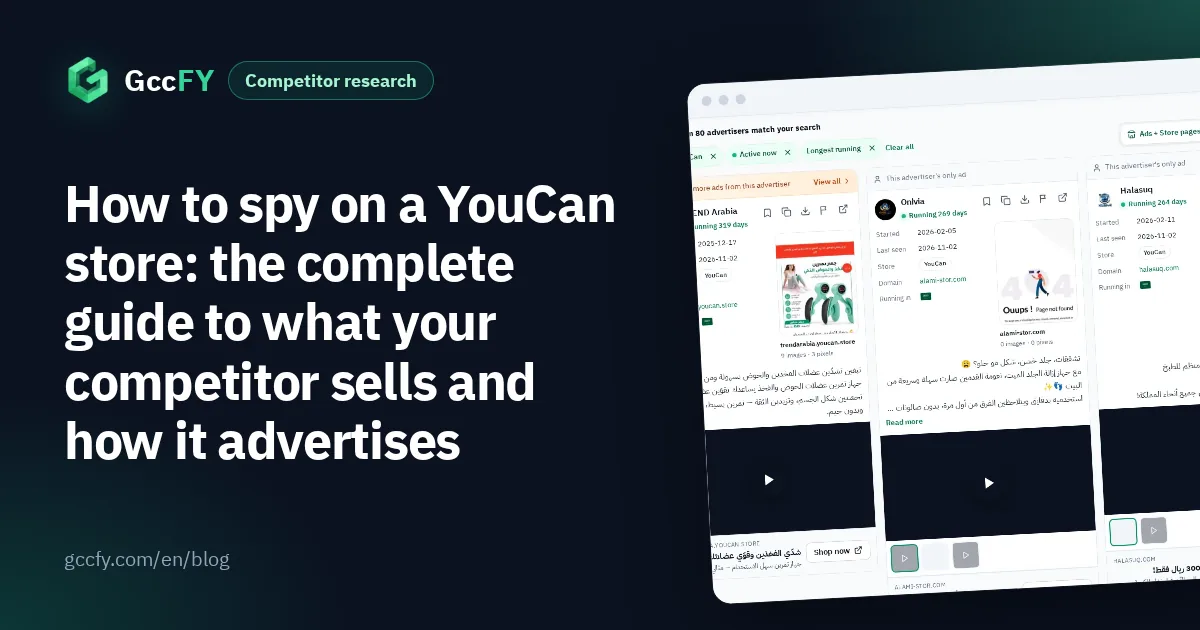
| YouCan | 1,702 | 187 | Saudi Arabia 40% | YouCan stores |
Notice the concentration: LightFunnels has 3,711 ads from only 142 pages, a few advertisers running many ads per product, the style of one-product dropshipping pages. WhatsApp is the opposite: many pages with few ads each.
Step 1: identify the store's platform
The Wappalyzer or BuiltWith browser extension reveals the platform as soon as you open the store, and the page source usually does too. In GccFY the platform is written on every ad card and on the Domains screen. Every method: Which platform is this store.
Why start there? Because the platform tells you how the competitor sells before you open a product: Salla and Zid are Saudi, with online payment and instalments built in; YouCan is a Moroccan-founded platform popular for cash-on-delivery stores in the Arab world; LightFunnels builds one-product funnels for dropshipping; EasyOrders is popular for cash-on-delivery stores in Egypt and the Gulf; WooCommerce is the WordPress store plugin.
Step 2: read its products
- Any store: a sitemap at /sitemap.xml exists on most stores, with product links and sometimes dates. It tells you the catalogue's size and what was added recently.
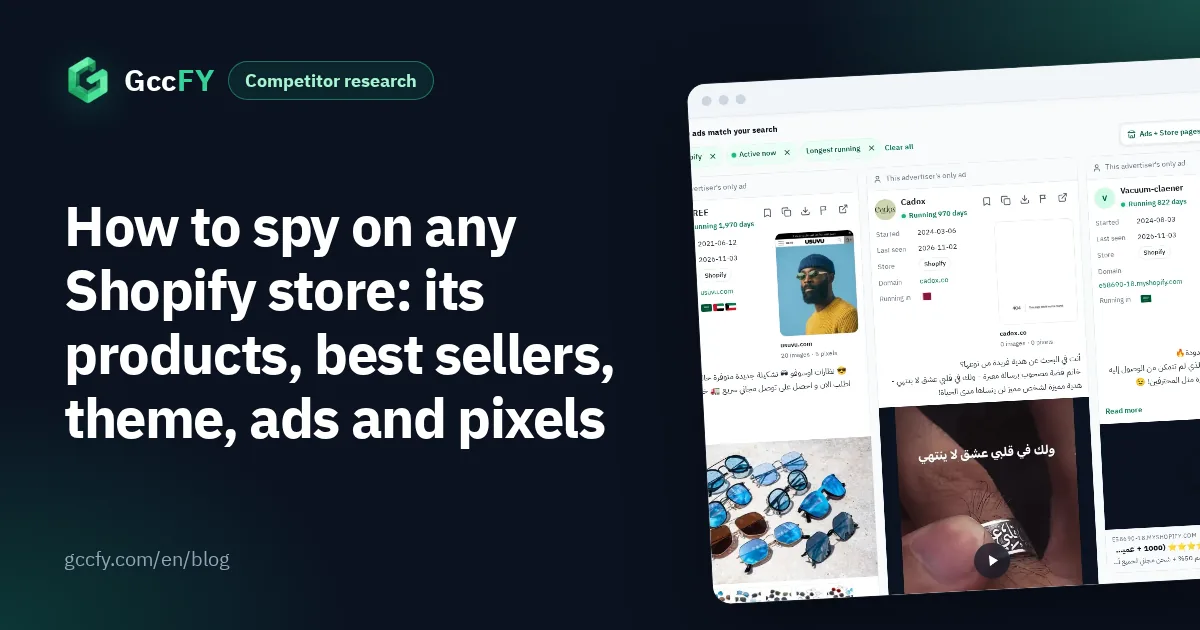
- Shopify specifically: many of its stores expose /products.json (the product list with prices and update dates) and /collections/all?sort_by=best-selling (the store's own best-selling order), and the page source names the theme (Shopify.theme). Some stores block or change these, and the best-selling order is the store's ranking, not sales numbers.
- Salla, Zid, YouCan, WooCommerce and the rest: do not rely on special tricks; use the sitemap, browse the categories and note the prices.
Step 3: its ads, and how long they have run
In Meta's Ad Library, search the store's Page name and pick it from the drop-down: you see its active ads with each one's start date. An ad running for weeks is paid for by an advertiser who sees results. But the library shows active ads only and cannot filter by platform.
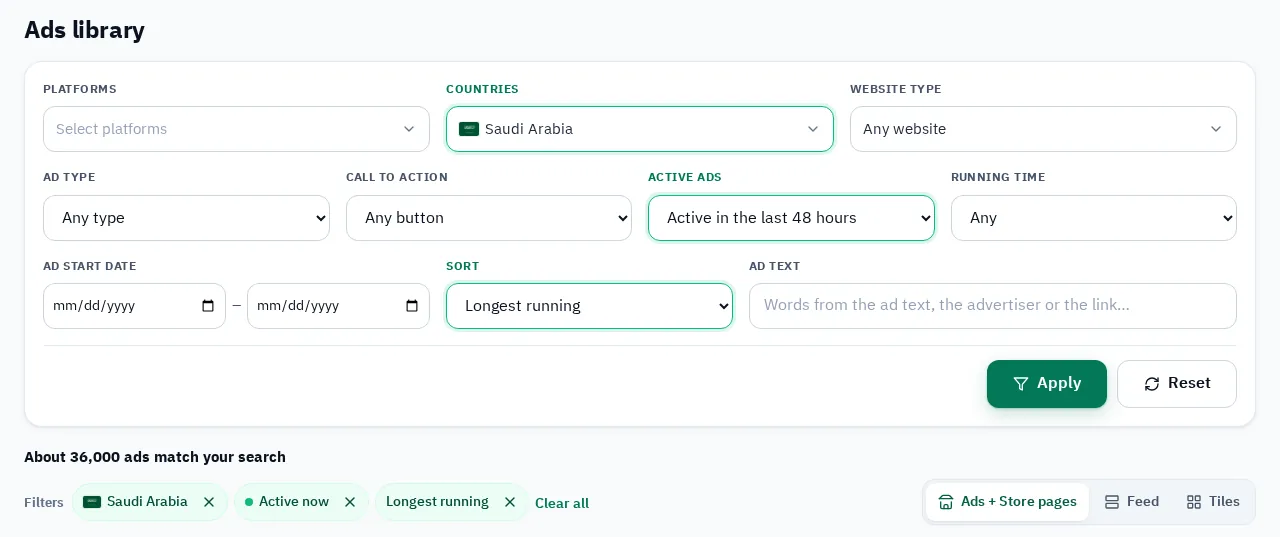
In GccFY pick the store type and sort by longest running to see the platform's ads that survived. The Advertisers screen searches Page names and filters by platform, and the advertiser window gathers its active and stopped ads. The full method for following a competitor's ads: Competitor ads.
Steps 4 and 5: pixels, landing pages and countries
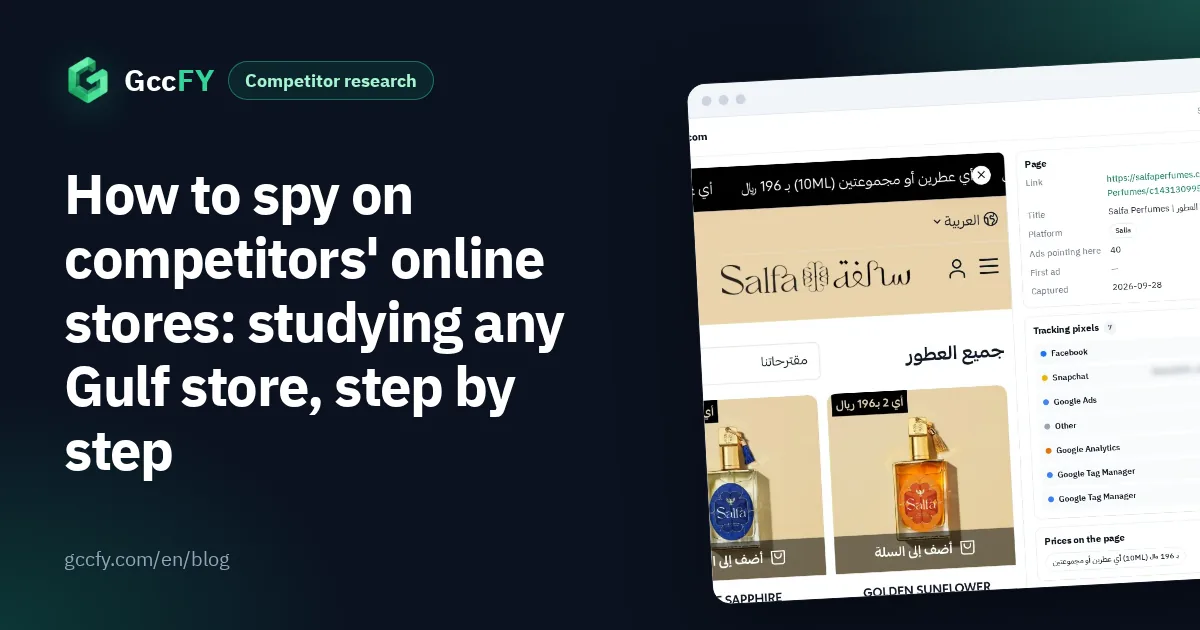
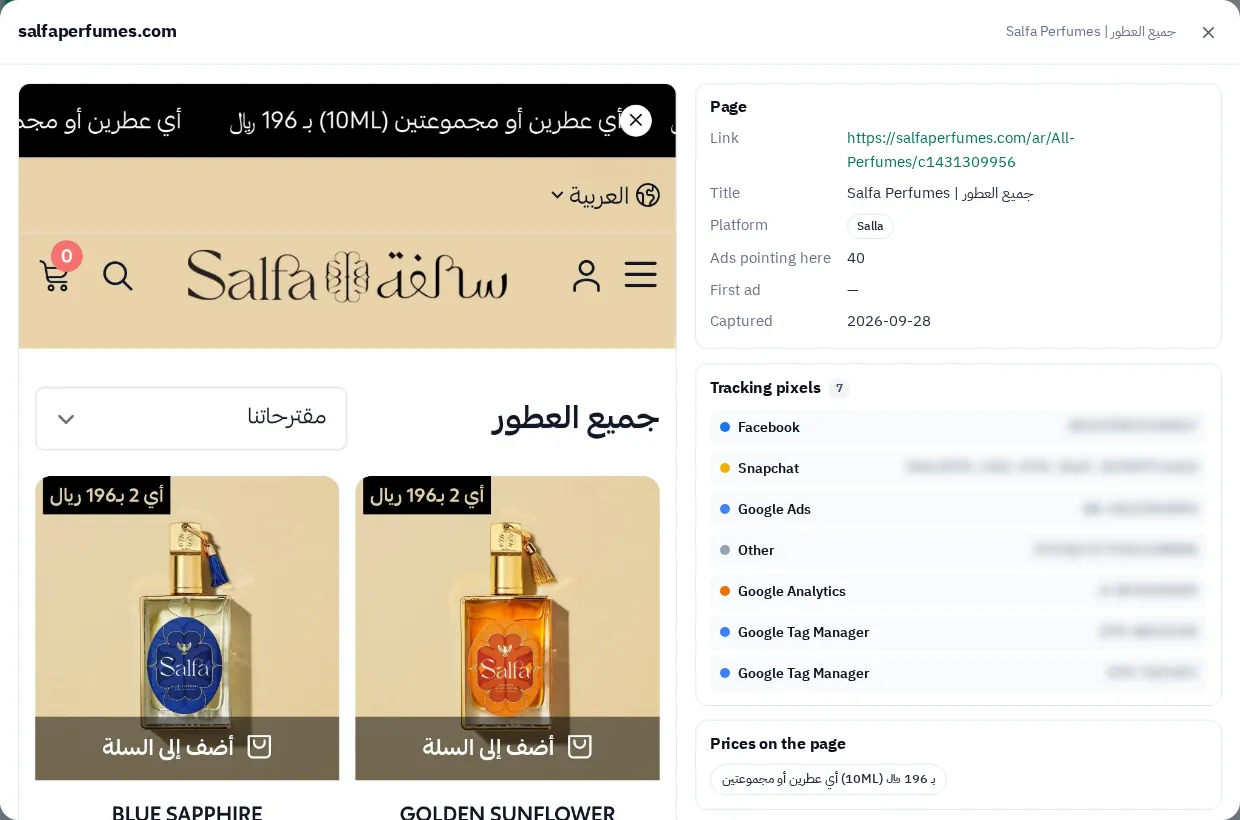
- Pixels: the Meta Pixel Helper extension shows the Meta pixel on the store page. In GccFY the store page window lists the tracking tools we found, so if you see a Snapchat or TikTok pixel, the competitor advertises there too.
- Landing pages over time: GccFY keeps a snapshot of the store page behind every ad, so you see the price and offer as they were the day the ad ran, and compare the same store's pages across weeks.
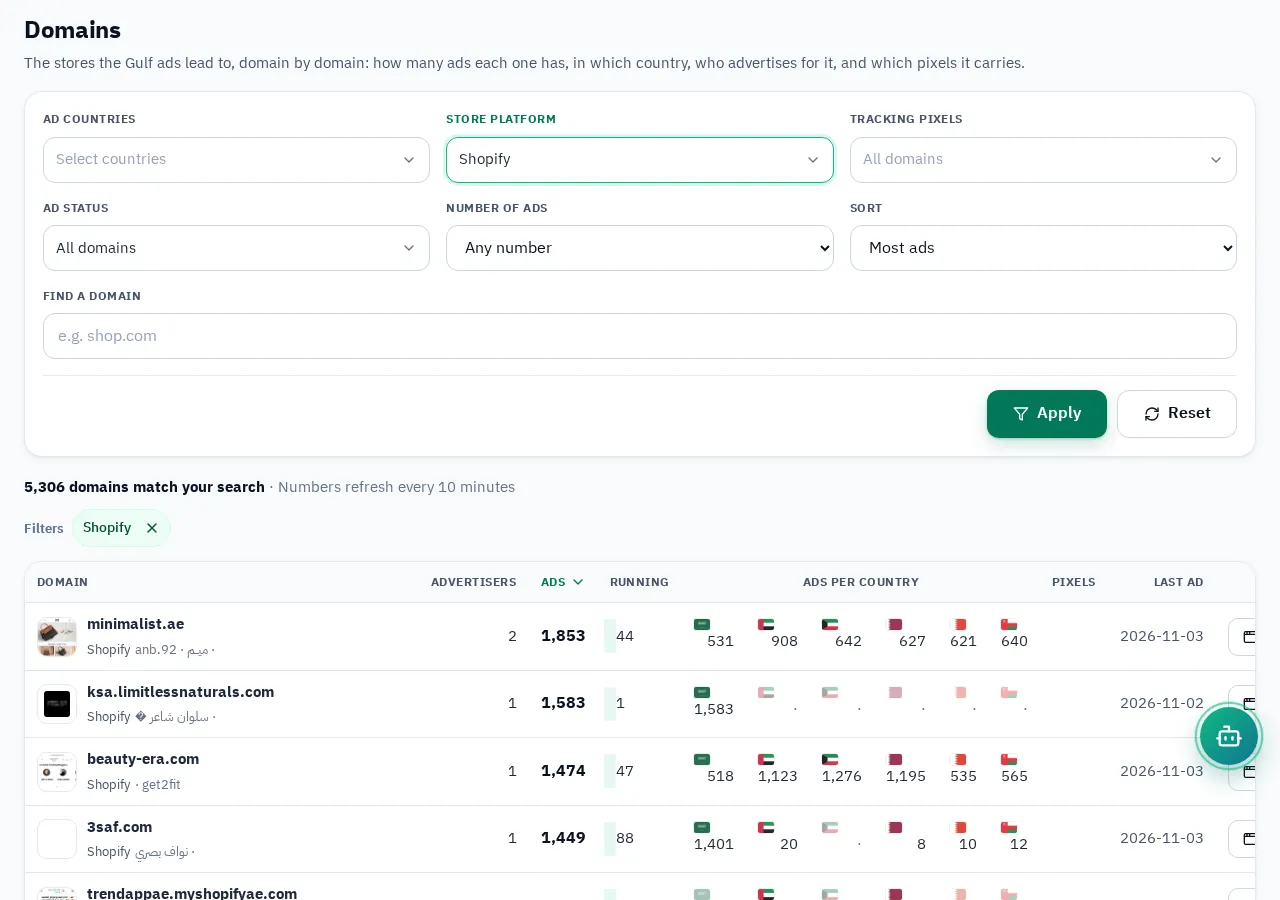
- Countries: the Domains screen shows each store's ads in every country and the landing pages it sends traffic to, filtered by platform and pixel. A store adding a country is a store growing.
What nobody sees, and the rules of fair play
No tool sees a store's sales, revenue, orders, conversion rate or profit, whatever it is called. That data lives in the store owner's dashboard alone. What you really see are honest signals: an ad running for weeks, a wave of new ads, a store expanding to more countries, a product appearing in many stores' ads.
"Spying" here means competitive research: public information only, no hacking, no fake orders to read stock, no copying designs or texts word for word. Start with 20 free searches a day in GccFY; plans start at $19 dollars.