In this article
Key takeaways
- Many Shopify stores expose /products.json (products, prices and update dates) and a "best-selling" sort in /collections/all: that is the store's ranking, not sales numbers.
- The page source names the theme (Shopify.theme), the Meta Pixel Helper extension reveals the Meta pixel, and /sitemap.xml lists the product pages.
- Meta's library shows a page's active ads only and never groups them by domain; in GccFY you see a store's ads per country and the landing pages we captured.
- Sales, revenue and order counts are private and no tool sees them; the honest signals are ads that last for weeks, many new ads, and expansion to more countries.
Before you start: what "spying" means here
"Spying" in e-commerce is the everyday name for competitive research: reading what a competitor publishes openly to understand what they sell and how they advertise. No hacking, no fake orders to read stock levels, no copying a design or a text word for word. Everything in this guide is visible to any visitor of the store or of the ad library.
And some things you will never see, whatever you try: the store's sales, revenue, order count, conversion rate and profit. Those live in the owner's dashboard alone. Any sales figure you see for someone else's store is an estimate, not data from the store. Instead you read honest signals, which we come back to at the end.
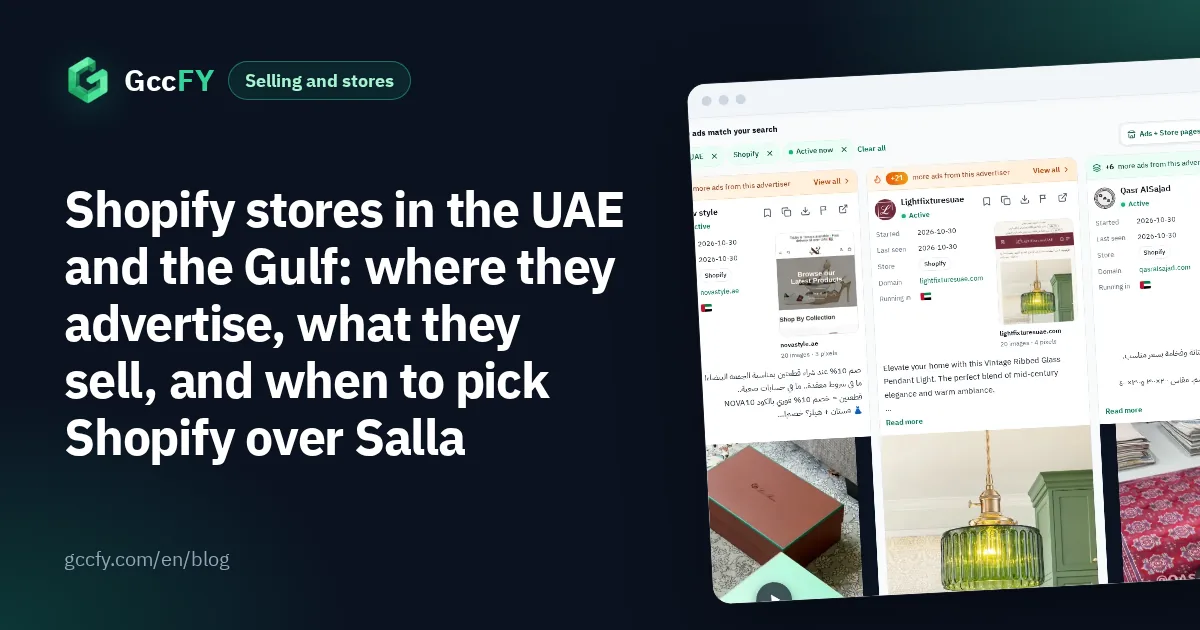
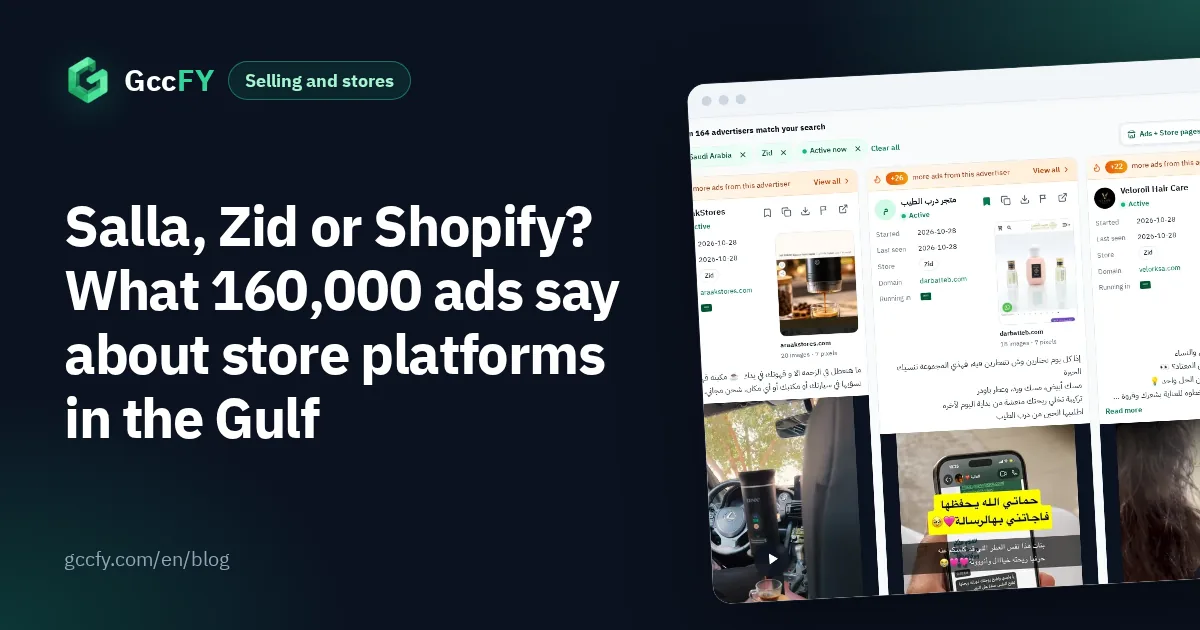
Why Shopify in particular? Because it is the biggest store platform in Gulf ads outside Saudi Arabia: 15,051 recent Arabic ads in our study lead to Shopify stores between 2026-10-24 and 2026-11-03, most of them in the UAE and Kuwait. For the whole platform map: Salla, Zid and Shopify.
Steps 1 to 4: what the store itself reveals
- Confirm the store runs on Shopify. Browser extensions such as Wappalyzer or BuiltWith show a site's platform when you open it, or open the page source and search for "Shopify".
- The product list: add /products.json to the end of the store's address. On many Shopify stores a file appears with every product, its price and its update dates. A product updated yesterday and one untouched for months say different things about how active the store is.
- The best-selling order: open /collections/all?sort_by=best-selling. Many stores list their products in the "best selling" order the store computes itself. It is a ranking, not numbers: the first product sells more than the second, but you do not know how many. The details are in A Shopify store's best sellers.
- The sitemap and the theme: /sitemap.xml lists the product and collection pages, and the page source names the theme next to "Shopify.theme". The theme helps if you are building a similar store, not for copying its design.
Some stores block or change these files, so do not be surprised if they fail on a given store. And what you find there is what the store shows now, not its history.
Step 5: the store's ads in Meta's library
No store lives without ads. Open Meta's Ad Library, pick the country and "All ads", type the page name (not the website) and pick it from the list. Its active ads appear, with each ad's start date and a rounded count above the results.
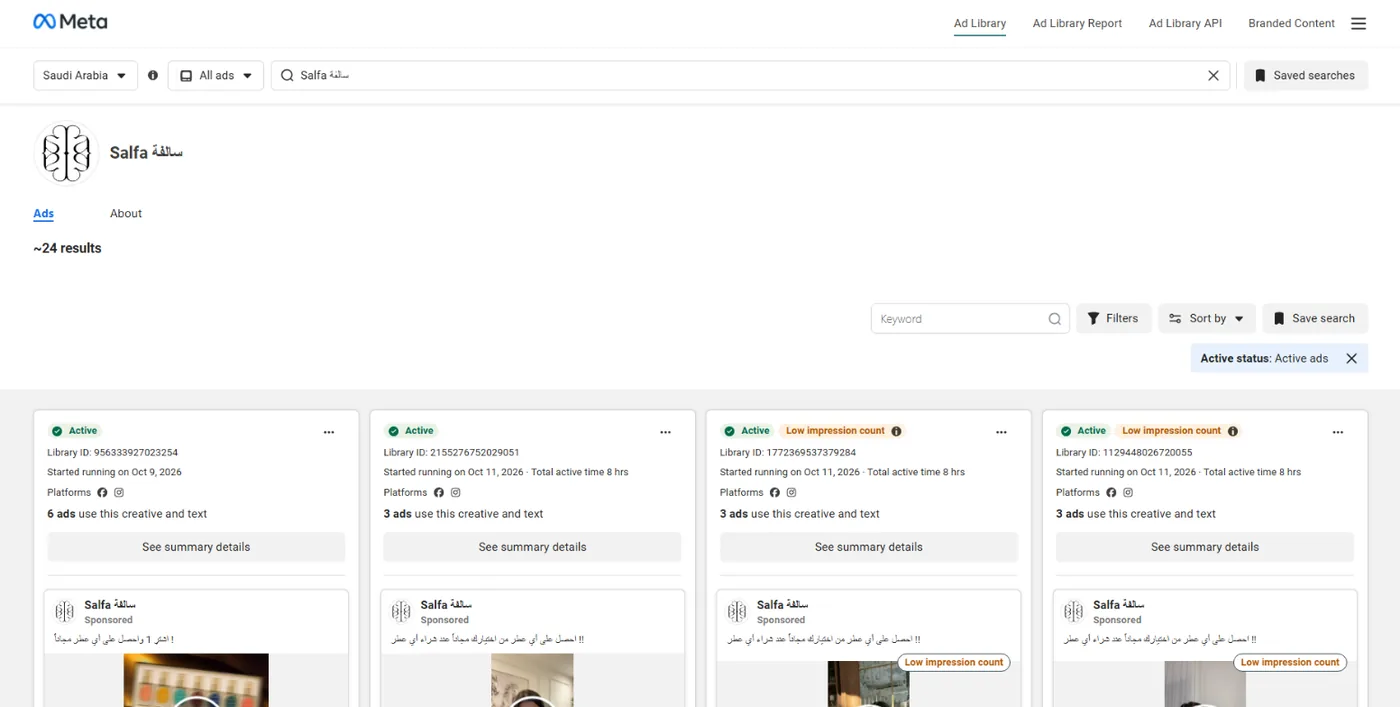
Three limits to know: searching the store's URL finds only ads that mention it as text, a commercial ad leaves the library when it stops, and one store may advertise from several pages. How to read the count, and when it misleads you: Active ads count.
Step 6: the store's pixels
Install the Meta Pixel Helper extension in Chrome and open the competitor's store: it shows whether the Meta pixel is there and which events it sends. In the page source, search for ttq (TikTok) and snaptr (Snapchat).
Why it matters: a platform's pixel on a competitor's store usually means they advertise there or plan to. A Snapchat pixel on a Kuwaiti store tells you to follow their Snapchat ads, not only Meta. What Shopify, Salla and Zid stores usually install: Salla, Zid and Shopify pixels.
Steps 7 to 10: the store and its ads in GccFY
The steps above give you one store at one moment. GccFY saves the ads of 86,000 Gulf advertisers every day, reads the link of every ad to identify its store and platform, and captures the landing page.
- The "store type" filter set to Shopify: every ad of Shopify stores, then narrow by country or by a word ("عطر", perfume; "بشرة", skin).
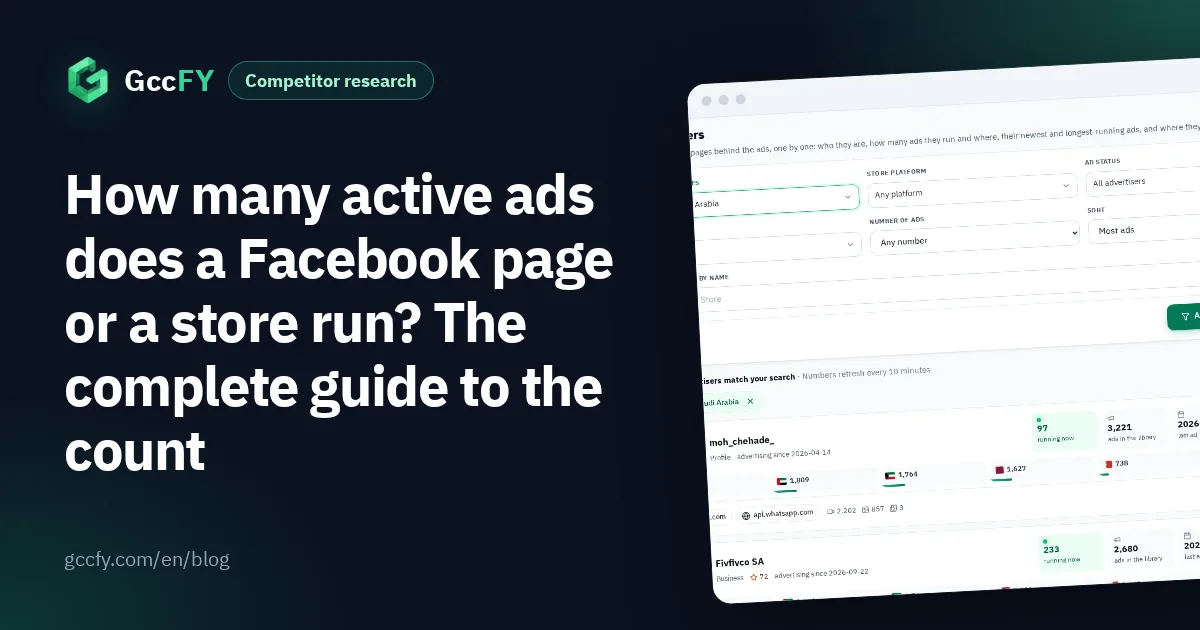
- The store's row on the Domains screen: search the competitor's domain to see its total ads, what runs now, its ads in each of the six countries, and the landing pages we captured for it.
- The store page behind each ad: open the capture to see the product, price, offer and payment method as the buyer saw them, plus the pixels we found on it.
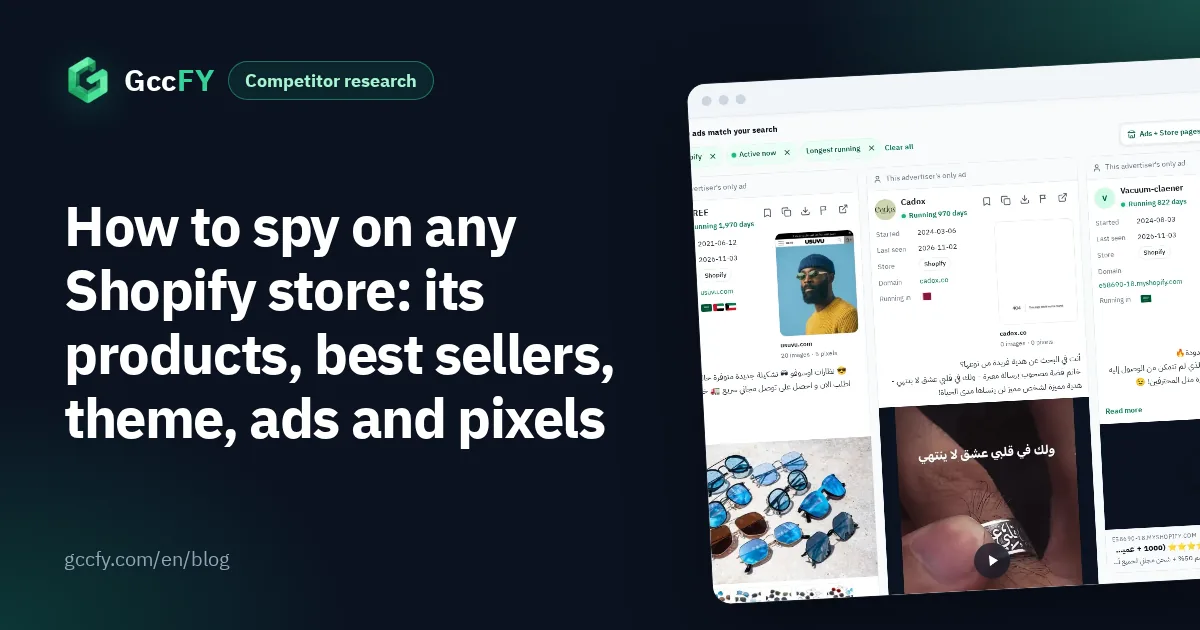
- Longest running: sort the store's ads by running time. An ad that lasts for weeks is paid for because it sells.
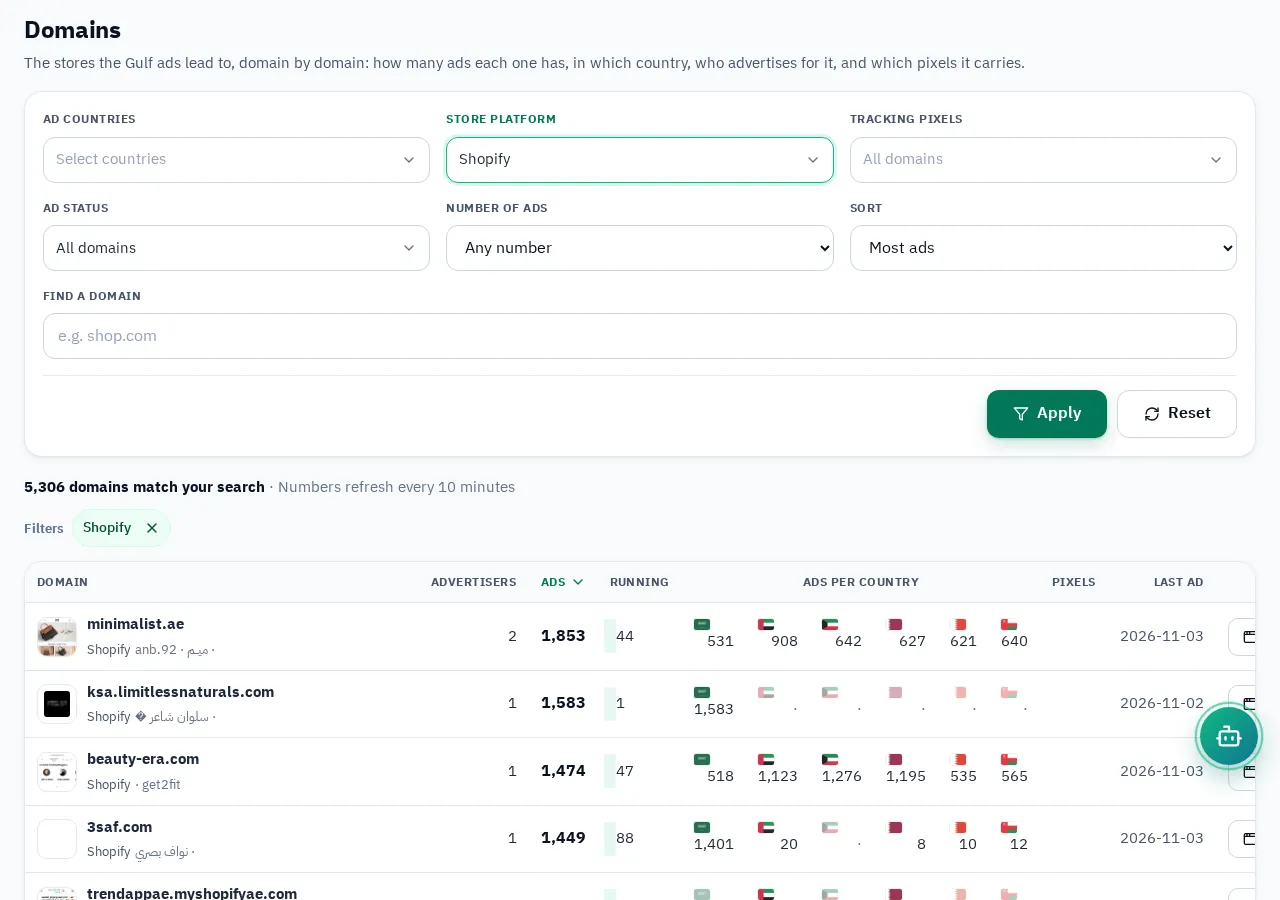
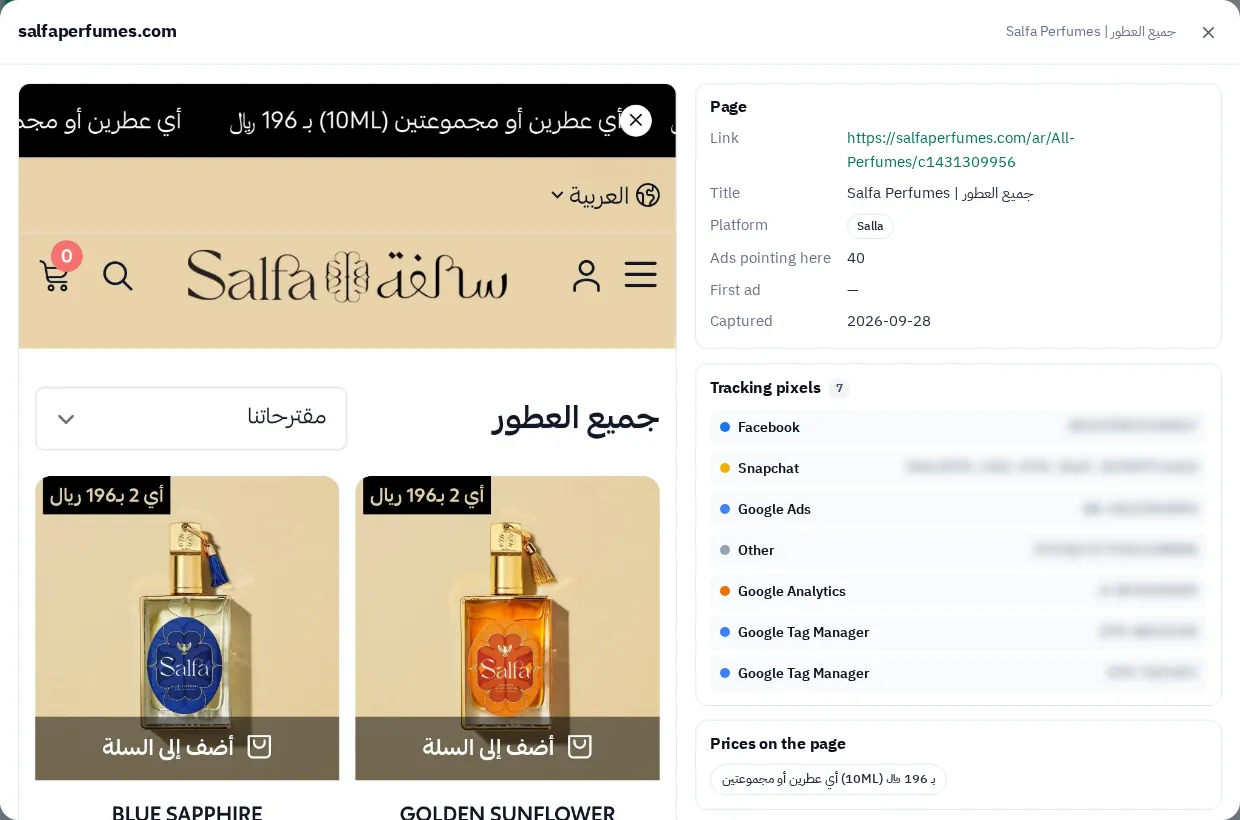
The UAE is the biggest market for Shopify store ads (36%), then Saudi Arabia (28%) and Kuwait (27%). To find the competitors themselves in your country: Find Shopify stores in the Gulf.
How to read what you collected without fooling yourself
| What you saw | What it means | What it does not mean |
|---|---|---|
| A product first in the "best selling" order | It sells more than the store's other products | How many it sold, or the profit |
| Recent update dates in products.json | The store is active and editing products | That the product sold; an update can be a price or a picture |
| An ad running for weeks | The advertiser finds it profitable enough to keep | The exact spend |
| Many new ads | Testing new products or new copy | That any of them has worked yet |
| Ads in a new country | Expanding to another market | That it is profitable there |
The rule: never judge on one signal. A product at the top of the store's ranking, in an ad that has lasted for weeks, and showing up in other stores' ads too, is the product worth your time. Why running time is the strongest signal: Ad running time.