In this article
Key takeaways
- WooCommerce is spread across the whole Gulf: 31% of its ads run in Saudi Arabia, 27% in Kuwait and 27% in the UAE, while Salla is 91% Saudi.
- Start with the platform (Wappalyzer, BuiltWith or the page source), then the sitemap.xml for products, then Meta's Ad Library by Page name for the ads.
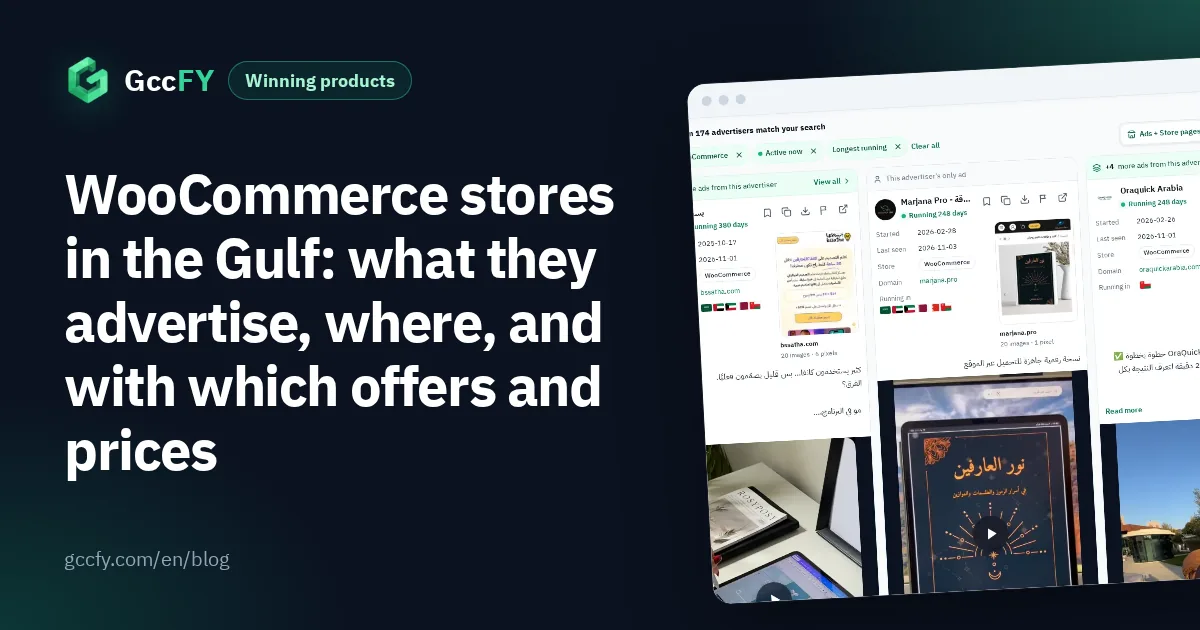
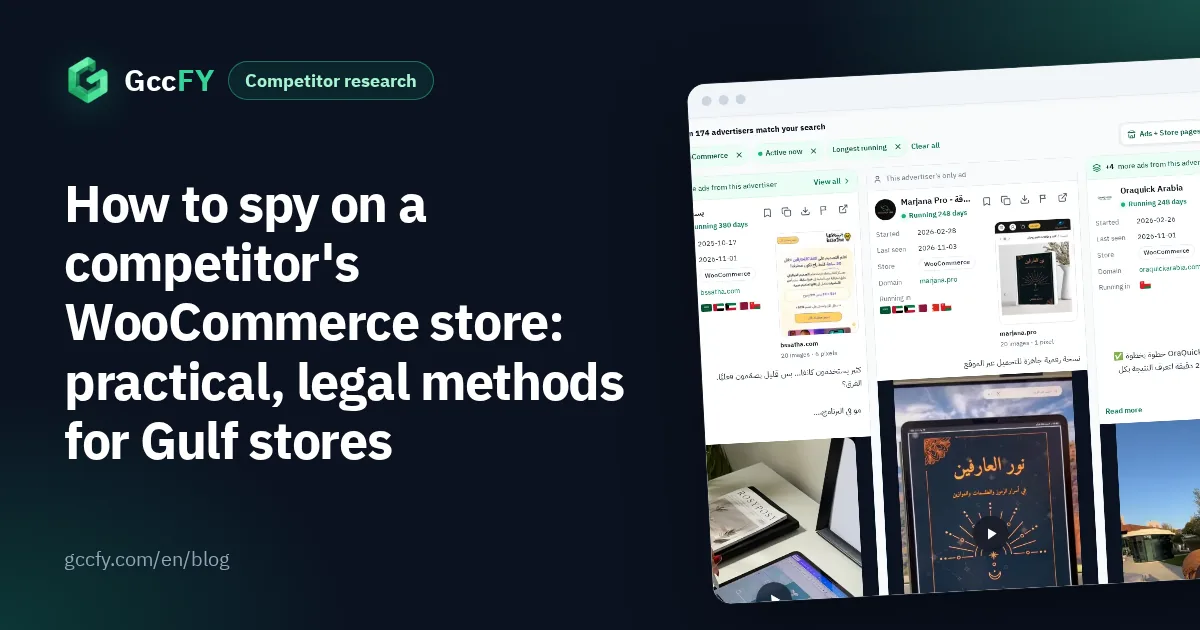
- In GccFY the "WooCommerce" filter shows 2,034 ads from 375 pages, with the store page and its pixels behind every ad.
- No tool sees a store's sales, orders or profit: those are private. Read the honest signals instead: running time, new ads, new countries.
WooCommerce in Gulf ads: small, but in every country
WooCommerce is the store plugin of WordPress. Of the newest 160,000 Arabic ads, 2,034 led to WooCommerce stores, or 1%, from 375 advertiser pages. A small share, but spread unlike Salla and Zid: 31% in Saudi Arabia, 27% in Kuwait, 27% in the UAE and 18% in Oman (one ad can run in several countries).
In Kuwait WooCommerce comes third, after WhatsApp and Shopify: 2% of Kuwait's ads lead to it, against 1% for Salla. In Oman it is ahead of Salla too (2% against 1%). So if a competitor in Kuwait or Oman does not look like Salla or Shopify, it may well be WordPress. For the whole platform map: Salla, Zid and Shopify.
Step 1: make sure the store is WooCommerce
Know the platform first, because the way you research changes with it:
- A browser extension: Wappalyzer or BuiltWith reveals the platform and the site's tools as soon as you open the store.
- The page source: open "View page source" and search for the platform's name; WordPress sites usually give themselves away there.
- GccFY: the store platform is written on every ad card and on the Domains screen, so there is nothing to guess.
Every method in detail, for every platform: Which platform is this store.
Step 2: read its products and prices
Most stores, WooCommerce ones included, publish a sitemap at /sitemap.xml: a list of product and category links, sometimes with the date of the last change. Open it to see how big the catalogue is, which categories are largest, and what was added recently. Then browse the categories and note the prices of the products you see in its ads.
Do not expect the ready product lists that many Shopify stores expose: every WordPress store is set up its own way, and some block the sitemap altogether. And there is no general way to see "best sellers" as real numbers: sales are private. The honest signal is the product the store keeps advertising for weeks.
Step 3: all of its ads, active and stopped
In Meta's Ad Library, search the competitor's Page name and pick it from the drop-down to see all of its active ads with each ad's start date. The steps are in All ads of a Facebook page. But the library shows active ads only, and cannot filter by store platform.
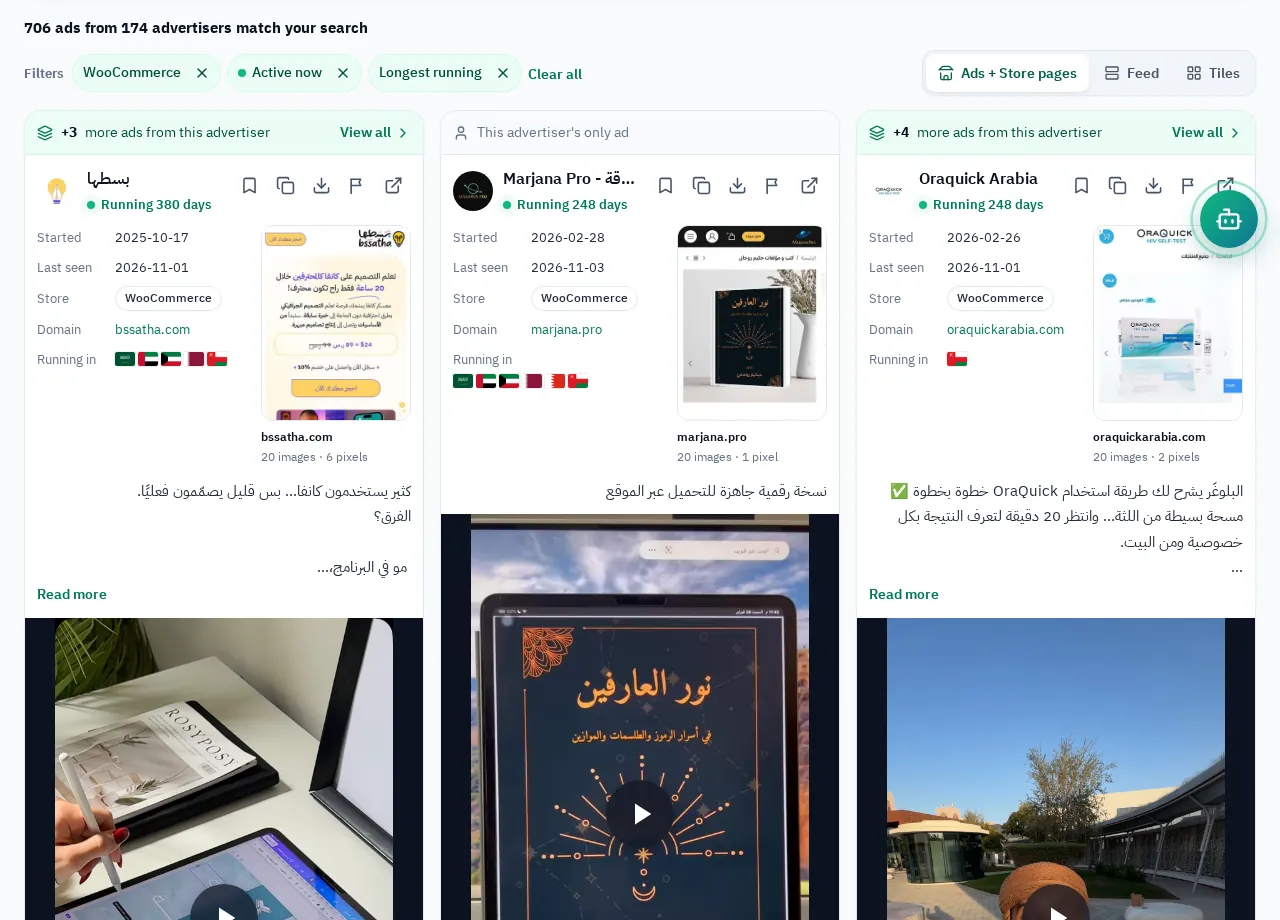
In GccFY pick the "WooCommerce" store type and sort by longest running: these ads survived, and their owners see results. You will notice how these stores advertise: a "Shop now" button on 39% of their ads and "Order now" on 32%, with video in 62%.
Step 4: pixels, landing pages and countries
- Pixels: the Meta Pixel Helper extension shows the Meta pixel when you open the store. A TikTok or Snapchat pixel on its pages means it advertises there too (Salla, Zid and Shopify pixels).
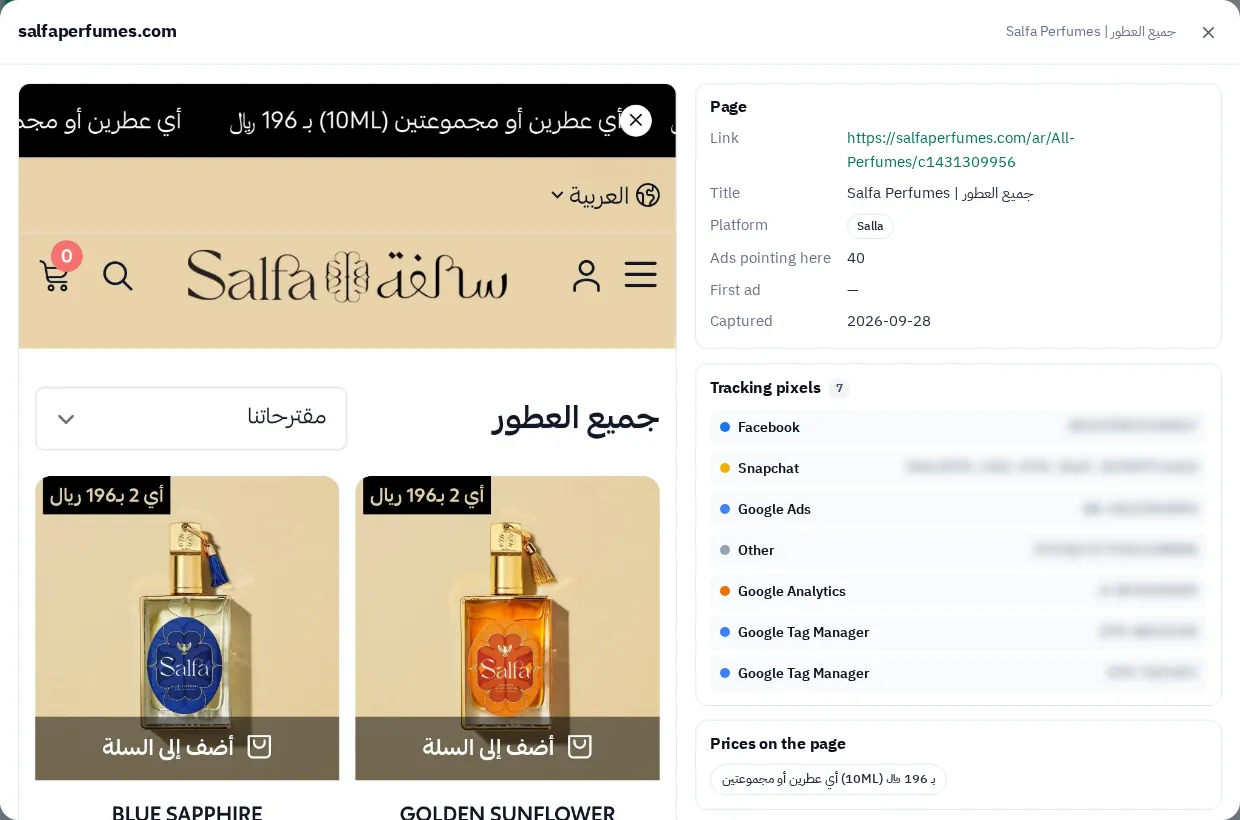
- The landing page: GccFY keeps a snapshot of the store page behind every ad, with the tracking tools we found on it, so you see the price and offer as the buyer saw them, even if the page changed later.
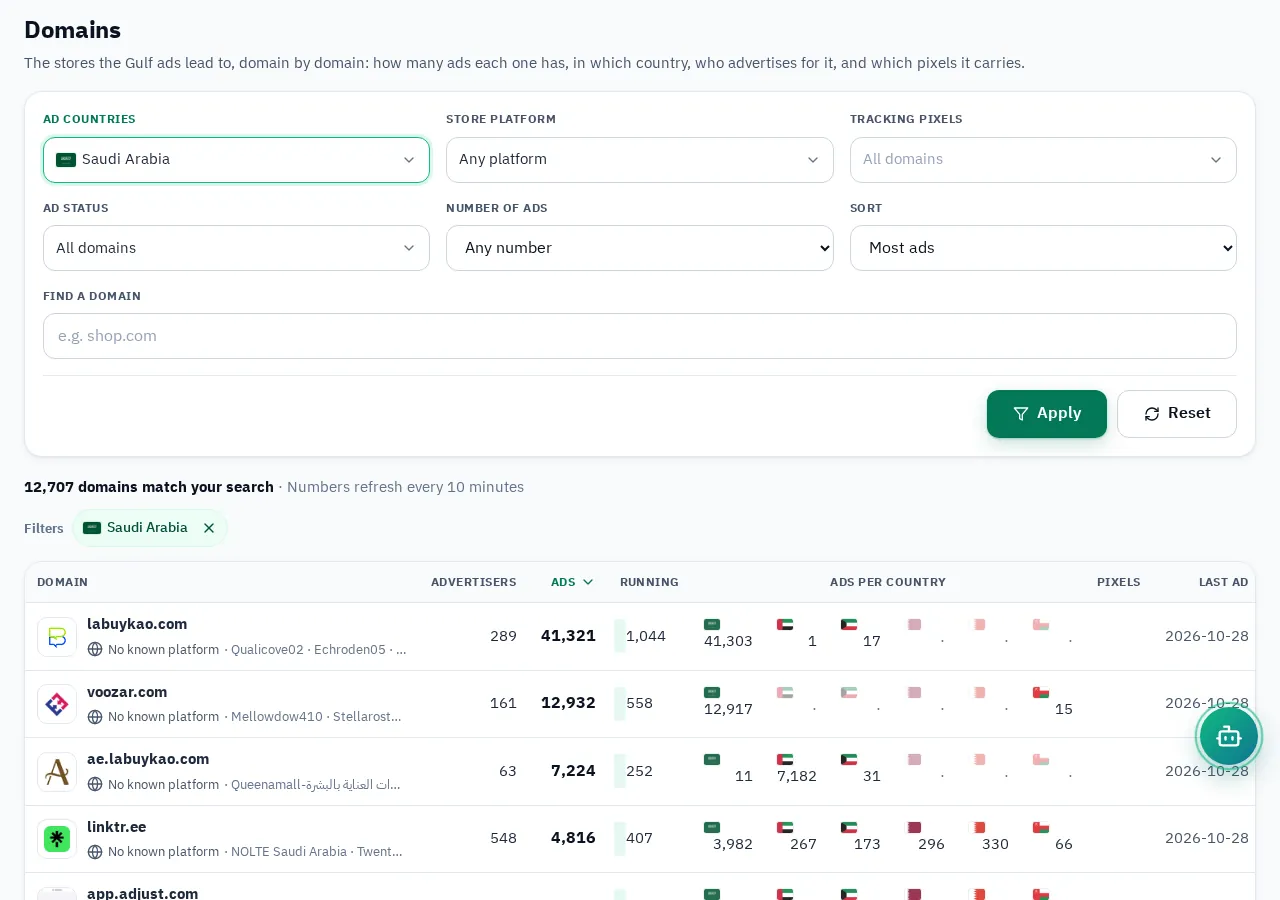
- Countries: the Domains screen shows each store's ads in every country and the landing pages it sends traffic to, and filters by platform and pixel.
What you can know, what you cannot, and playing fair
No tool sees a WooCommerce store's sales, revenue, order count, conversion rate or profit: those live in the owner's dashboard alone. Anyone promising them is guessing. What you can really see:
- An ad running for weeks without being replaced.
- A wave of new ads for the same product with different copy and images.
- A store expanding to new countries on the Domains screen.
- A product showing up in many stores' ads at the same time.
"Spying" here means competitive research: public information only, no hacking, no fake orders to read stock, no copying designs or texts word for word. What WooCommerce stores in the Gulf advertise, in detail: WooCommerce stores in the Gulf; and how to study any store on any platform: Spy on any online store.