In this article
Key takeaways
- "Spying" here means competitor research with public information: the store page, its published ads, the page source. Sales, orders and profit are private and no tool reveals them.
- The public methods: Wappalyzer or BuiltWith for the platform, /sitemap.xml for the product list, Meta's Ad Library for a page's active ads, Meta Pixel Helper for the pixel.
- YouCan stores in the Gulf sell on cash on delivery (26% of their ads, the highest share of any platform) and on video (75%).
- In GccFY: the "store type: YouCan" filter, sorting by longest running, the Domains screen, and the captured store page behind each ad with its pixels.
What "spying" means, and what nobody can see
Spying on a competitor's store, in the professional sense, is competitor research: you read what the store has published for everyone (its pages, prices and ads) to understand what it sells and how. No hacking, no fake orders to learn the stock, no copying the design or the text word for word. Take the idea and the angle, and write your own offer.
What no tool can see, whatever it promises: a store's sales, revenue, number of orders, conversion rate and profit. Those belong to the store owner alone. What you see instead are honest signals: an ad running for weeks, many new ads, a store adding countries, a product appearing in many stores' ads.
YouCan stores in Gulf ads
Of 1,702 YouCan store ads: video 75%, a discount or an offer 33%, free delivery 27%, cash on delivery 26%, the highest cash-on-delivery share of every platform in our study (Salla 1%, Shopify 8%). Only 187 pages run all these ads: few stores running many ads, the dropshipping shape we described in The GCC dropshipping market. A YouCan store may be dropshipping or a brand holding its own stock; the ads alone do not settle that.
Public methods that work on any YouCan store
- Confirm the platform: open the page source and look for the platform's name, or use the Wappalyzer or BuiltWith extension.
- The sitemap: most stores publish /sitemap.xml: the product URLs, sometimes with the dates they were added. A new product that shows up there and then in the ads means a test is running.
- Meta's Ad Library: search by the store's page name and pick the country to see its active ads. The count shown is approximate (how to read the counter); the search itself is explained in Facebook Ad Library.
- The pixel: the Meta Pixel Helper extension reveals the Meta pixel on the page. In our study of tracking tools, 95% of YouCan store pages carried the Meta pixel, 70% the TikTok pixel and 31% the Snapchat pixel: where the store buys its traffic.
- The product page itself: the price, the quantity offer ("two for"), the order form, cash on delivery, the delivery time.
These methods work, but they are slow: one store at a time, no history, no ranking between stores.
The faster way: the YouCan filter in GccFY
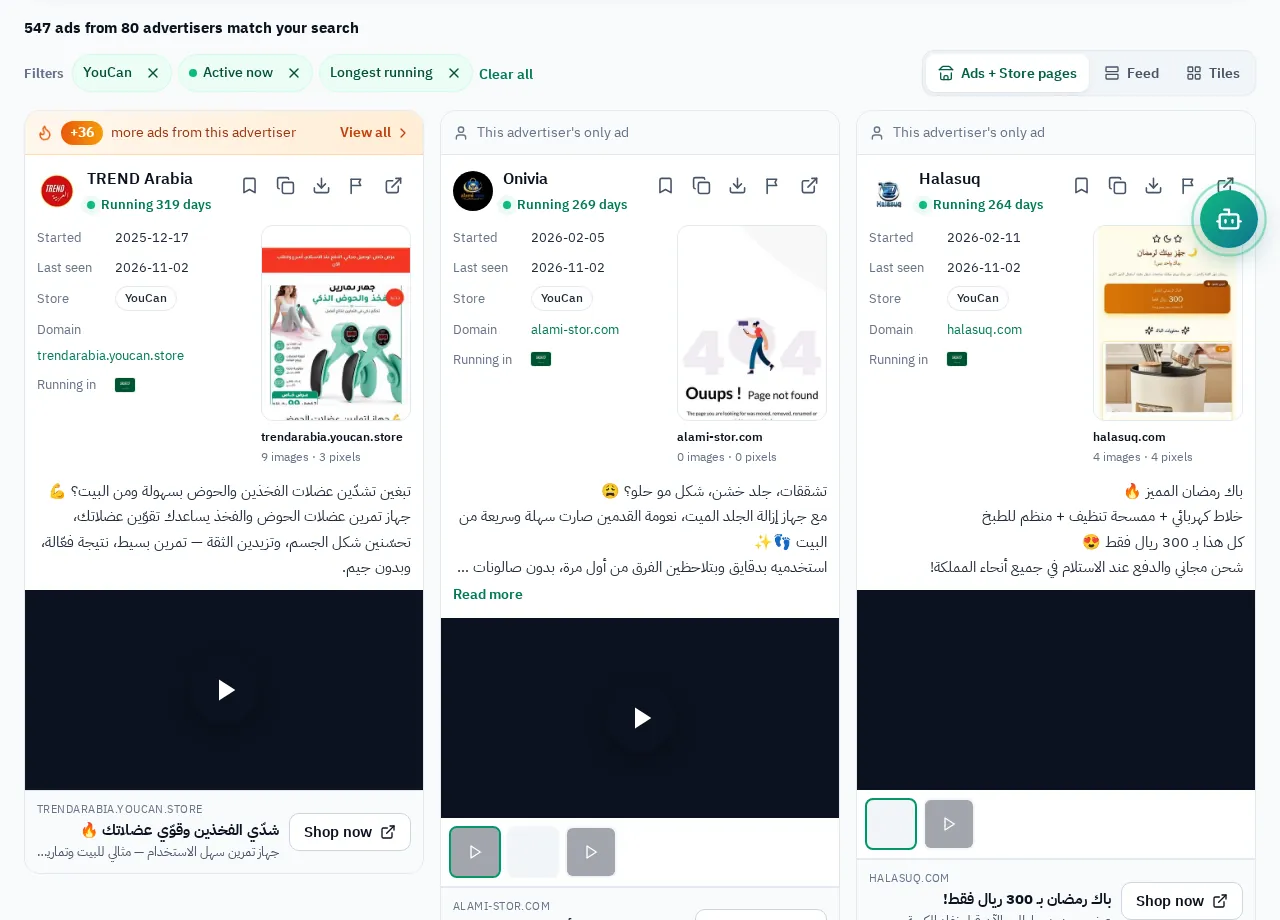
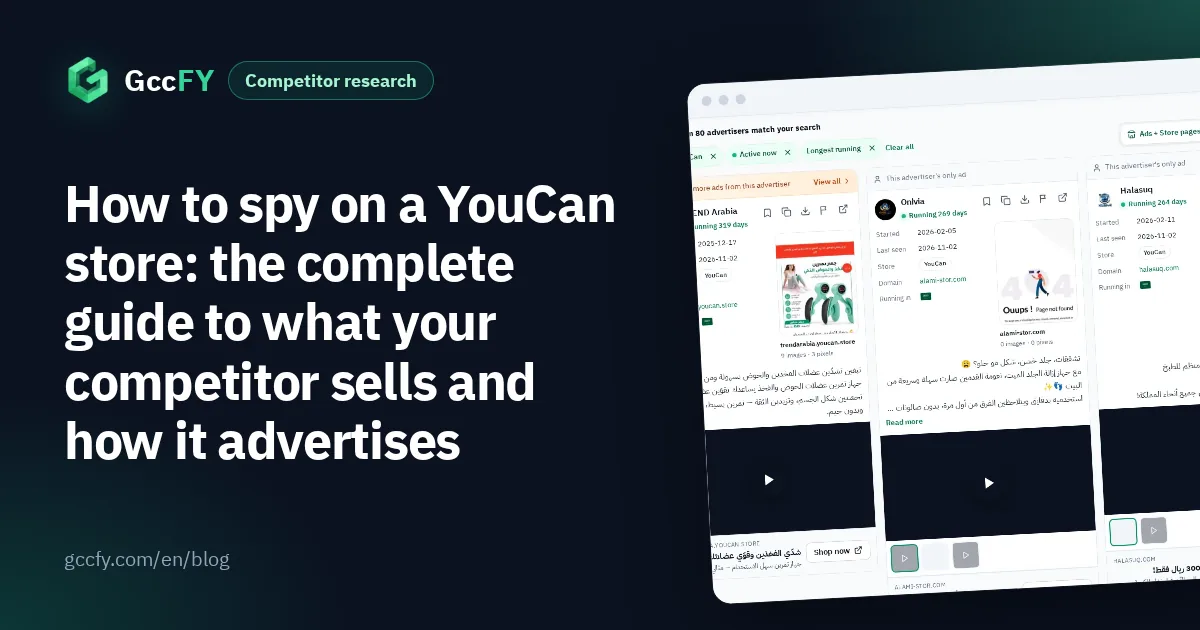
- In the library pick "store type: YouCan", the country, and "active only".
- Sort by longest running: 71 YouCan ads in our study had been running for 30 days or more, a share (4%) higher than Salla's (1%).
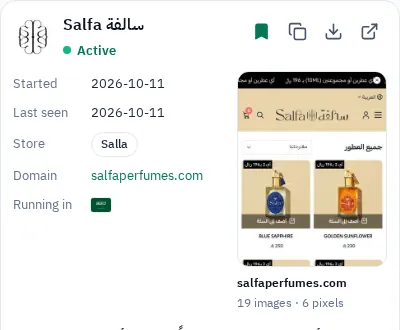
- Use the tools at the top of the card: save the ad to a collection, copy its text, download its media, or open it in the Meta library.
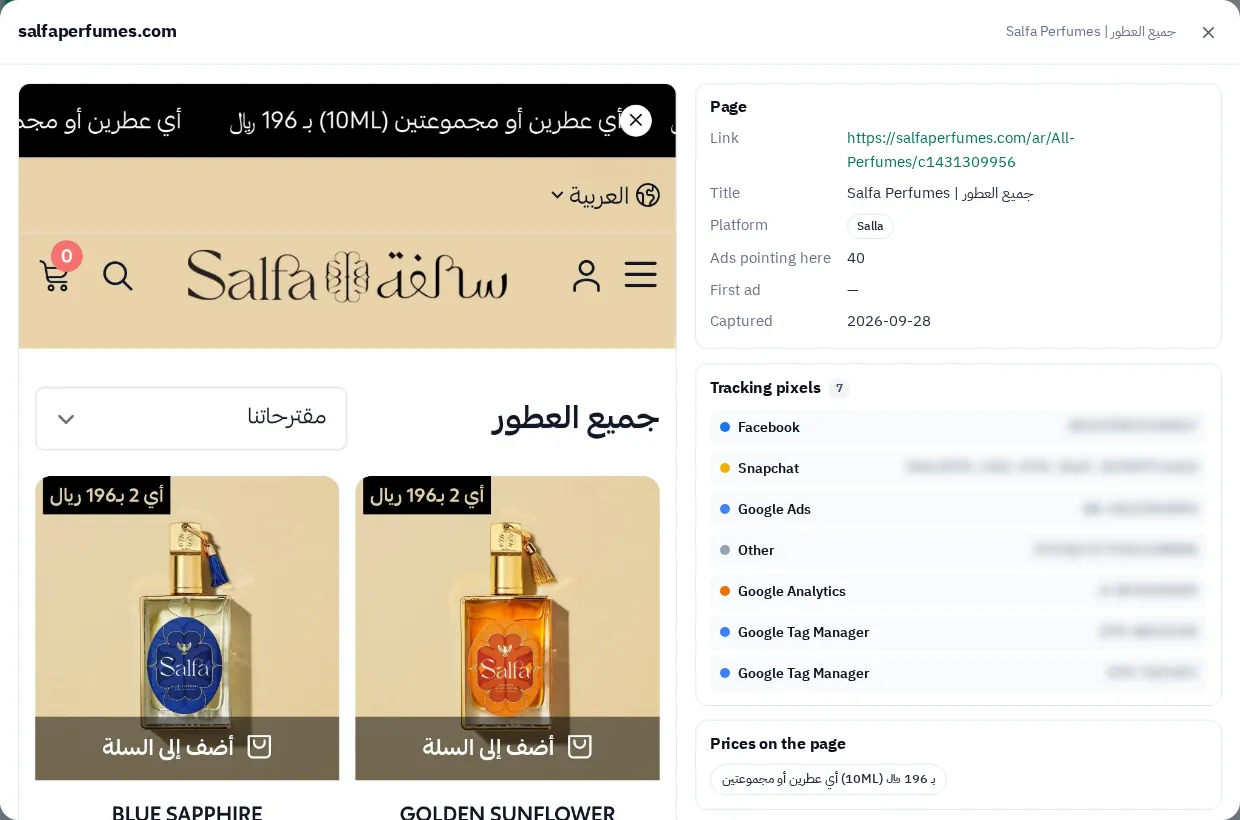
- Open the captured store page behind the ad: the price, the offer and the payment method as the customer saw them, with the pixels on the page.
From the ad to the whole store: the Domains screen
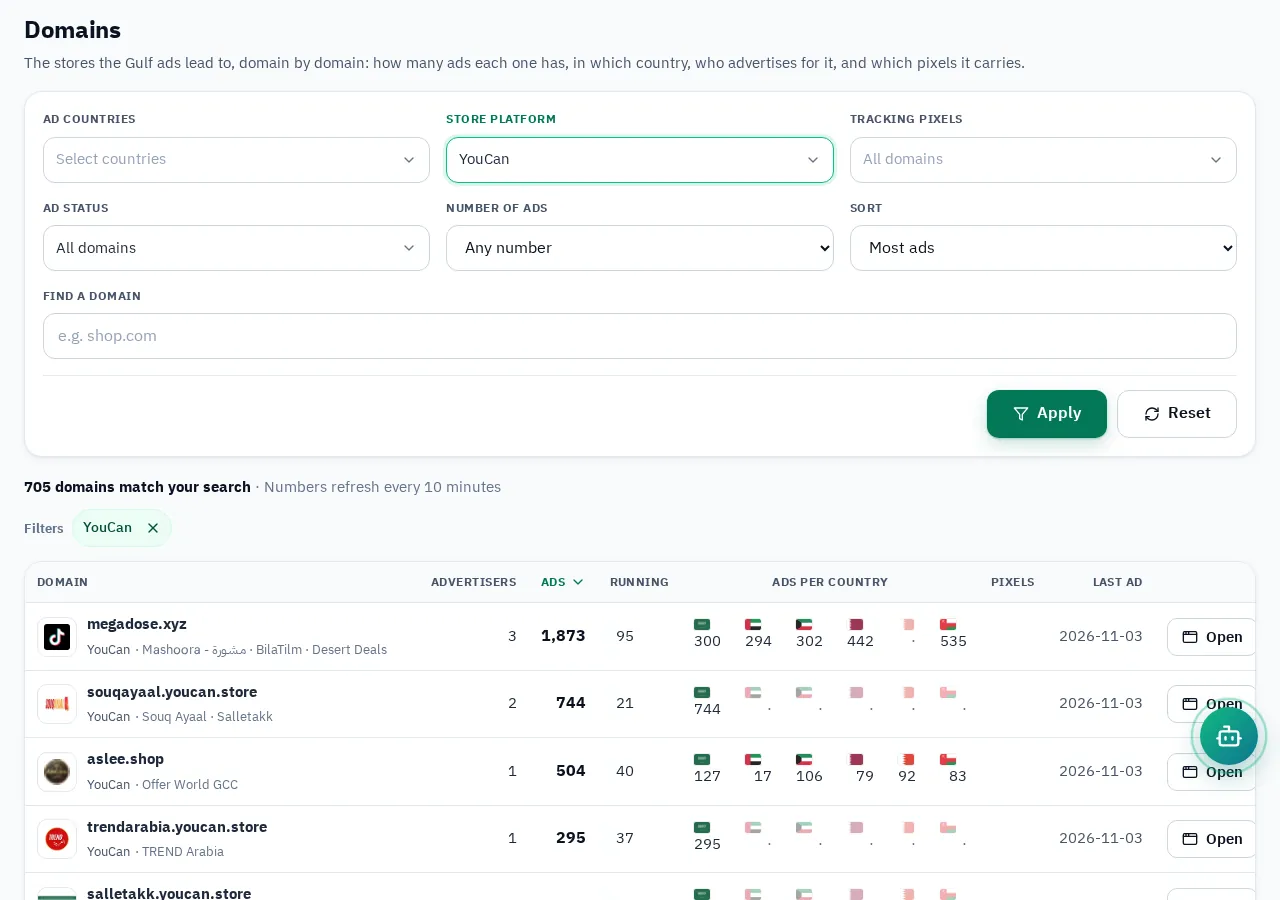
One ad shows you a product; the domain shows you the store. On the Domains screen filter the platform to YouCan and sort by most ads, then open your competitor's domain: all its ads per country, the landing pages they lead to (often one product per page), and you can filter by pixel. On the Advertisers screen the same platform filter shows the pages advertising YouCan stores; its search box searches page names.
To see where YouCan stores spread across the Gulf country by country, read YouCan stores in the Gulf.
How to read what you find
- An ad running for weeks on one product: the store found a profit in it, or it would have stopped it.
- Many new ads within days: products or angles being tested. Follow them for a week to see what stays.
- A new country: a store that started in Saudi Arabia and then appears in Oman or Kuwait is expanding with a product that worked.
- The same product at several stores: real demand, and a crowd of stores means saturation.
Save the stores you follow in a collection, come back weekly, and ask the GccFY AI helper about their longest-running ads. For what running time means in detail: Ad running time.