In this article
- The steps: every ad of one Page in Meta's library
- Narrow a Page's ads with filters and sorting
- Page transparency: how old the competitor is and who runs it
- What the library will not show you about a Page
- Every ad of an advertiser in GccFY, stopped ones included
- A ten-minute routine to follow a competitor
Key takeaways
- Search the Page name and pick it from the drop-down: you then see all of its active ads in the chosen country, not mixed keyword results.
- The number above the results ("~45 results", for example) is its active ads count; it is approximate and counts ad versions.
- The library shows active ads only: a commercial ad disappears when it stops, and there is no count for websites and no history.
- In GccFY the advertiser window gathers all of its ads, active and stopped, with what runs now and since when.
The steps: every ad of one Page in Meta's library
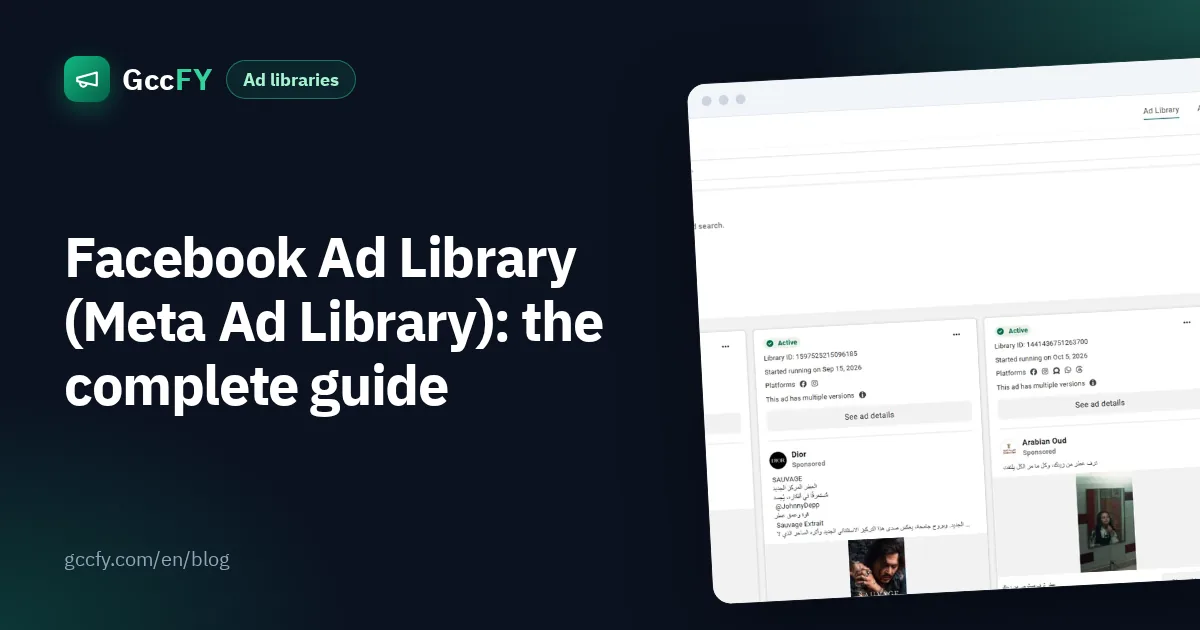
- Open the library at facebook.com/ads/library on desktop or mobile. You need no ad account, and the advertiser gets no notification.
- Choose the country (Saudi Arabia, for example) or "All" for the Page's ads everywhere, then "All ads".
- Type the Page name, not the website, and wait for the drop-down: the library suggests matching Pages.
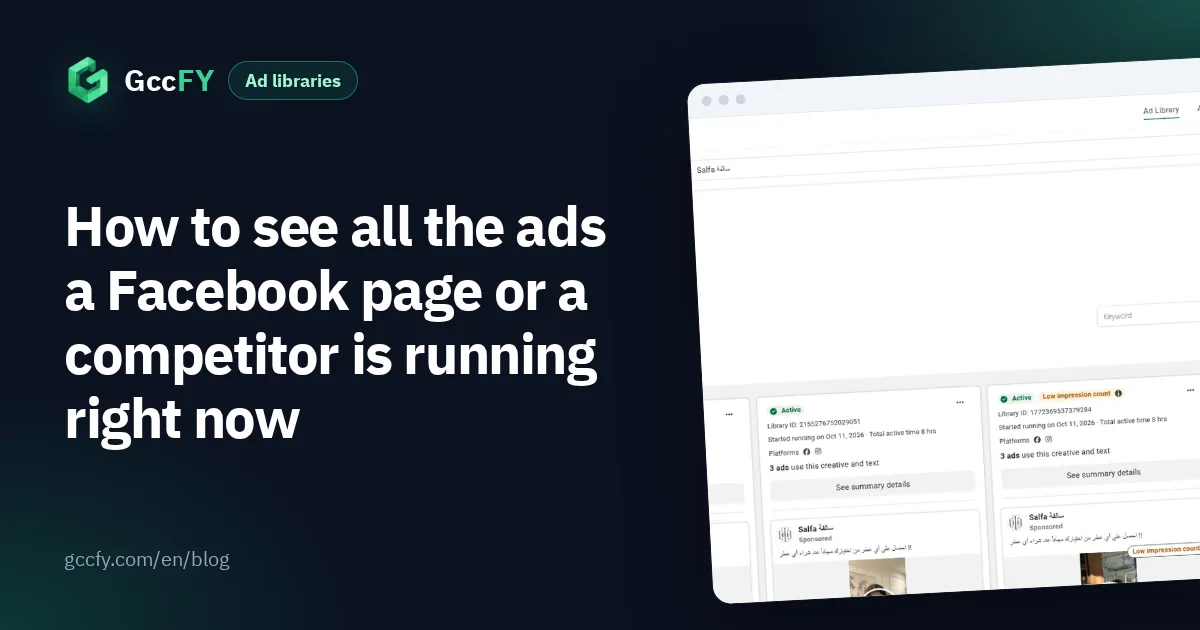
- Pick the Page from the suggestions. Now you see its ads only, not every ad that mentions its name.
- Read the count above the list: "~45 results" means about 45 active ads in the chosen country.
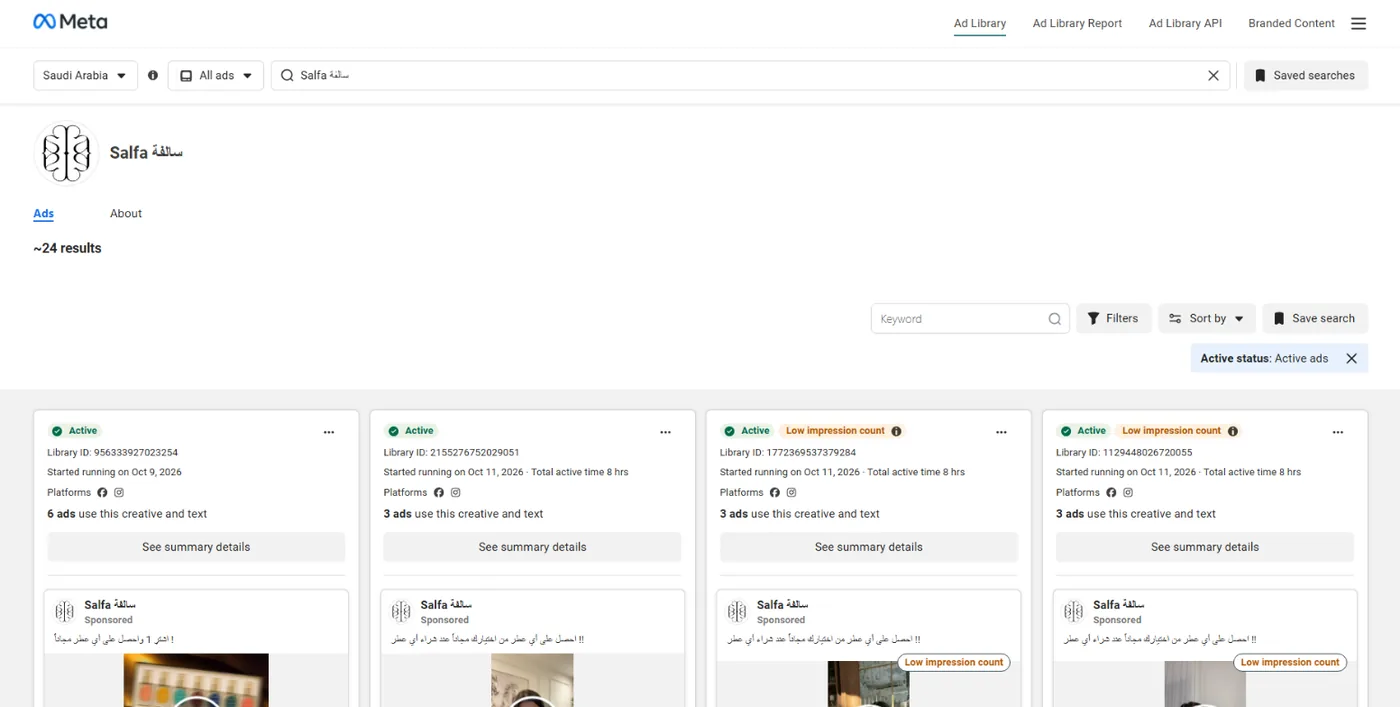
Can't find the Page? Try the name in Arabic and English, or search a word from its signature product, then open one of its ads to learn the advertising Page's name. If you are looking for ads in general rather than one Page, keyword search has its own rules: Ad Library keyword search.
Narrow a Page's ads with filters and sorting
Once the Page is picked, the Filters button opens language, platform (Facebook, Instagram, Messenger, WhatsApp, Threads, Audience Network), media type, active status and impressions by date. The Sort by button offers "Impressions: high to low" (the default) or "Most recent".
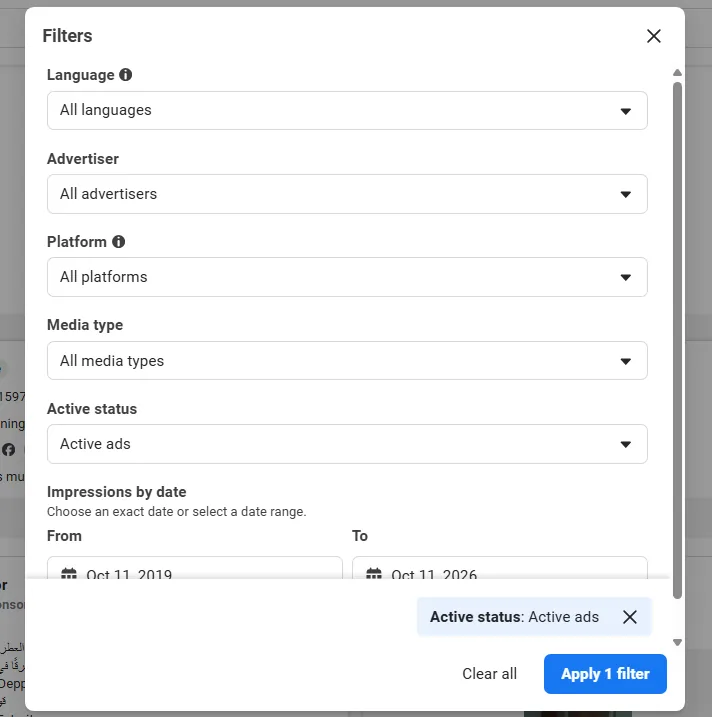
- "Most recent" shows what the competitor started testing this week.
- Media type "Video" shows how many of its ads are video against images.
- Platform "Instagram" for its Instagram ads alone (details in Instagram ads in Saudi Arabia).
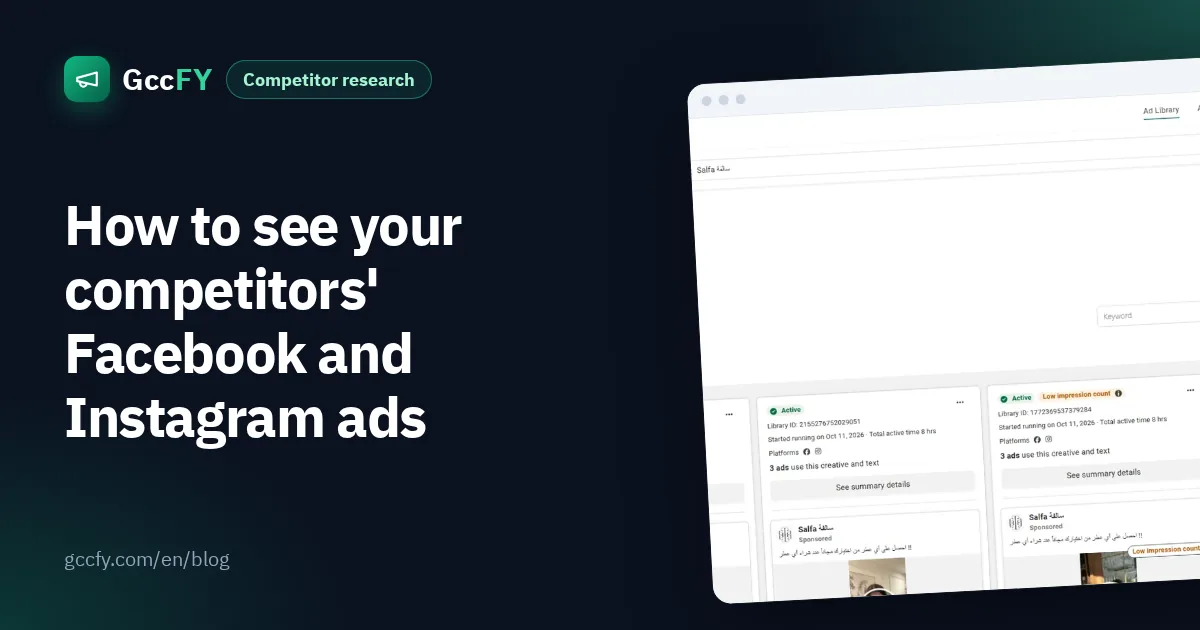
Then open any ad to see its library ID, its versions, its platforms, and "About the advertiser" with the Facebook and Instagram accounts and their followers. The "Started running on…" date is the most important line: an ad running for weeks is paid for by an advertiser who sees results.
Page transparency: how old the competitor is and who runs it
A second Meta tool that people confuse with the library is Page transparency. It shows when the Page was created, its name changes, where the people who manage it are located, and a link to its ads. You do not have to leave the library to see it: open the advertiser's page in the library, then its About tab.
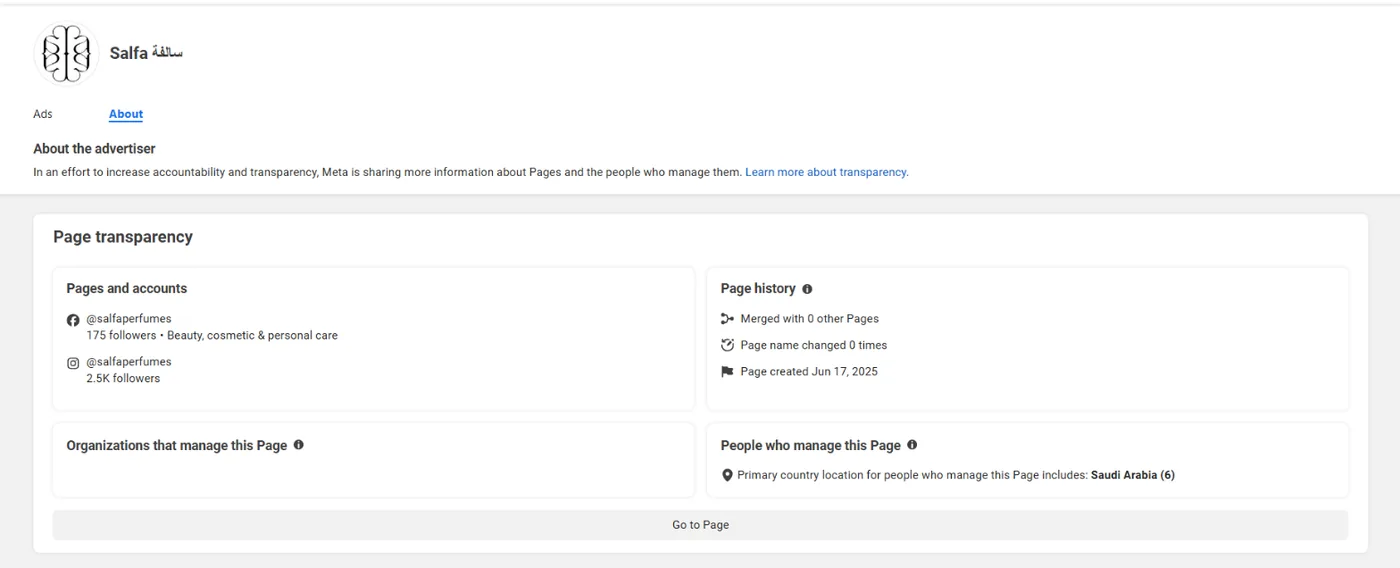
A one-month-old Page running dozens of ads is not the same player as a brand that is years old, and a Page that changed names several times may have changed business too.
What the library will not show you about a Page
- Stopped ads disappear: a commercial ad leaves the library when it stops (outside the EU), and it is usually the one that failed: a free lesson, gone.
- The count is approximate: the "~" means rounded, the library counts every version of an ad, and past a thousand results you see "1000+".
- No history: you cannot see how many ads the Page ran a week ago or last Ramadan.
- A Page's count, not a store's: one store may advertise from several Pages, and searching the website finds only ads that mention it as text.
- No sort by running time, and no budget or sales for commercial ads.
How to read the count itself properly: Active ads count.
Every ad of an advertiser in GccFY, stopped ones included
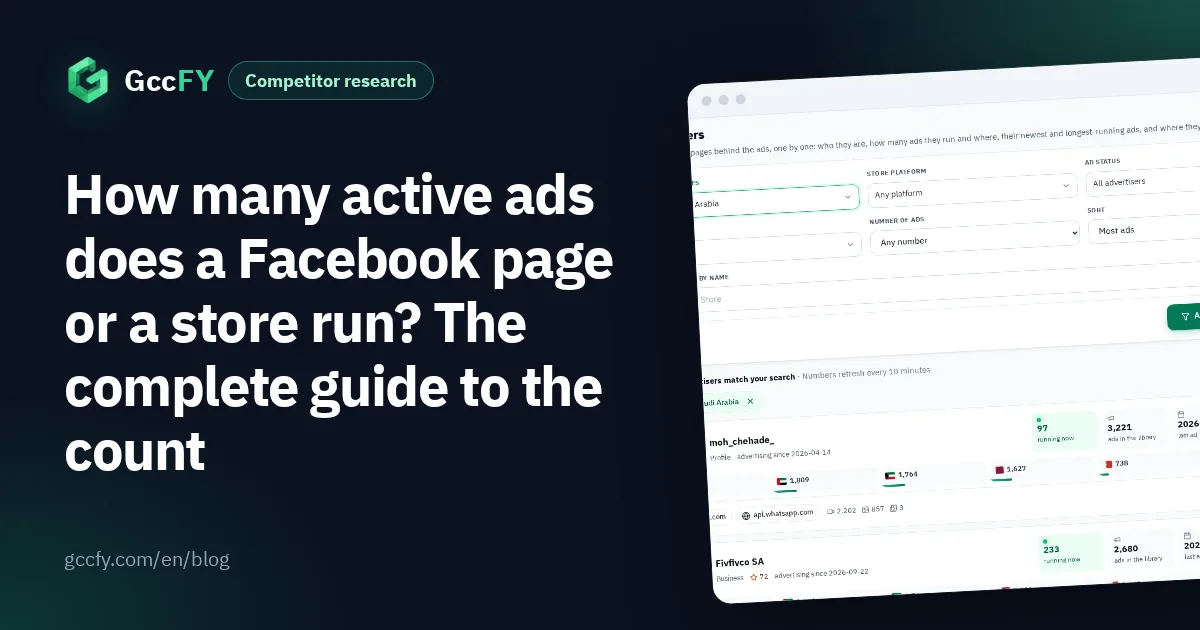
Between 2026-10-24 and 2026-11-03 alone, the newest 160,000 Arabic ads in our library came from 24,891 advertiser pages. Following that many Pages one by one in Meta's library is impossible, which is why the Advertisers screen in GccFY lists every advertiser with its total ads, what runs now (what we saw running in the last 48 hours) and since when.
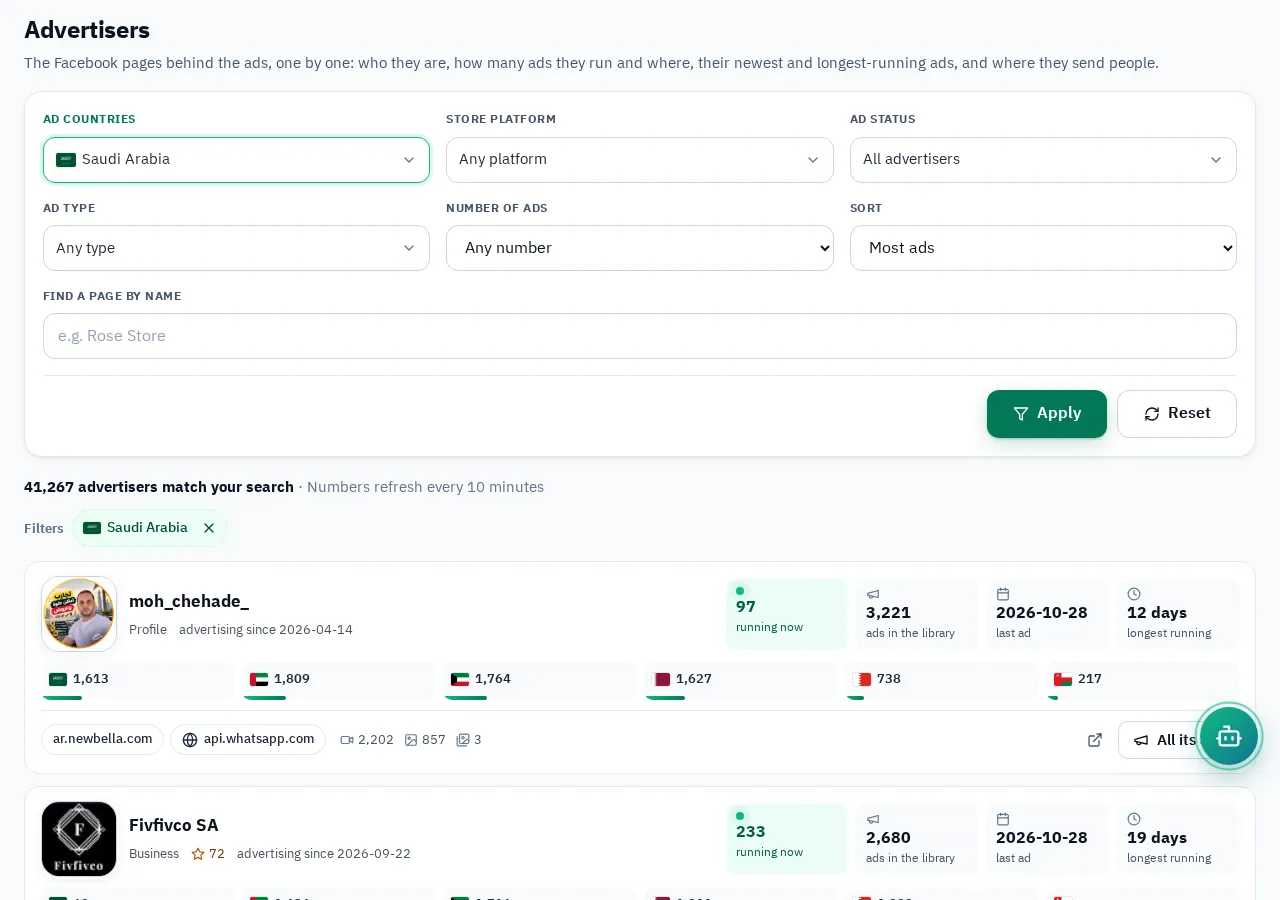
Search the Page name, or a word ("عطر", perfume) to see who advertises that product, and sort by most ads, most active now or longest running. Then open the advertiser:
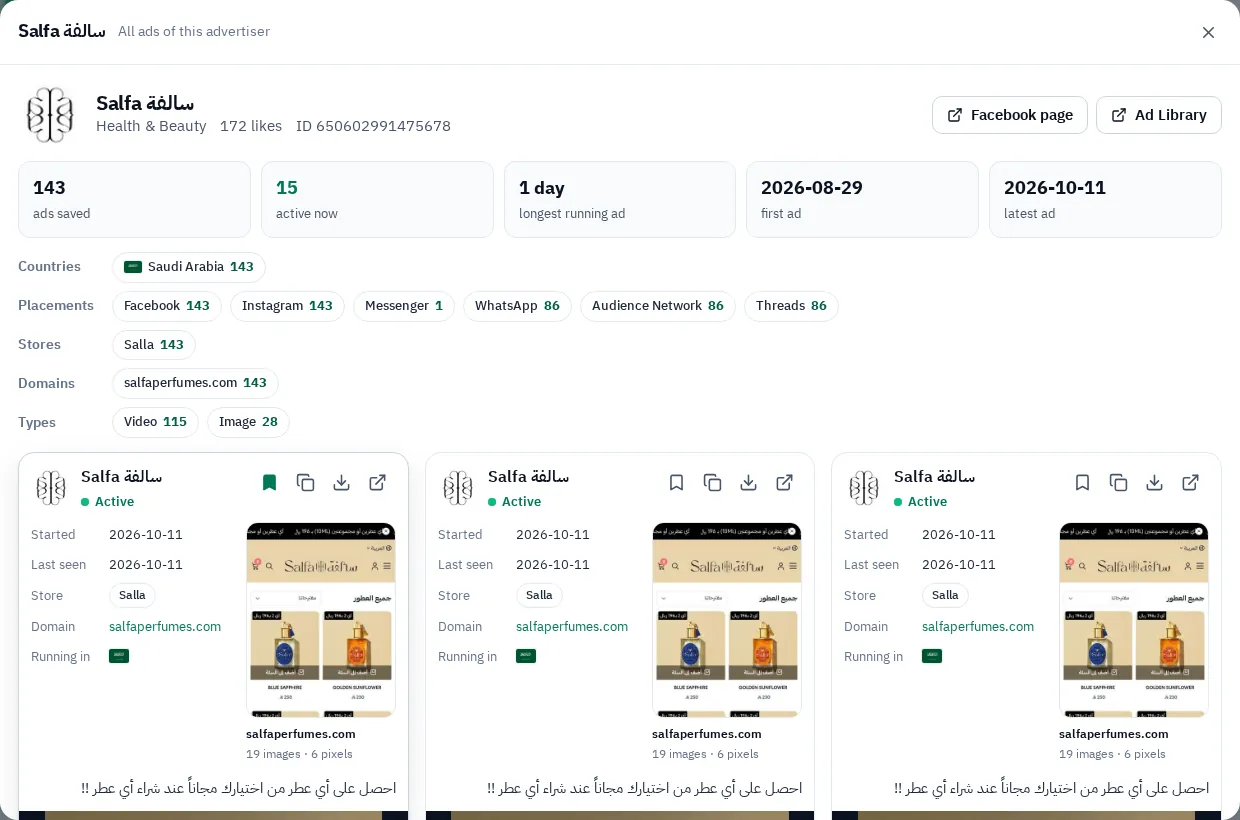
Save competitors into collections and come back weekly: Saving Ad Library ads.
A ten-minute routine to follow a competitor
- Open its Page in Meta's library and sort by "Most recent": what is new this week?
- Open its oldest active ads: that is what wins, so read the offer, the button and the landing page.
- Compare the count with last week: a steady rise is rising spend.
- Record the offer, price and format in one sheet per competitor. The full method is in Competitor ads.