In this article
Key takeaways
- The "…" menu on a library ad card has two options only: report the ad, and copy its link. There is no download button.
- An ad link is useless after the ad stops: the library does not show stopped commercial ads outside Europe.
- Save the ad itself (a screenshot or a recording) with your notes, in one place organised by competitor or idea.
- Saved material is for study and inspiration only: do not republish a competitor's video or images.
Why save ads?
The Ad Library shows the present only. The ad that worked for your competitor last Ramadan will not be there next Ramadan. A marketer who keeps a swipe file starts every campaign from proven ideas instead of from zero.
What the Meta library itself offers
- Copy ad link: in the card's "…" menu choose Copy ad link. The link opens the ad as long as it is active.
- Save search: the Save search button keeps your keywords and filters to come back to, not the ads themselves.
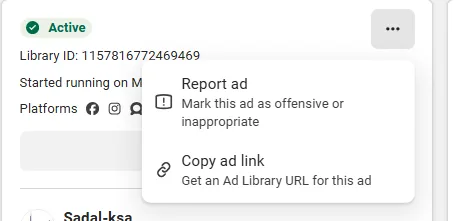
The catch: links and saved searches lose their value when the ad stops, so do not rely on them alone.
Screenshots and screen recording
The simplest method, available to everyone:
- On a computer: the Windows Snipping Tool captures part of the screen and records video; on a Mac use Cmd+Shift+5.
- On a phone: screen recording from the control centre.
- Organise what you save: a folder per competitor or idea, a file name with date and country, and a note on the offer and angle.
Downloading the video file itself
Meta offers no download button in the library. Browser extensions promise to download library videos, but be careful: an extension reads the pages you open, so pick one you trust and read its permissions before installing, or stick to screen recording.
Organised saving in GccFY
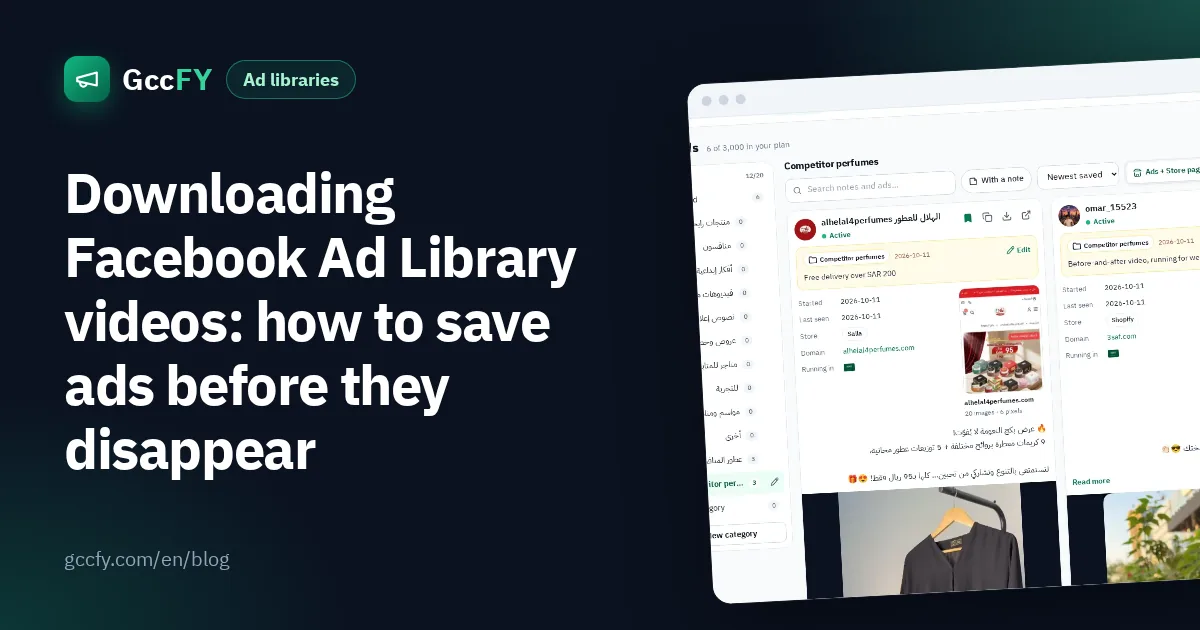
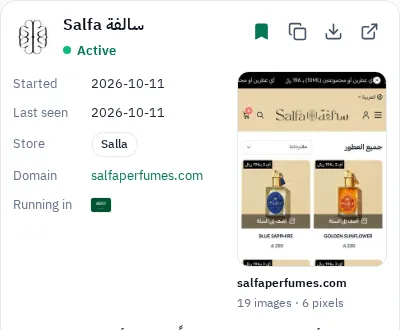
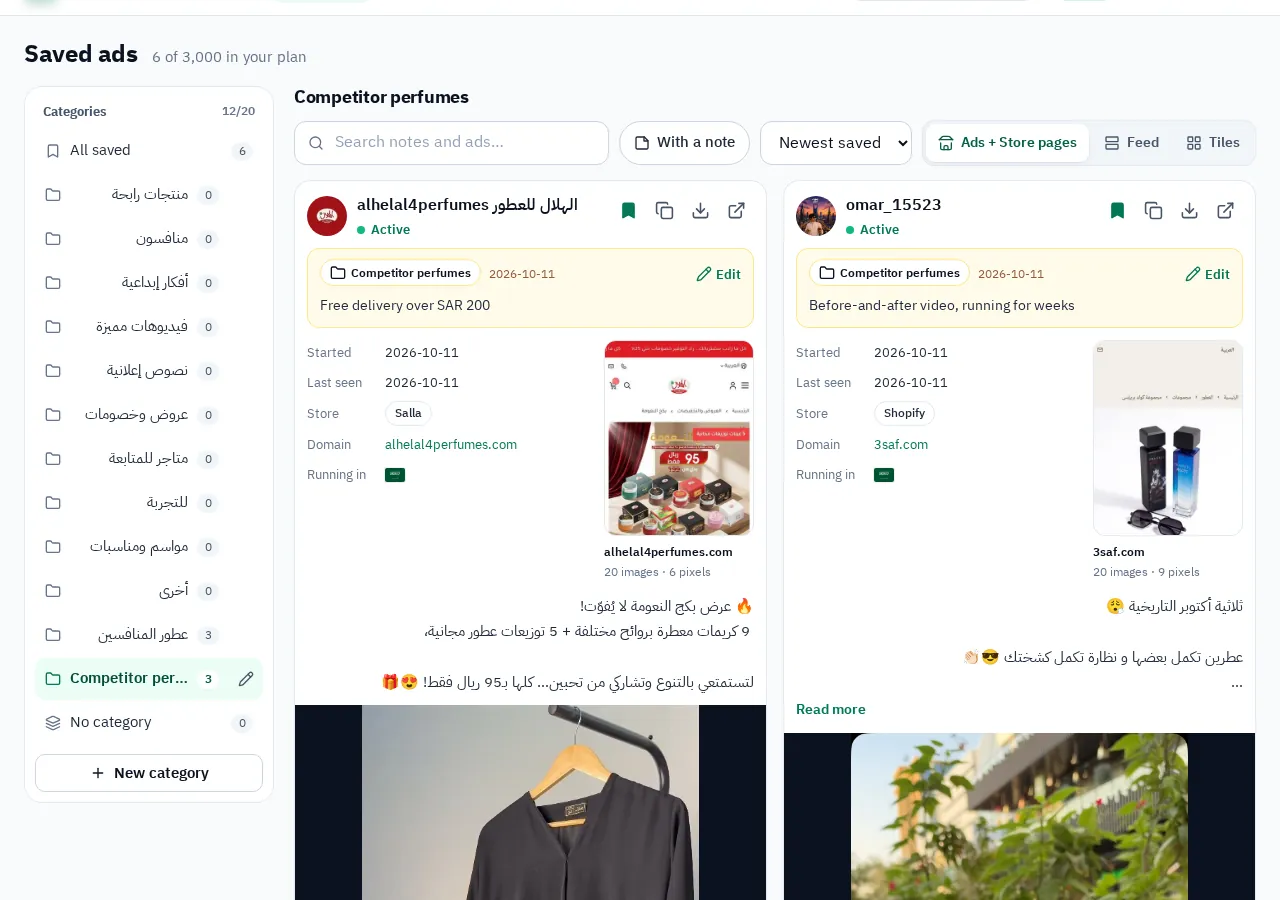
In GccFY the save button on every ad files it in a collection you choose (competitors, creative ideas, offers…) with your note, and the ad stays saved after it stops. The download button saves the ad's images and videos for study on paid plans.
What you may and may not do
- You may: save ads for study, analyse offers and angles, and share them inside your team.
- You may not: republish a competitor's video or images in your ads or accounts, or copy their copy word for word. The material belongs to its owners.
- Best practice: take the idea (the angle, the shot order, the offer) and make your own material. Read Competitor ads.