In this article
Key takeaways
- In Meta's library the result count above the list, when you search a page by name, is the page's active ads — approximate ("~"), not stored, not comparable.
- The library gives no count for a domain (a website): searching a URL finds only ads that mention it as text.
- In GccFY every advertiser carries its total ads, the ads running now and since when; every store domain carries its ads per country.
- The count alone is not enough: read it with running time. One ad running for 90 days says more than ten ads that are two days old.
What does "active ads count" mean?
An active ad is one running right now on Facebook, Instagram or Messenger: the advertiser paid for it and people still see it. Every business page has, at any moment, a number of these, from zero to hundreds, and the number changes daily.
Why it matters: an advertiser keeps an ad running only while it sells. So the active count tells you three things about a competitor: how much they test (many fresh ads), how much they win (ads that last for weeks), and whether they are growing or shrinking (today's count against last month's).
We noticed something in the searches that bring people to our Facebook Ad Library guide: many type "facebook ad library active ads count" with the name of a specific website. They want a number for one store. The trouble is that the library does not give that number for websites, as we will see.
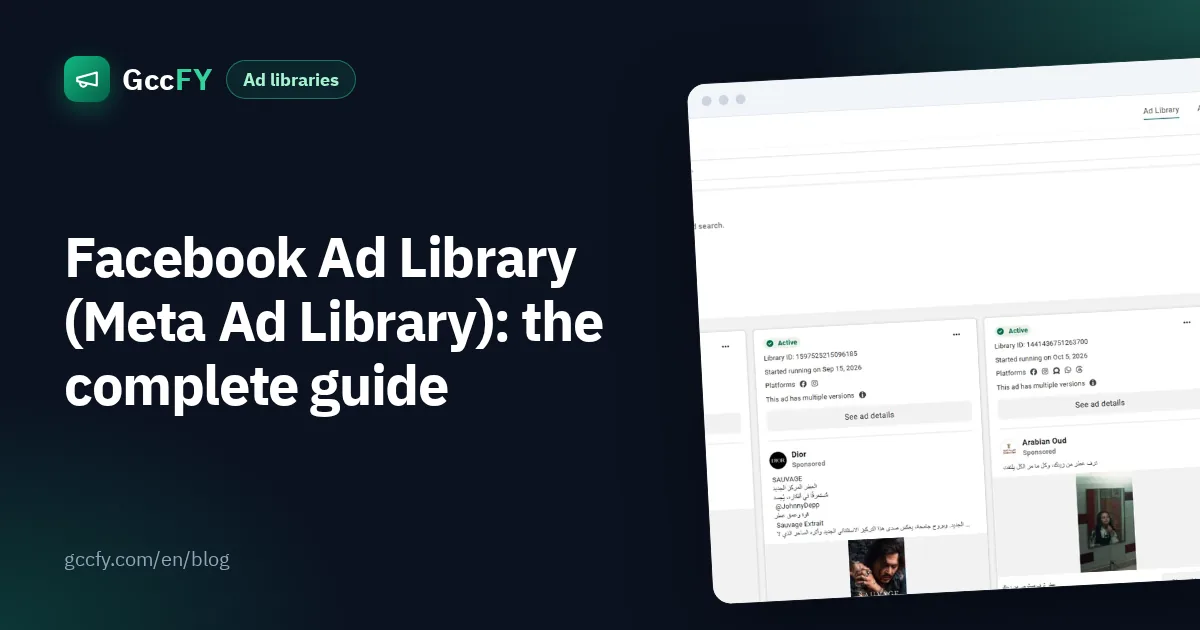
How to see the counter in Meta's Ad Library
- Open the Ad Library, pick the country, then the ad category "All ads".
- Type the page name (not the website) in the search box and pick the page from the drop-down list.
- Above the results a rounded number appears: "~45 results", for example. That is the page's active ads in the chosen country.
- Switch the country to "All" for every country, or add the platform filter (Instagram only) or the media type (video).
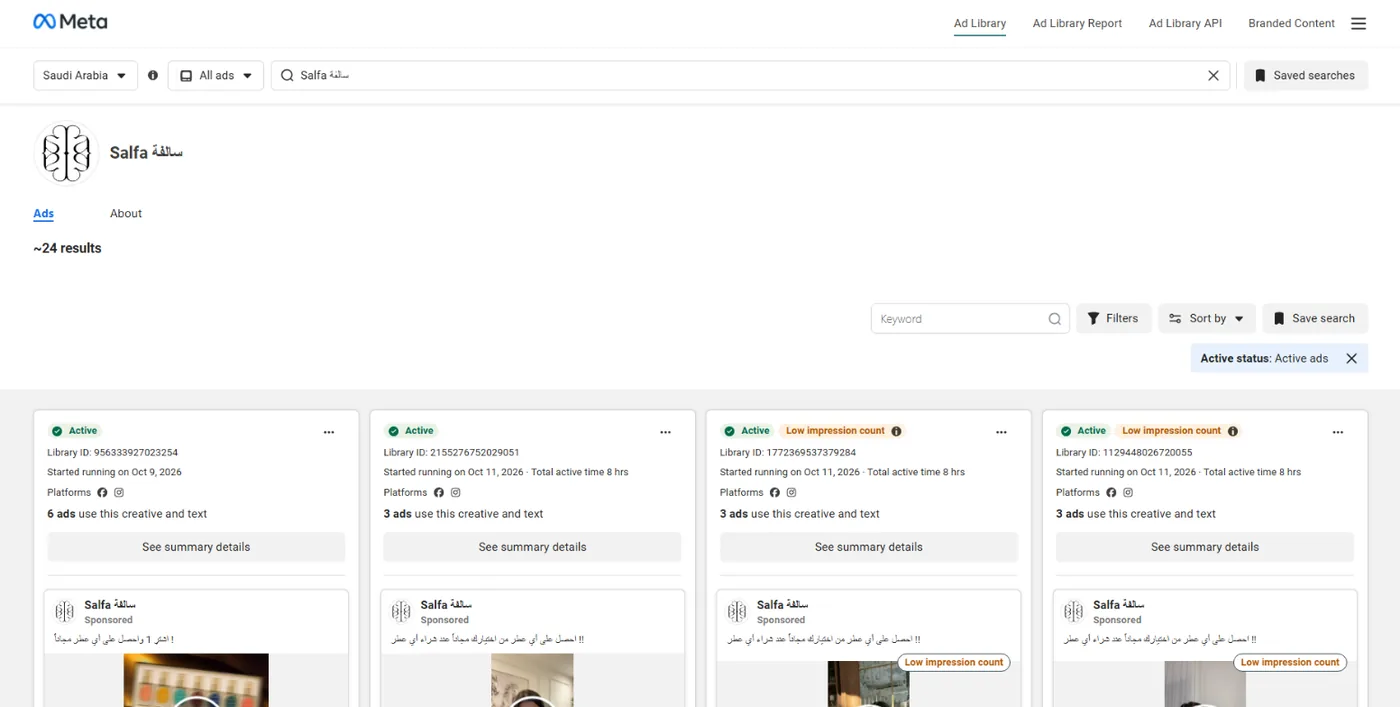
Notes on that number: the "~" means approximate, the library counts every version of an ad (the same ad with three images sometimes counts three times), and past a thousand results you only see "1000+".
Where the library's counter fails you
- No count for websites. Type "example.com" and Facebook looks for ads that contain that text, not the ads of the page that owns the site. A store with two Facebook pages is lost in the search.
- No history. The number is the number of this moment. You do not know what it was a week ago, nor when the page started to run more.
- No ranking. You cannot sort pages by how many ads they run, nor find the biggest advertiser of a category or a country.
- Stopped ads disappear. A commercial ad leaves the library when it stops, so you never learn that a competitor ran 30 ads last Ramadan and then switched them off.
- A page's count, not a store's. One store may advertise from a Facebook page, an Instagram page and an agency, all leading to the same domain.
For the filters and the search itself read Facebook Ad Library; for running time and how to read it, Ad running time.
The count per advertiser: total ads and running now
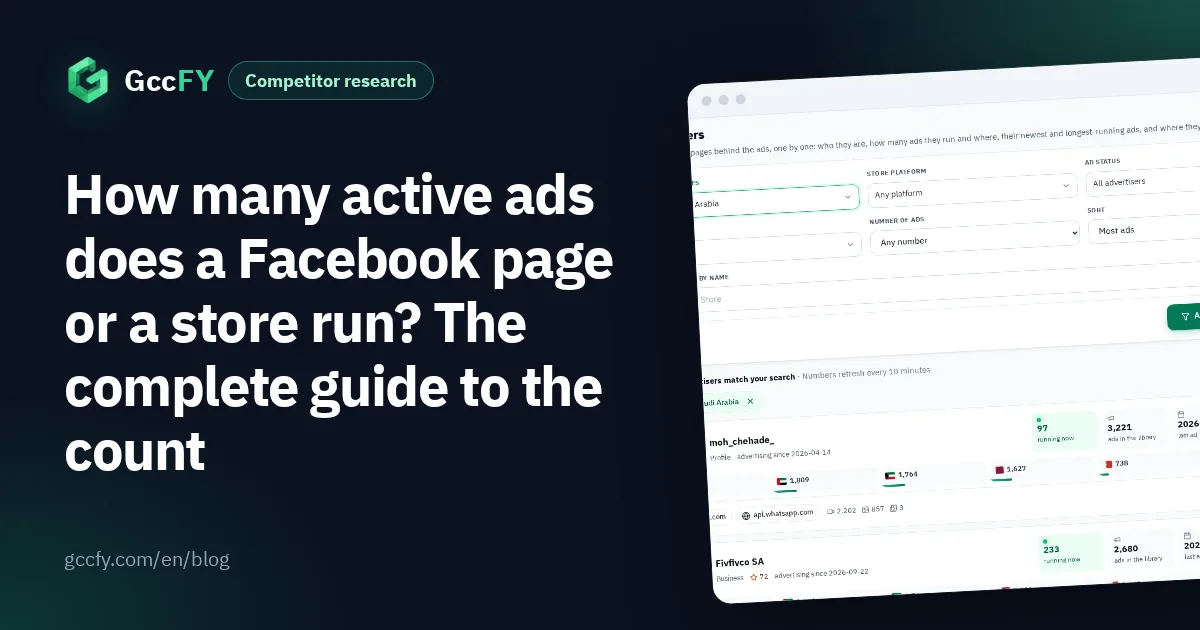
GccFY follows 86,000 Gulf advertisers every day and keeps their ads instead of letting them vanish. So each advertiser on the Advertisers screen carries three numbers instead of one:
- Ads: everything we have seen from it since we started following, running or stopped.
- Running now: what we saw running in the last 48 hours — the "active ads count" you are after, per country.
- Since when: the first and the last ad, and the longest ad it ever kept running.
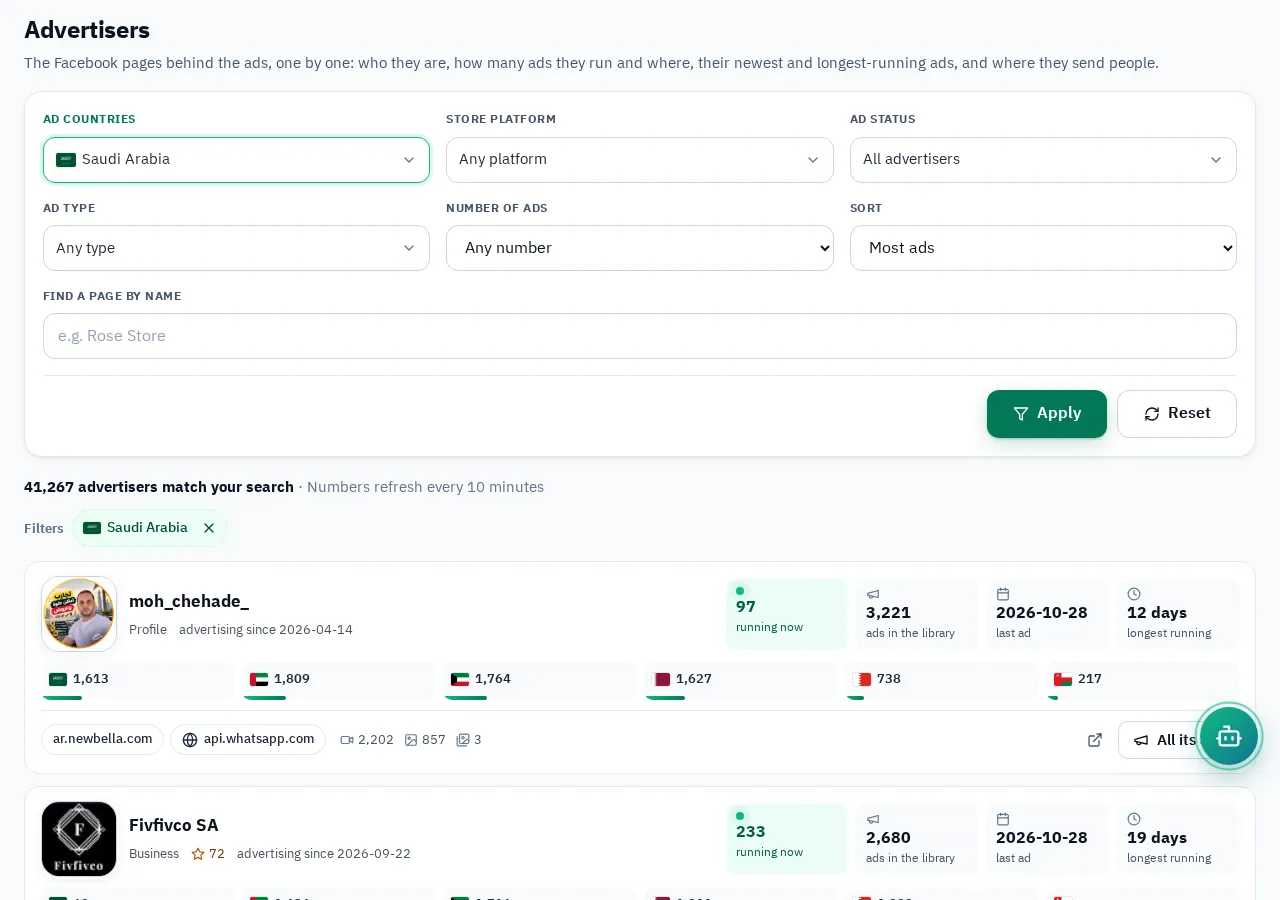
Sort the list the way you need: most ads, most active now, newest, or longest running. Search a word ("perfume") to see who advertises that product specifically.
The count per store: ads by domain and by country
This is what no official library gives: the number of ads per store domain. We read the link of every ad and group the ads that lead to the same website, whichever page ran them.
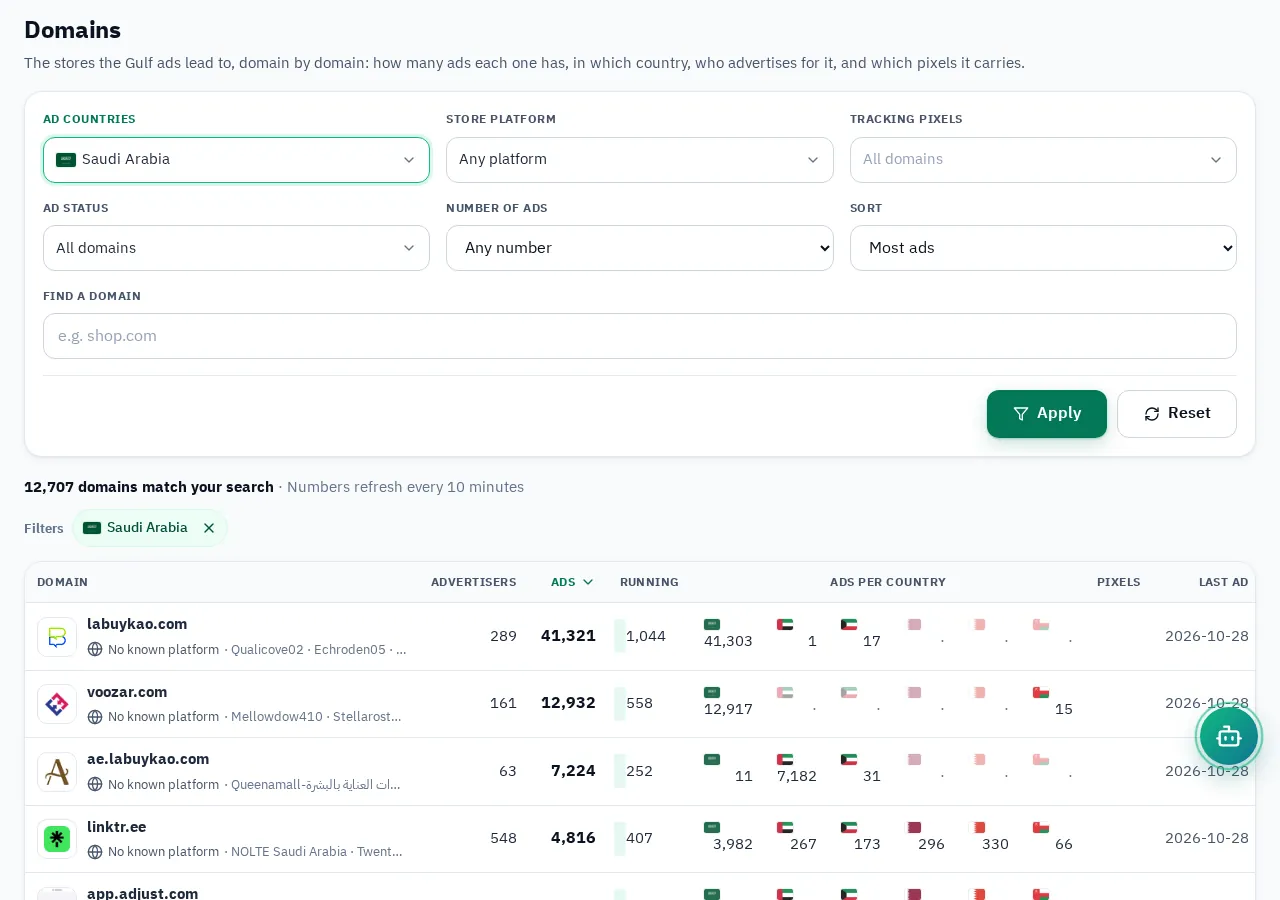
On the Domains screen each store shows its total ads, what runs now, its ads in each of the six countries, the landing pages we captured for it and its store platform (Salla, Zid, Shopify…). Search a domain directly, or open the stores advertising most in a country or on a platform.
How to read the number properly
- Read it with running time. Ten ads that are two days old may be a test that stops tomorrow. One ad running for 90 days means a product that sells. In GccFY sort an advertiser's ads by "longest running".
- Compare two countries. A store with 30 ads in Saudi Arabia and 3 in the UAE sells in Saudi first; if the UAE count jumps, it is expanding.
- Watch the trend, not the figure. Save the advertiser and come back weekly: a count that keeps rising is spend that keeps rising.
- Look at the format. Videos against images tells you what works for that competitor.
To compare several competitors in one place read Competitor ads; for paid spy tools and the counts they give, Ad spy tools.