In this article
Key takeaways
- Keyword search matches the ad text as written; put a phrase in quotation marks to see only the ads that contain it in full.
- Try the variants: ة/ه («عباية» and «عبايه»), hamza («إكسسوارات» and «اكسسوارات»), ى/ي («على» and «علي»), singular and plural.
- Long phrases find little: half of the Arabic ads in our study are shorter than 60 words, and one idea is written many ways.
- Country results mix in other languages and markets, and the language filter follows Meta's detection, which misreads mixed copy.
How keyword search works in Meta's library
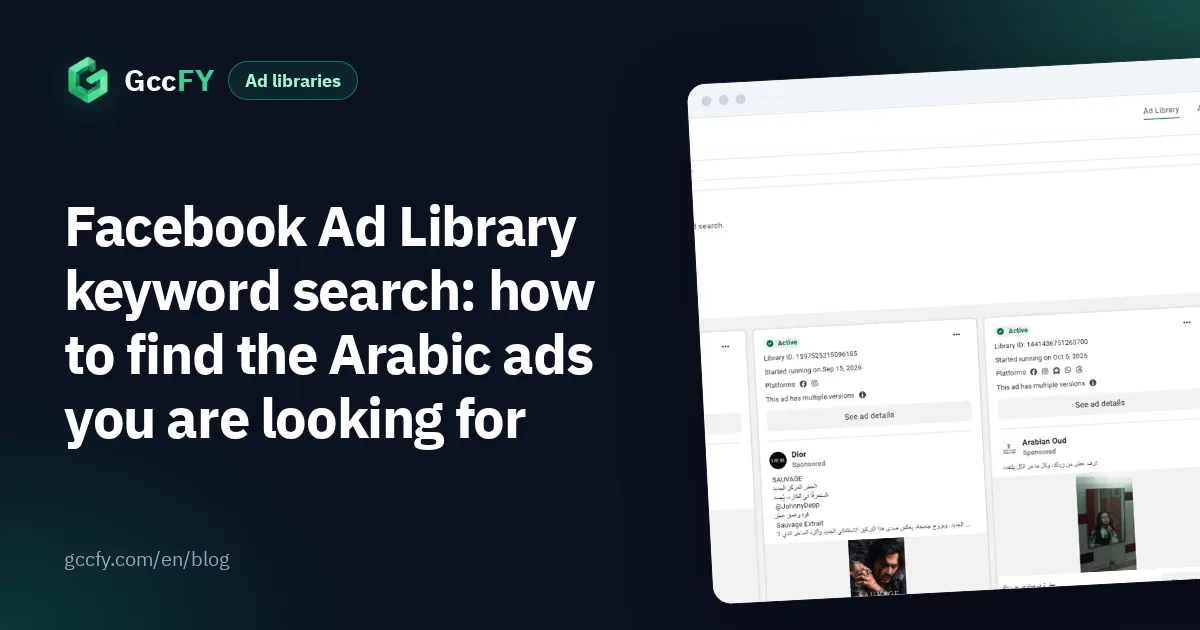
- Open facebook.com/ads/library, choose the country and "All ads".
- Type the product word in the search box («عطر» perfume, «عباية» abaya, «سماعات» headphones) and press search; do not pick a Page from the suggestions.
- The library shows the active ads whose text contains that word as you typed it, with a rounded count above the results.
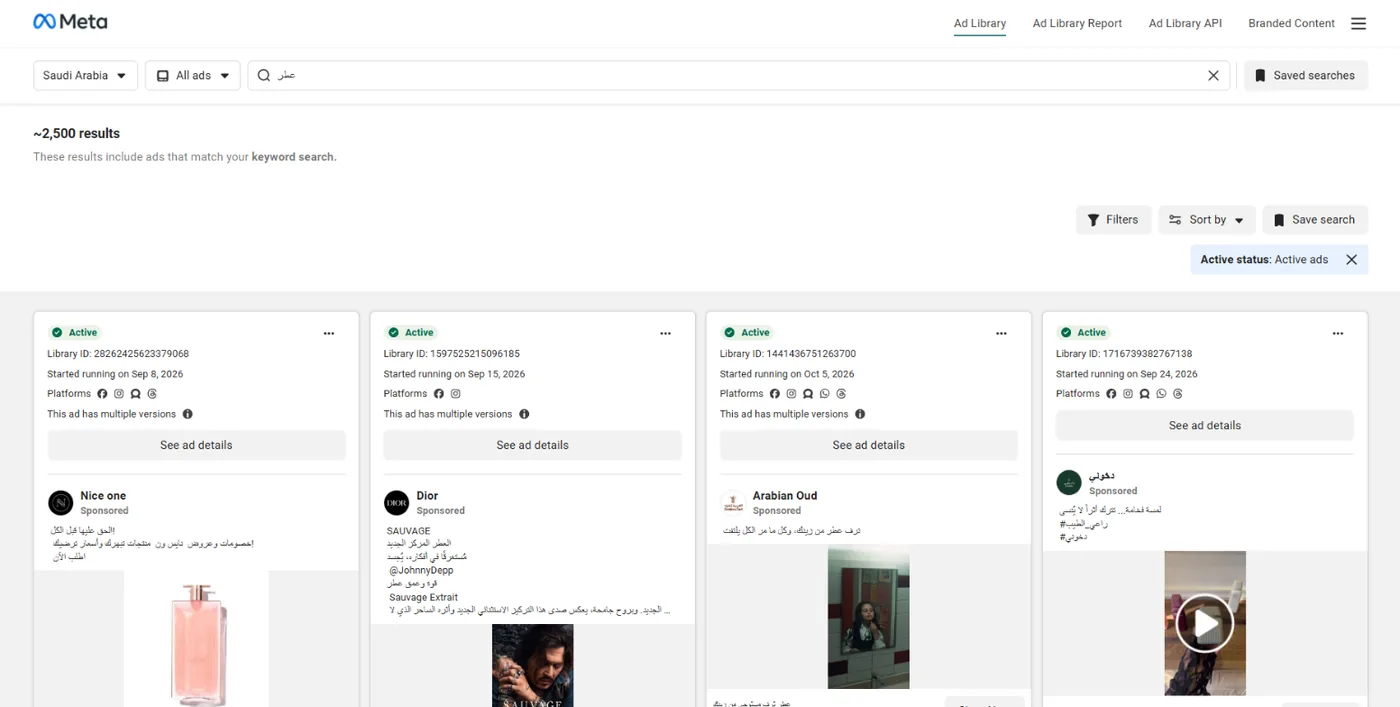
The key difference: pick a Page from the drop-down and you see that Page's ads only (explained in All ads of a Facebook page); search a keyword and you see every ad that mentions it, from any advertiser. The first is for following a competitor, the second for studying a market or a product.
Keyword or exact phrase in quotes?
To match an exact phrase, put it in quotation marks, for example "الدفع عند الاستلام" (cash on delivery), and the library shows the ads that contain the full phrase. That is useful for one specific pattern in the copy, but it cuts both ways:
| What you type | What you get | When to use it |
|---|---|---|
| One word: عطر (perfume) | Every ad containing the word in that spelling | Always first: the size of the market and the shapes of the ads |
| A phrase in quotes: "توصيل مجاني" (free delivery) | Only ads containing the whole phrase | Studying one offer or wording |
| A long sentence: "عطر عود فاخر بسعر مميز" (luxury oud perfume at a special price) | Usually almost nothing | Don't |
Why does a long phrase find so little? Because the ad has to contain its words in the same order and spelling, and ads are short: half of the Arabic ads in our third study are shorter than 60 words. And one idea is written in many ways: we found cash on delivery mentioned in 16% of the newest 160,000 ads and free delivery in 12%, but every seller phrases it in their own words («الدفع عند الاستلام», «ادفع عند الاستلام», «الدفع كاش»), so one exact phrase only catches those who used that wording.
Arabic spelling: search every variant
Search matches the text as written, and Gulf ads are not spelled consistently. Try the variants of the same word:
| Case | One spelling | The other |
|---|---|---|
| Ta marbuta and ha (ة/ه) | عباية، ساعة، هدية (abaya, watch, gift) | عبايه، ساعه، هديه |
| Hamza and alif (أ/إ/ا) | إكسسوارات، أسعار (accessories, prices) | اكسسوارات، اسعار |
| Alif maqsura and ya (ى/ي) | على (on) | علي |
| Singular and plural | عطر، عباية | عطور، عبايات |
| Arabic and English | توصيل مجاني | Free delivery |
Each spelling returns different ads, so search both and combine what you find. Product names are often written in English the way buyers search them ("Serum", "Air Fryer"), so try that too. For the wording sellers actually use, read Arabic ad copy.
Country, date and sorting
- Country: "Saudi Arabia" means the ad was delivered there, so the results include ads in other languages and for other markets. Choose "All" for the word in every country.
- Language: it helps, but it follows Meta's language detection, which is not always right for copy that mixes Arabic and English.
- Impressions by date: to keep the ads delivered in a given period, such as the week before a season.
- Platform, media type and status: Instagram only, video only, active or inactive.
- Sort: "Impressions: high to low" (the default) puts the most-seen ads first; "Most recent" puts what just started first.
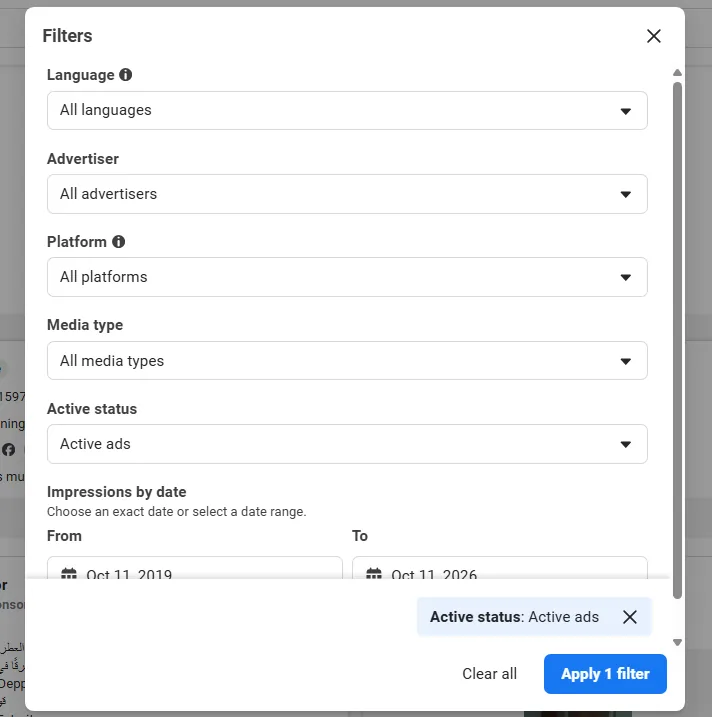
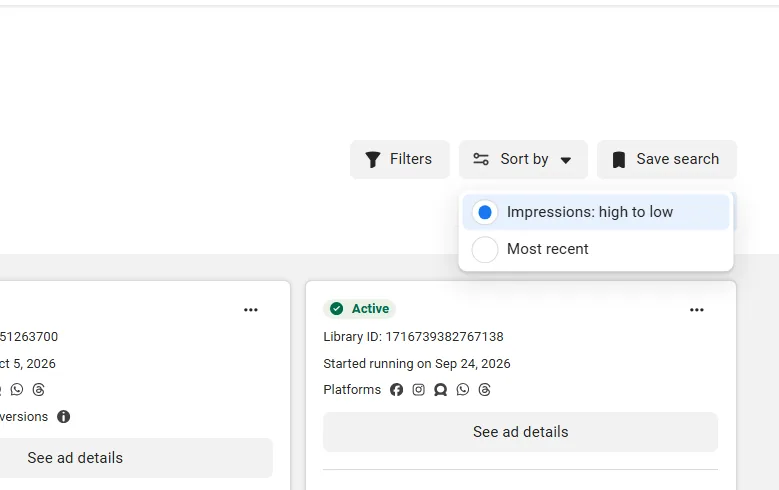
The count above the results is approximate ("~"), counts ad versions, and past a thousand shows "1000+". How to read it: Active ads count.
Searching an Arabic word inside the text in GccFY
In GccFY you search a word or a phrase inside the text of Gulf stores' Arabic ads, then narrow by country, store platform, ad type, button and running time, and sort by "longest running" to see the ads that lasted first, rather than the most-seen ones.
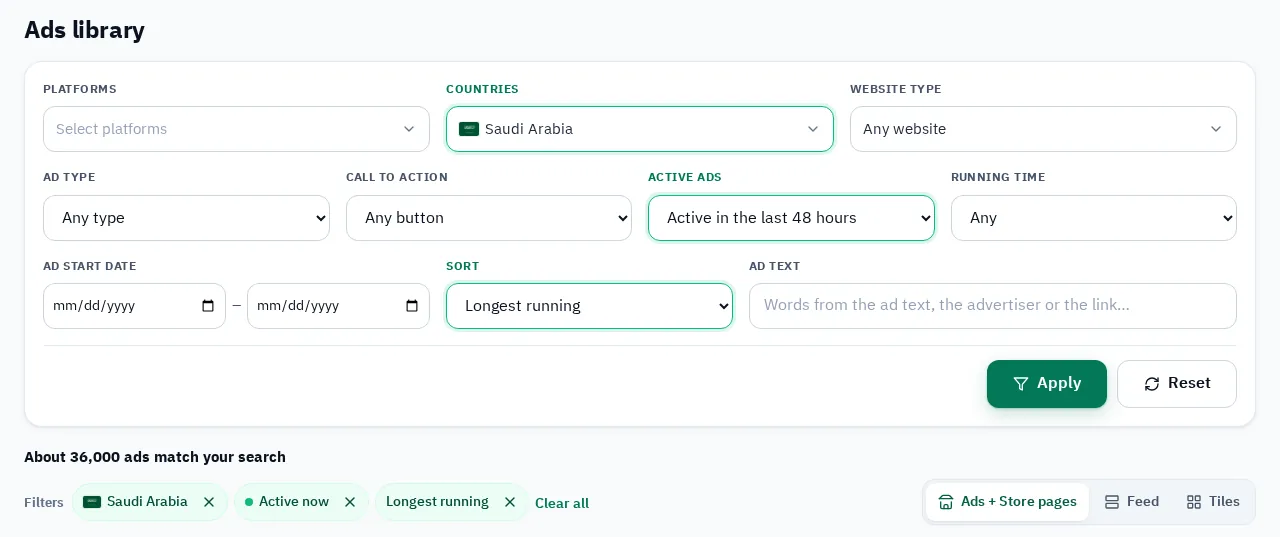
An example: the single word «سماعات» (headphones) with the Saudi Arabia filter and active ads, sorted by longest running:
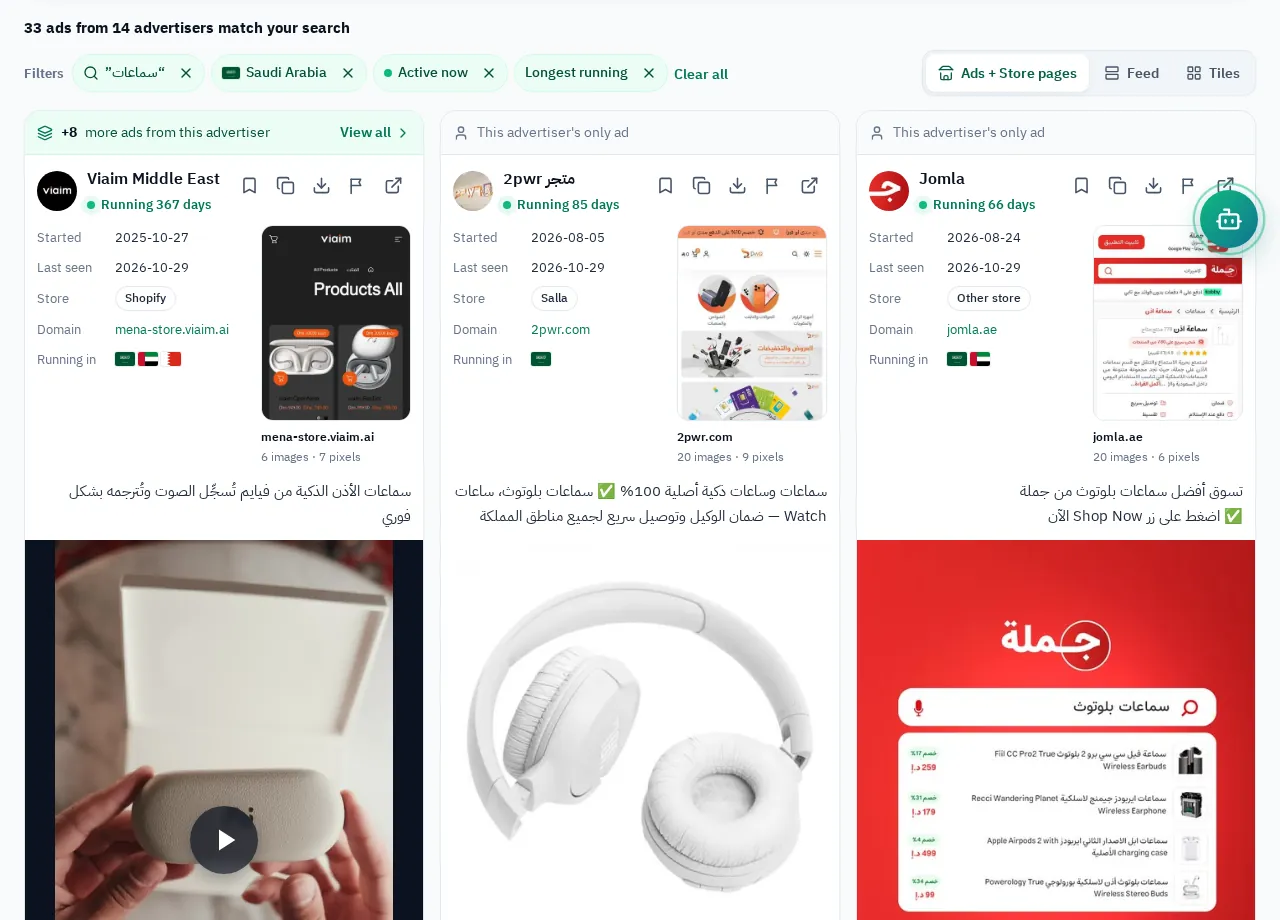
Stopped ads stay searchable, so you also find the phrase in last season's ads, with the store page behind each ad.
A five-step search recipe
- Start with one short word: the product name, singular.
- Repeat with the other spelling (ة/ه, plural, English) and combine the results.
- When a wording keeps showing up in the older ads, search it in quotes to see who else uses it.
- Choose the country you sell in, then "Most recent" to see what started this week.
- Open the advertiser's page for every ad that catches your eye and follow all of its ads. For the other libraries (Google, TikTok, Snapchat) read Ad libraries compared.