In this article
Key takeaways
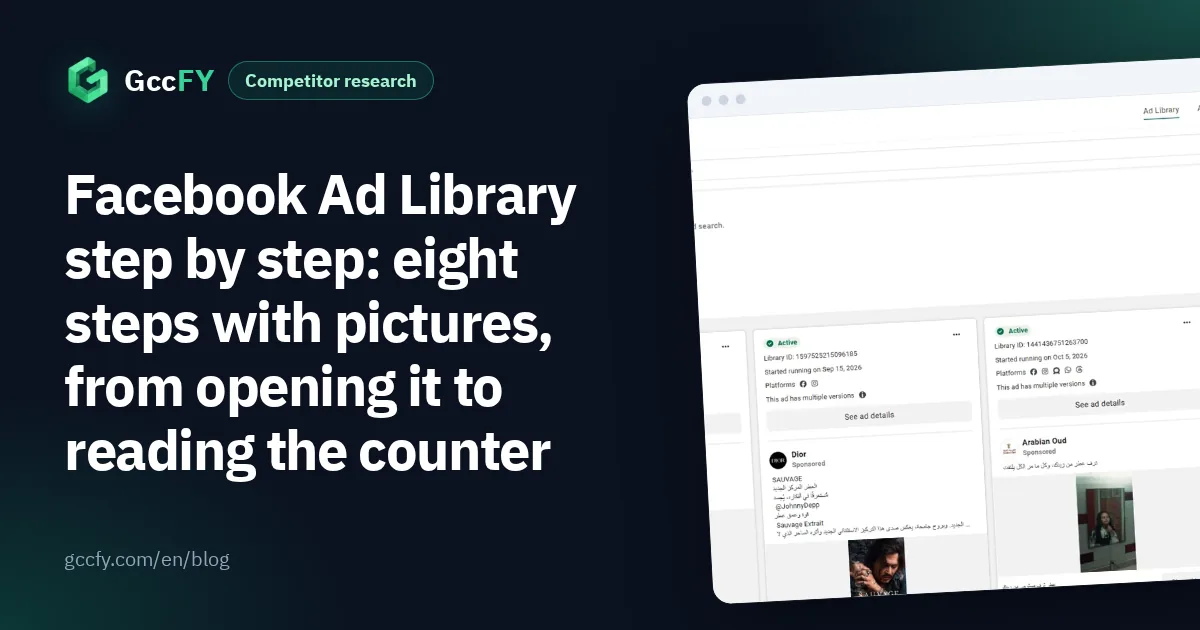
- Eight steps: open the library, pick a country, search a word or a Page name, narrow with filters, sort, read the card, open all ads of a Page, read the counter.
- The most important line on any card is "Started running on…": an ad running for weeks is paid for by an advertiser who sees results.
- The library shows active ads only, cannot sort by running time, does not know the store platform behind an ad and keeps no copy of the landing page.
- Between 2026-10-25 and 2026-11-06 the newest 160,000 Arabic ads in GccFY came from 24,775 advertiser Pages, and they stay saved after they stop.
Steps 1 to 3: open the library, pick the country, search
- Open the library at facebook.com/ads/library on desktop or mobile. You need no ad account, and advertisers are not notified when you browse their ads.
- Pick the country from the drop-down at the top left: Saudi Arabia, the UAE, Kuwait, Qatar, Bahrain, Oman, or "All". "Saudi Arabia" means the ad was delivered there, not that the advertiser is Saudi. Then the ad category: "All ads" for commercial ads.
- Type a word or a Page name in the search box. A product word («عطر», perfume) returns every ad that mentions it; a Page name opens a drop-down from which you pick the Page to see its ads only.
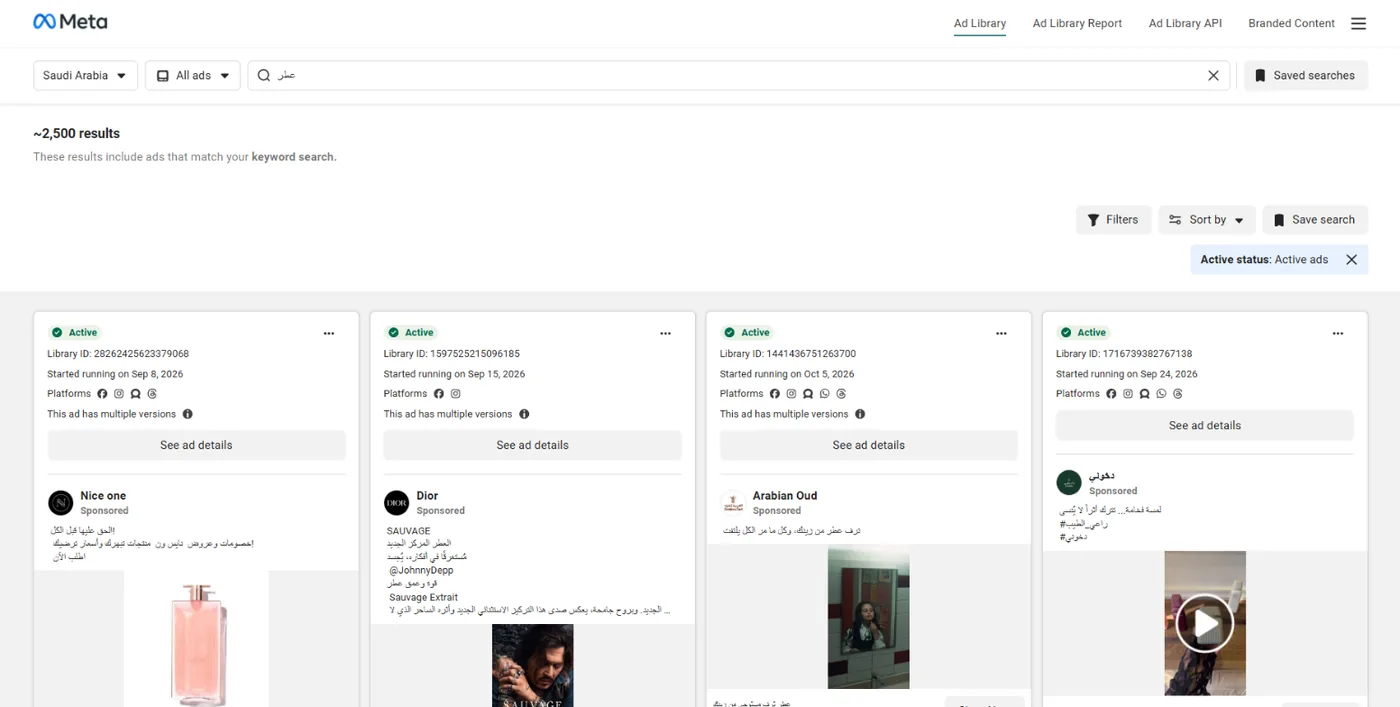
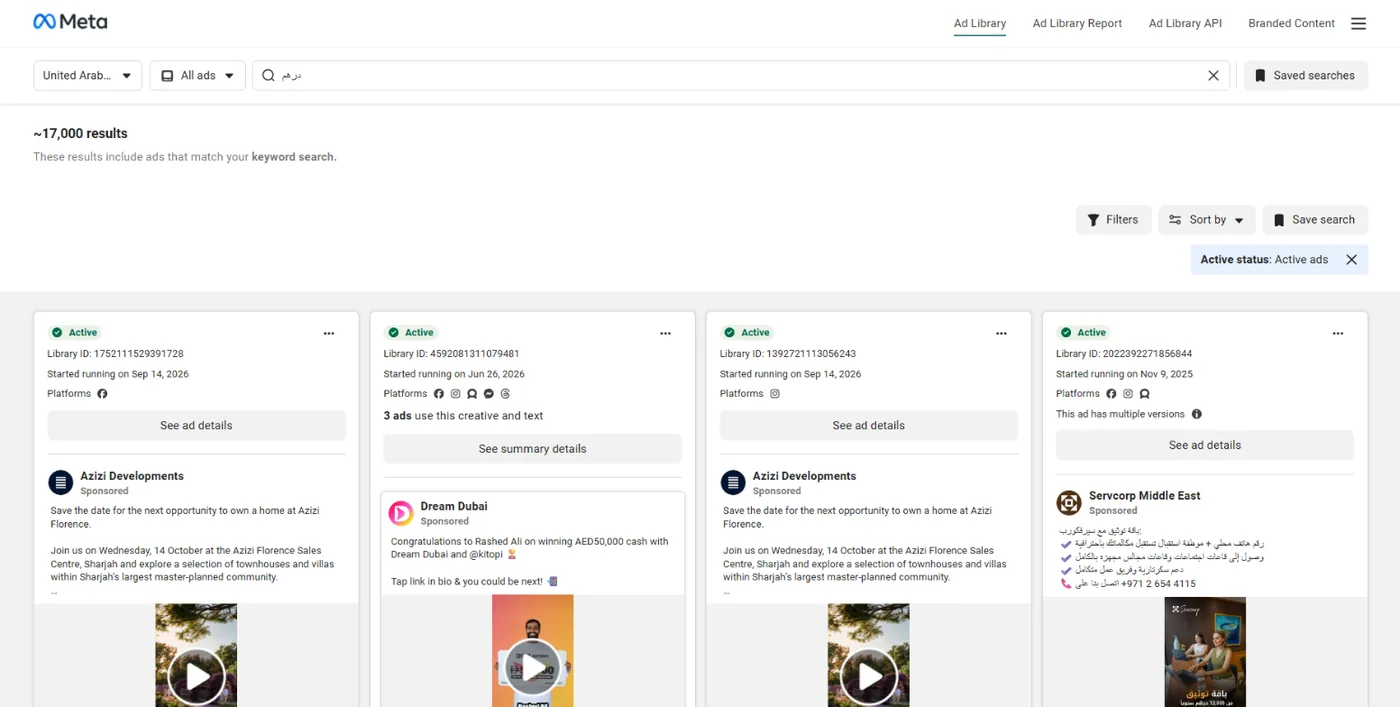
Keyword search matches the ad text as written, so «عباية» and «عبايه» (abaya) return different results. In the UAE one general word such as «درهم» (dirham) brings back thousands of ads in several languages and markets, so start with a specific product word, not a general one:
The full rules of keyword search and Arabic spelling are in Ad Library keyword search.
Steps 4 and 5: narrow with filters and sort
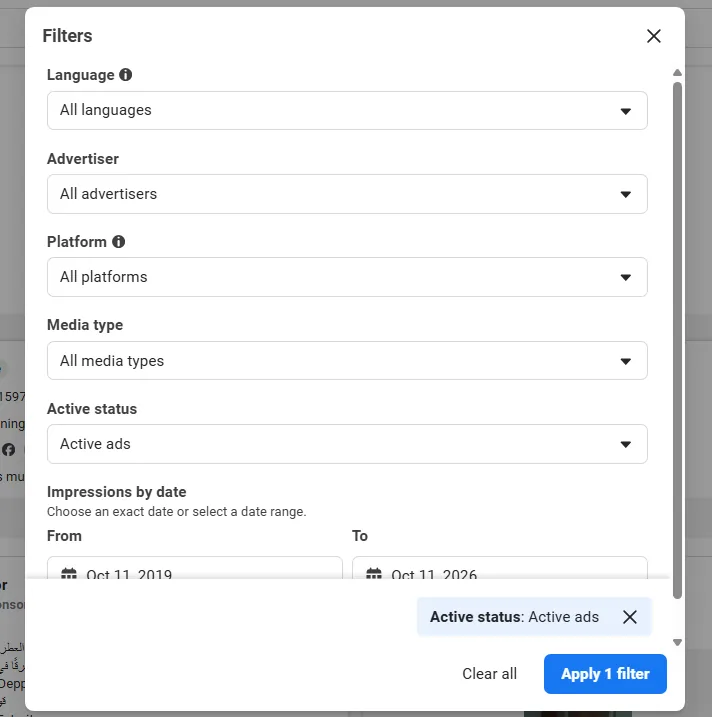
- Open the Filters button: language, advertiser, platform (Facebook, Instagram, Messenger, WhatsApp, Threads, Audience Network), media type, active status and impressions by date.
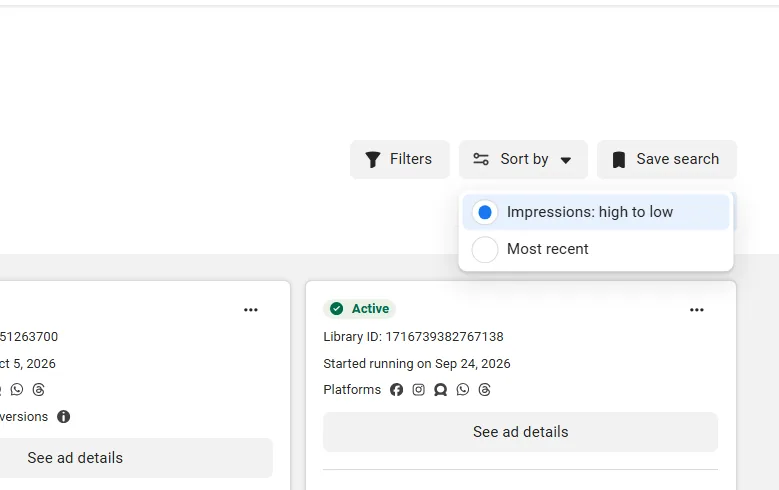
- Sort the results with the Sort by button: "Impressions: high to low" (the default) or "Most recent". The first puts the ads seen by the most people first, the second what just started.
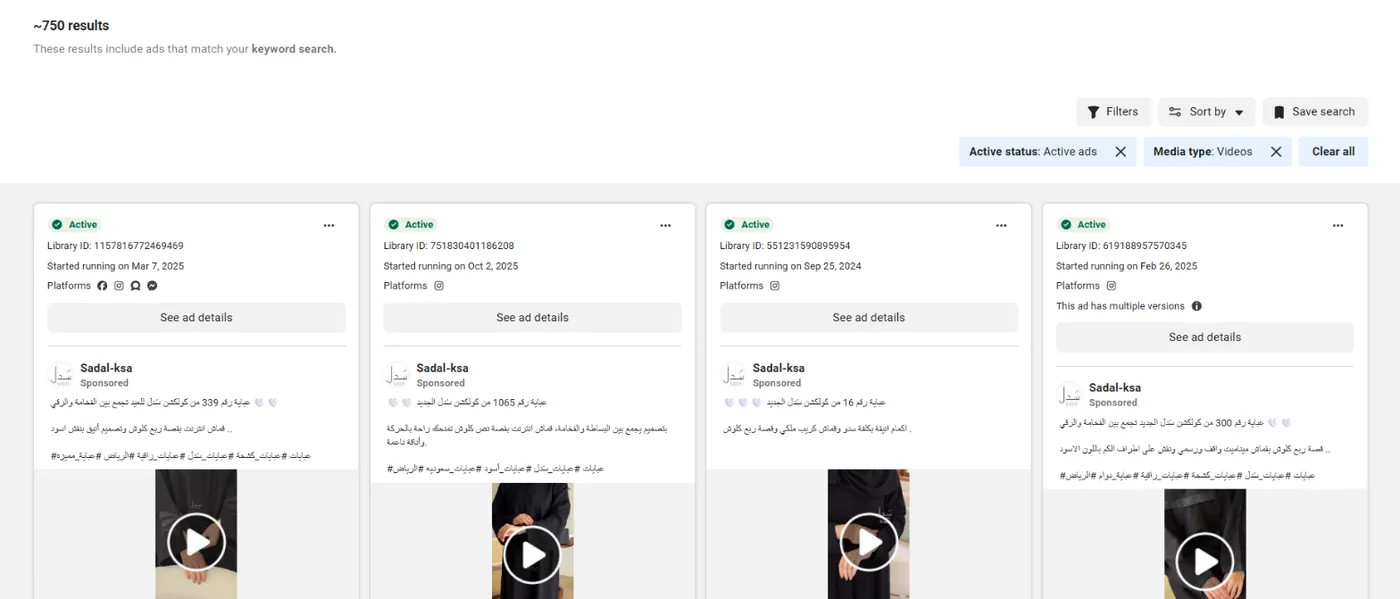
A useful example: media type "Video" with the word «عباية» (abaya) in Saudi Arabia shows abaya videos alone, and among them ads that started more than a year ago and are still running:
Step 6: read the ad card and its details
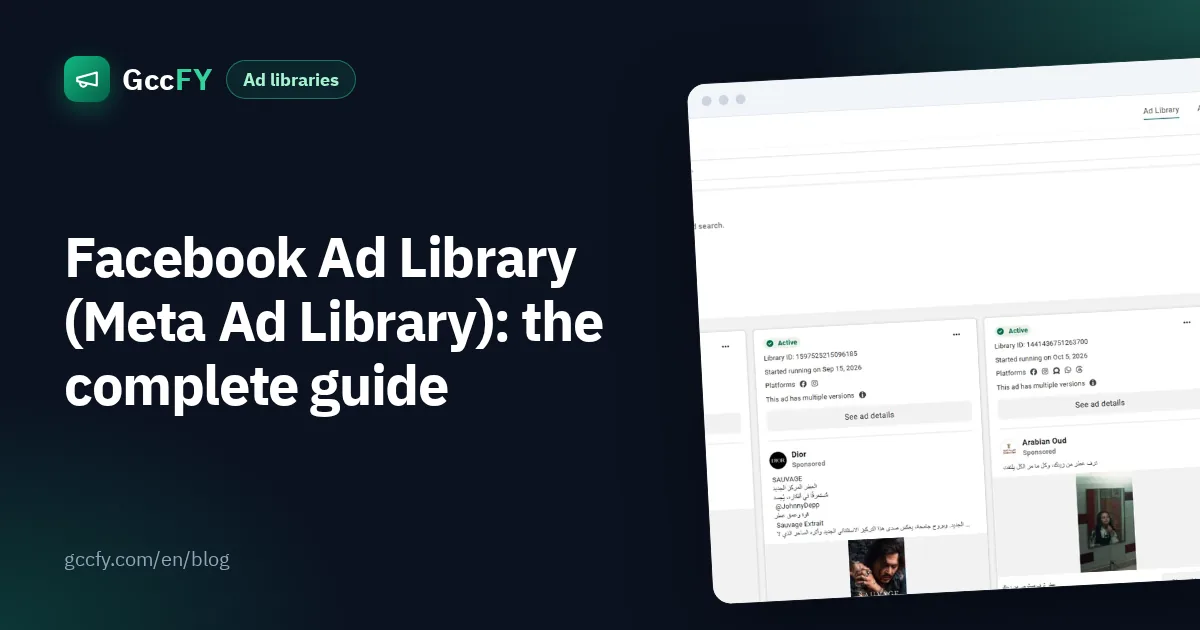
Each card carries what matters more than the design:
- Status: "Active" means the ad is running now.
- "Started running on…": the start date. The longer the ad has been active, the more likely it sells.
- Platforms: the Facebook, Instagram, Messenger and other icons under the date.
- "This ad has multiple versions": the advertiser is testing different copy or images for the same offer.
- "Low impression count": a label Meta puts on an ad that reached few people; it has proven nothing yet.
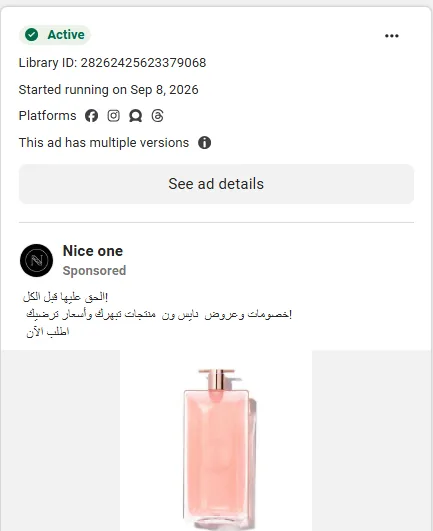
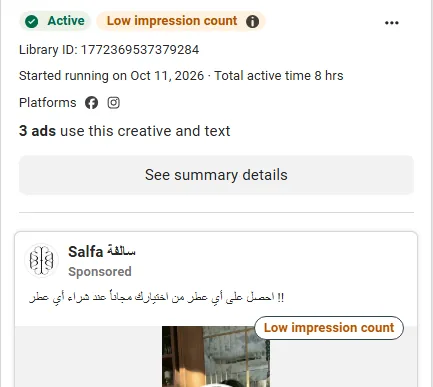
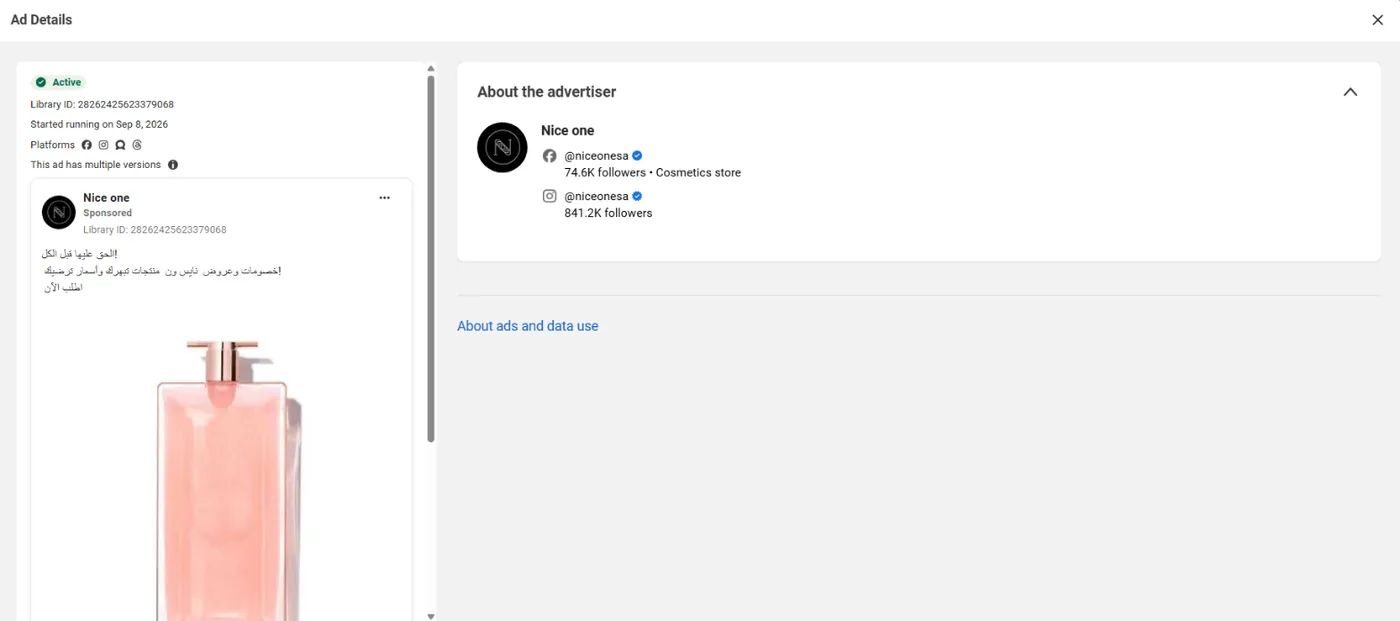
Then press "See ad details" for the library ID, the versions, the platforms and "About the advertiser" with the Facebook and Instagram accounts and their followers:
Steps 7 and 8: all ads of a Page, and the counter above the results
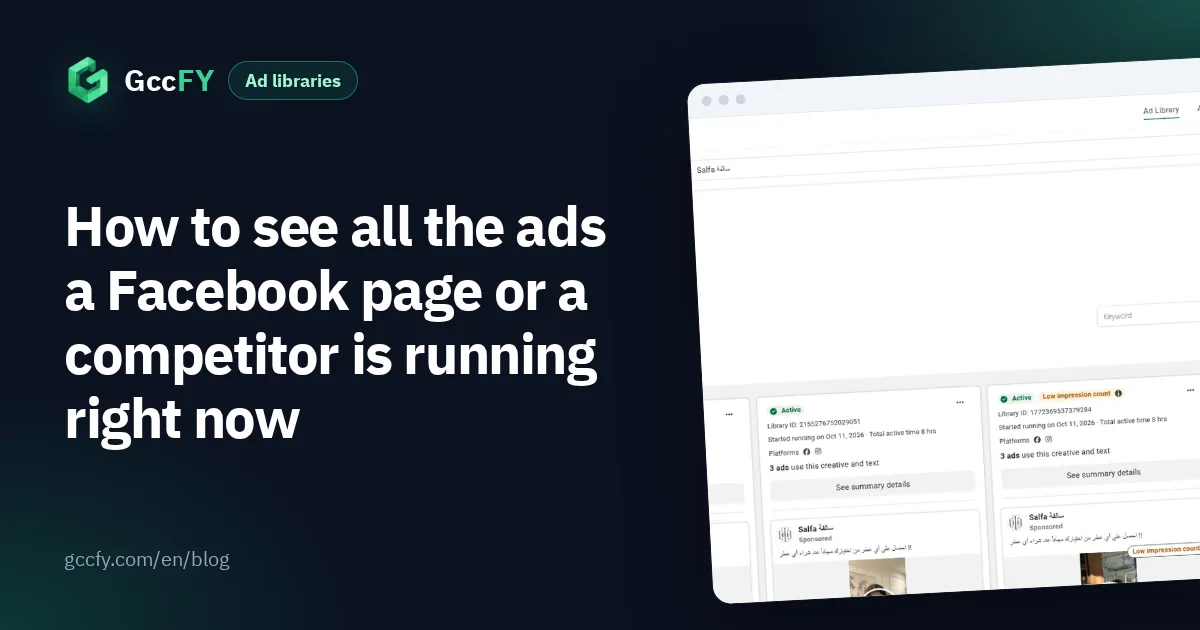
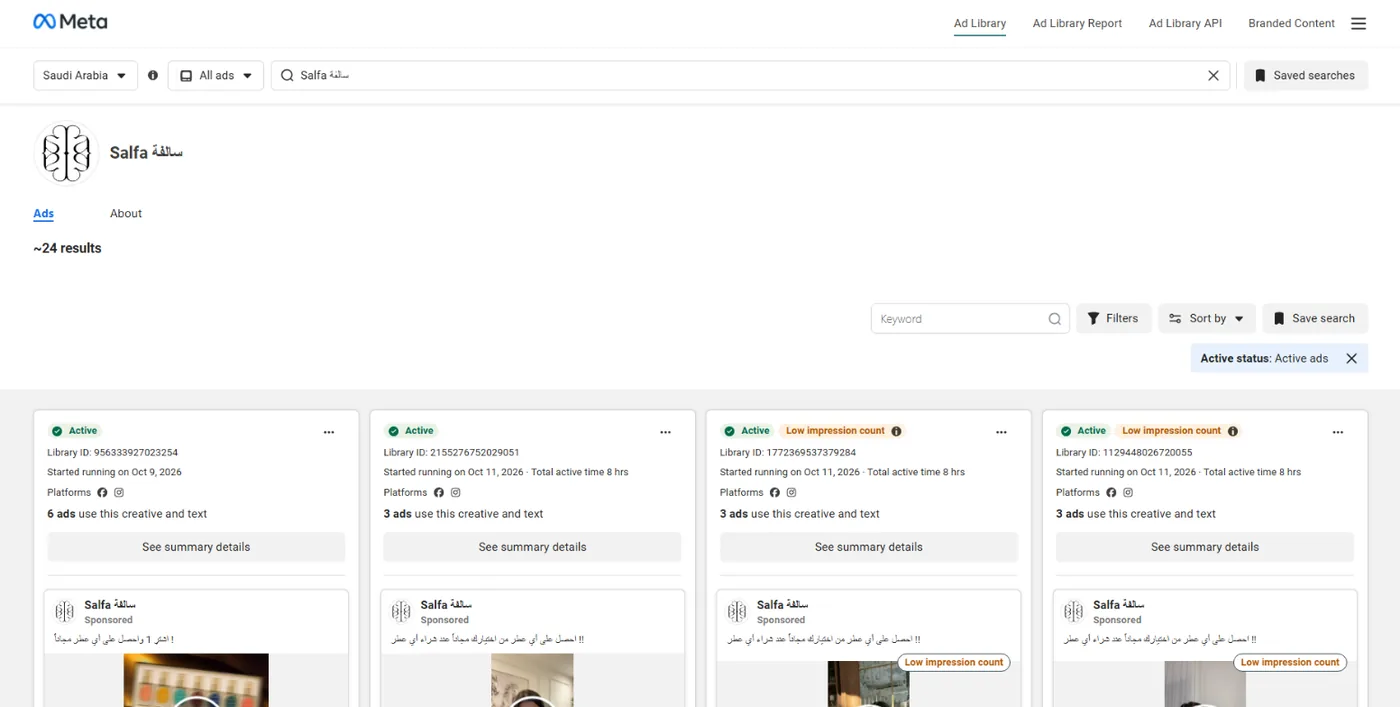
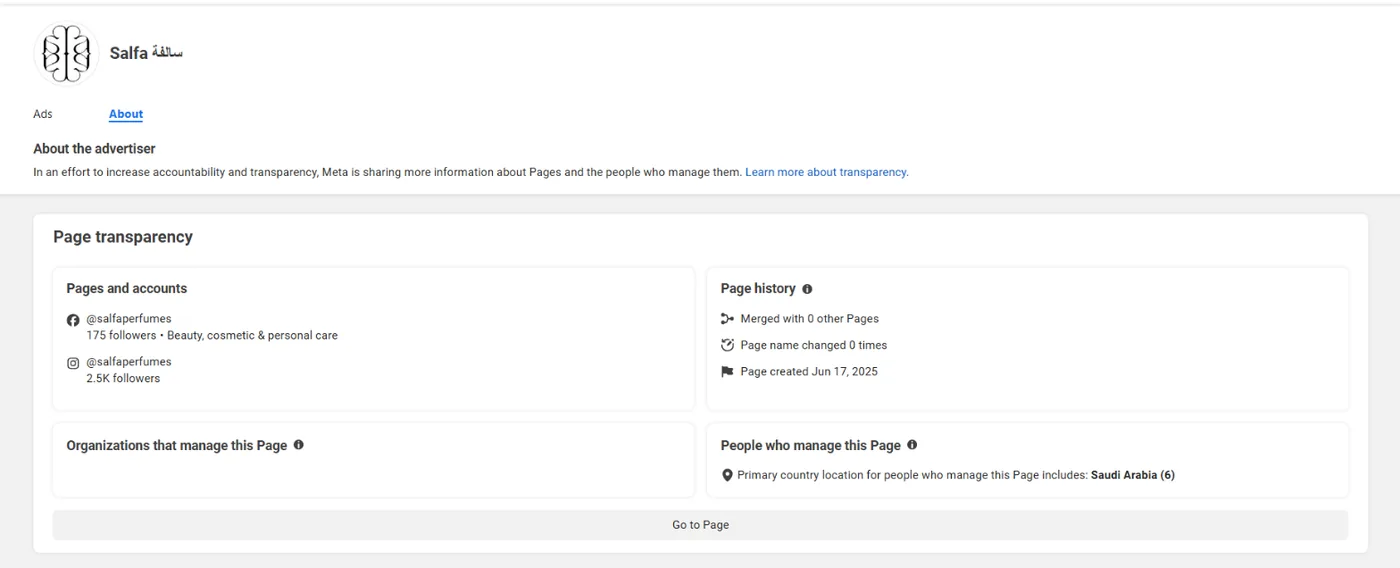
- Open all ads of one Page: type the Page name, not the website, and pick it from the drop-down. The advertiser's page opens with two tabs: Ads, for all of its active ads in the chosen country, and About, for Page transparency (creation date, name changes, and where its managers are).
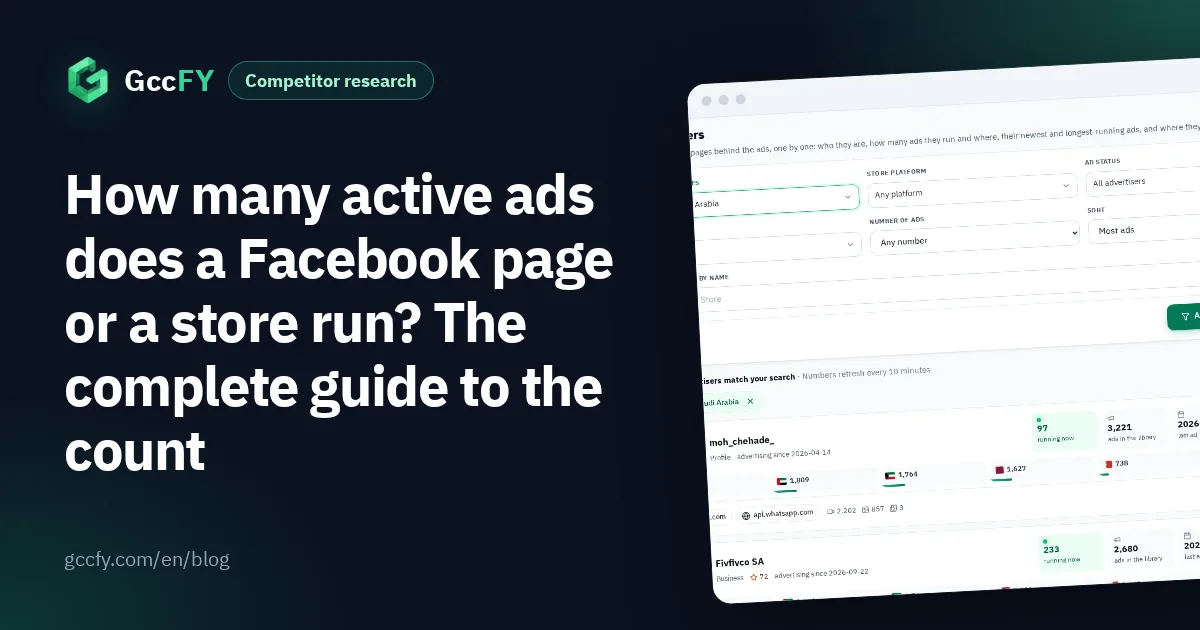
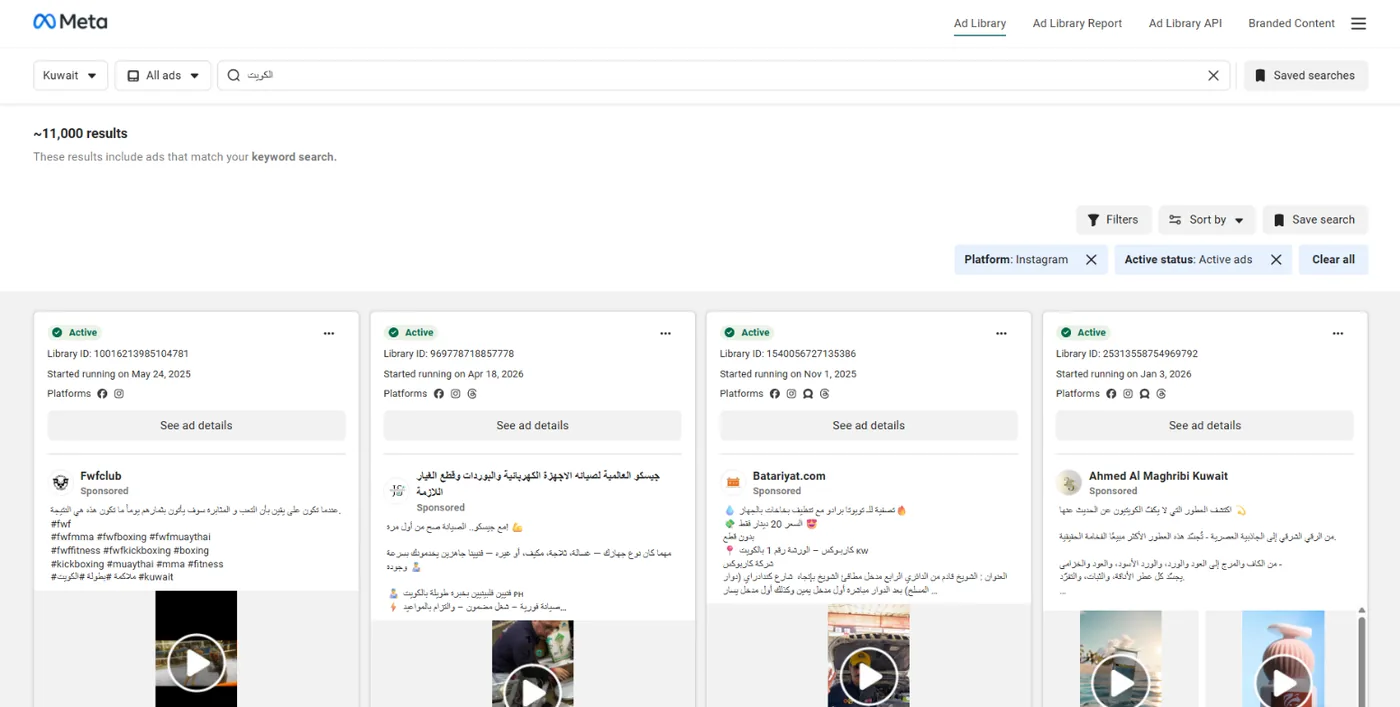
- Read the counter: a rounded number appears above the results ("~24 results", for example). For a Page it is its active ads; for a keyword it is the ads that mention it. The "~" means approximate, the library counts ad versions, and past a thousand you see "1000+".
The counter changes with every filter. Here is the word «الكويت» (Kuwait) in the country Kuwait with the "Instagram" platform filter; the number above the results belongs to that combination alone:
Seeing every ad of a Page in detail: All ads of a Facebook page. Reading the count properly: Active ads count.
What the library hides from you
The library is a transparency tool, not a market research tool, so the eight steps end at clear limits:
| What the steps above show | What you will not see, however hard you try |
|---|---|
| Every ad active now, with copy, images and videos | A commercial ad after it stops (outside the EU) |
| Start date, and sorting by impressions or most recent | Sorting by running time |
| Platform, media type and language filters | A filter for the store platform (Salla, Zid, Shopify) or for WhatsApp ads |
| The link the ad leads to | A saved copy of the landing page with its price and offer |
| A Page's ads count at this moment | A website's (domain's) count, or the count a week ago |
For a Gulf store owner the first gap is the biggest: the ad that disappears when it stops is usually the one that failed, a free lesson lost every day. How to keep what you find before it disappears: Saving Ad Library ads.
How GccFY completes the steps for Gulf stores
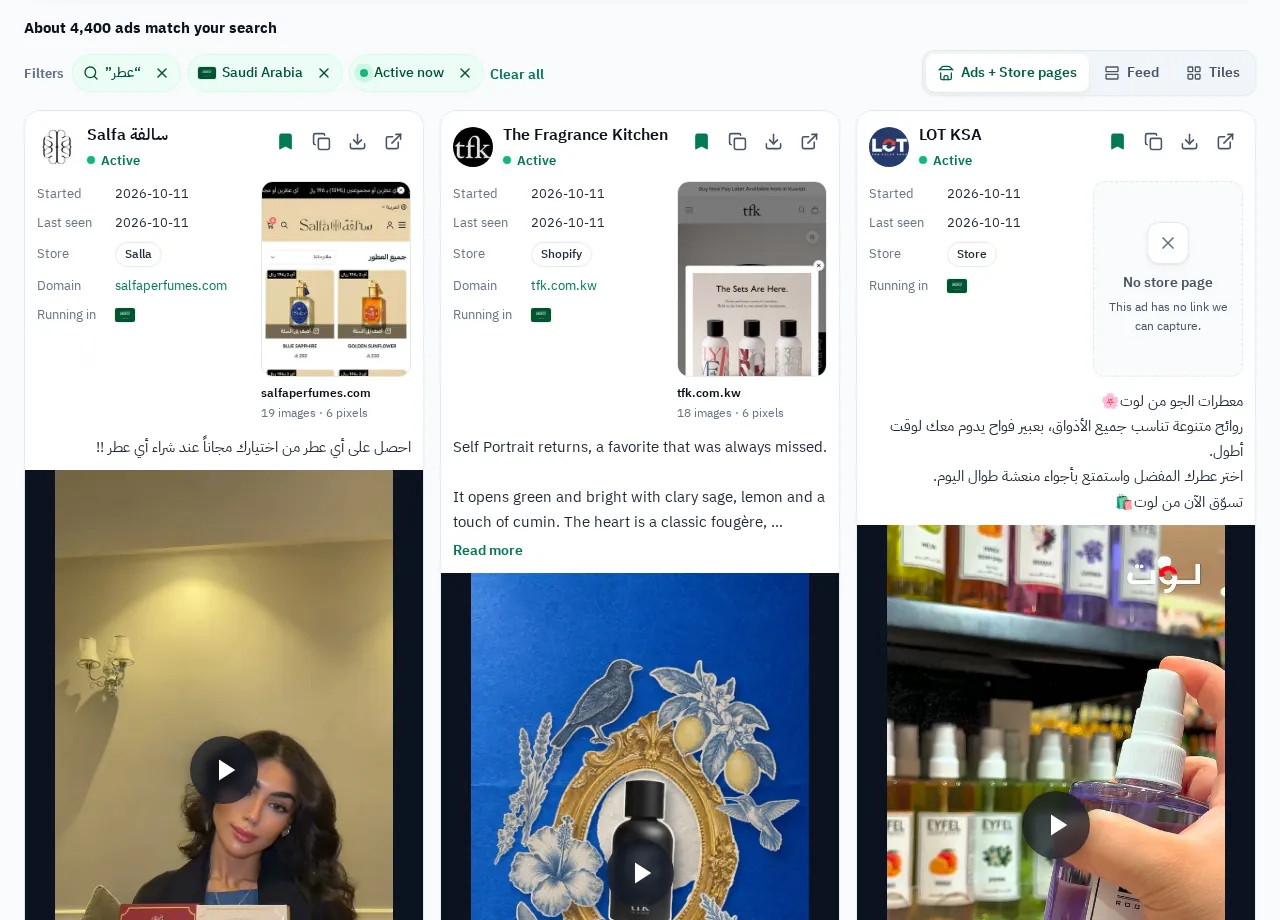
GccFY is an Arabic ads library built on the same public data you just browsed, but it collects the ads of stores selling in the six Gulf countries and keeps them after they stop. Between 2026-10-25 and 2026-11-06 alone, the newest 160,000 Arabic ads came in from 24,775 advertiser Pages, 69% of them video. The whole library holds 1,290,000+ ads from 87,000+ advertisers today.
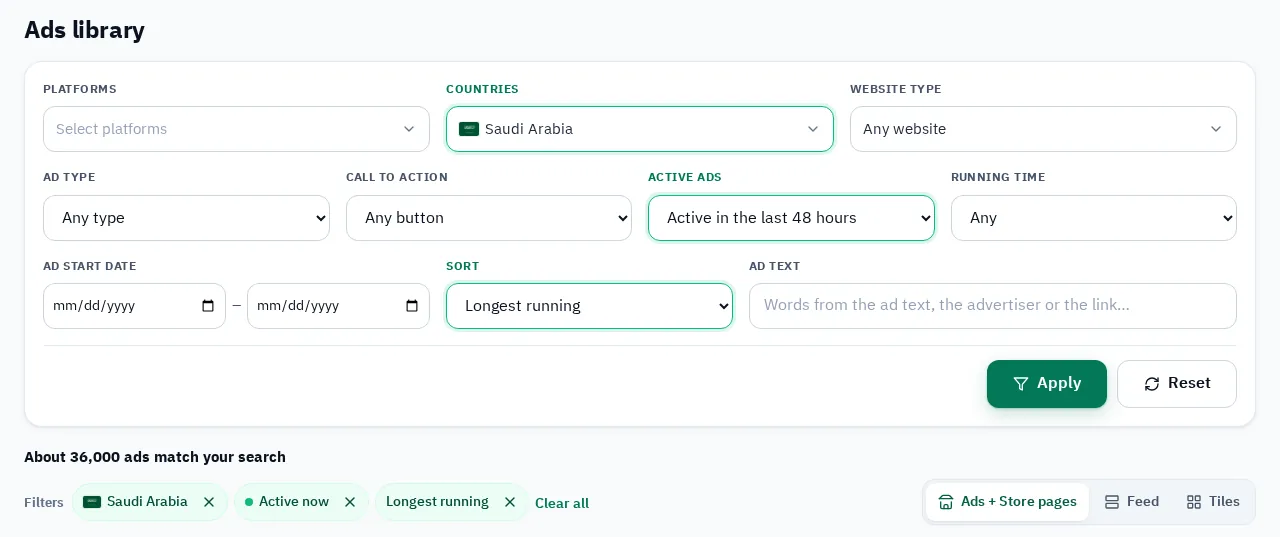
- Sort by "longest running": the step Meta's library does not offer; the ads that survived for weeks come first.
- Store platform filter: Salla, Zid, Shopify, YouCan, WooCommerce, EasyOrders, LightFunnels and WhatsApp.
- The store page behind every ad: a saved snapshot of the landing page with price, offer and payment method.
- Every ad of an advertiser and of a store domain in one place, active and stopped, with what runs now and since when.
GccFY is not affiliated with Meta. We collect ads that Meta publishes openly in its library and organise them for the Gulf markets, and every card opens the ad in Meta's own library with one click.