In this article
Key takeaways
- The interface language switch sits at the bottom of the library page: in Arabic the library is called «مكتبة الإعلانات», in English "Ad Library". The content is the same either way.
- Ad text appears in the advertiser's language: Gulf stores' ads are in Arabic on any interface, and global brands' ads are mostly in English.
- Search matches the ad text as written: type the Arabic word on the English interface and you get the Arabic ads; the interface language never changes the results.
- The language filter follows Meta's detection of the ad's language, which is not always right for copy that mixes Arabic and English.
How to switch the library's interface language
The Meta Ad Library usually opens in the language of your browser or account. To change it, scroll to the bottom of the library page: there is a switch for the interface language, where you choose English, Arabic or another language. Only the interface labels change: the library's name ("Ad Library" becomes «مكتبة الإعلانات»), the Filters button, the Sort by button, and card phrases such as "Started running on…" and "This ad has multiple versions". The ads, the search results and the filters stay the same.
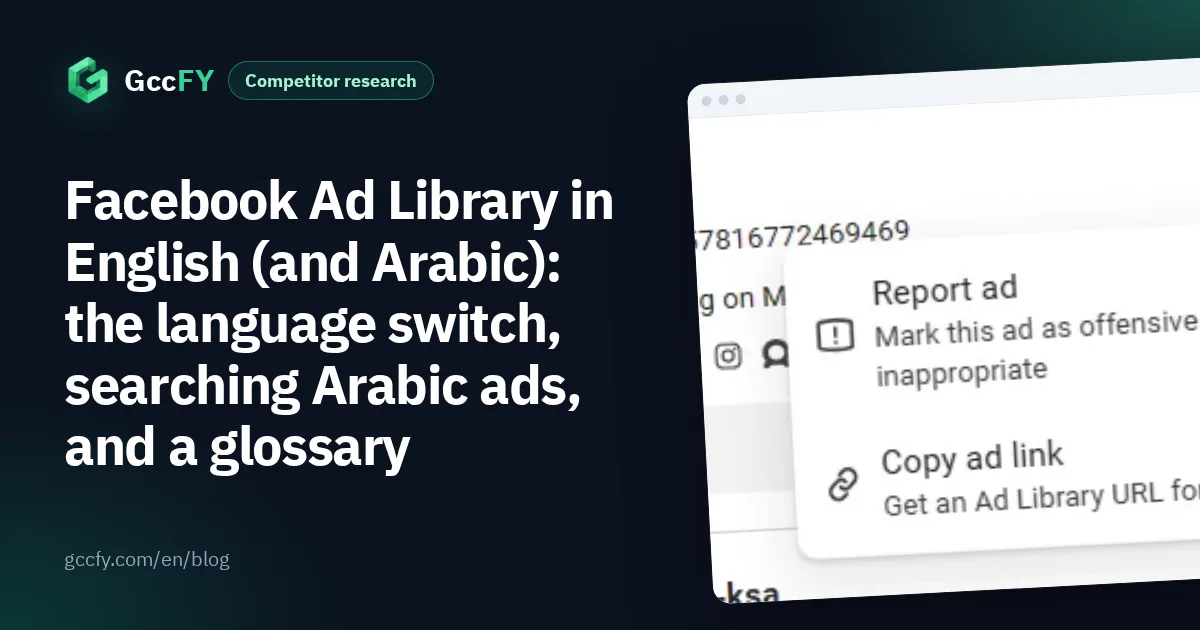
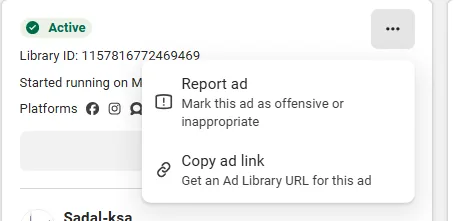
The card menus are in English on the English interface too: the "…" menu on a card has two options only, report the ad and copy its link:
When to prefer English? When you follow guides written in English and want the buttons to match their names, or when you work with a team that uses it. When Arabic? When you want to read the filters and phrases without translating in your head. The results are identical.
Searching Arabic ads from the English interface
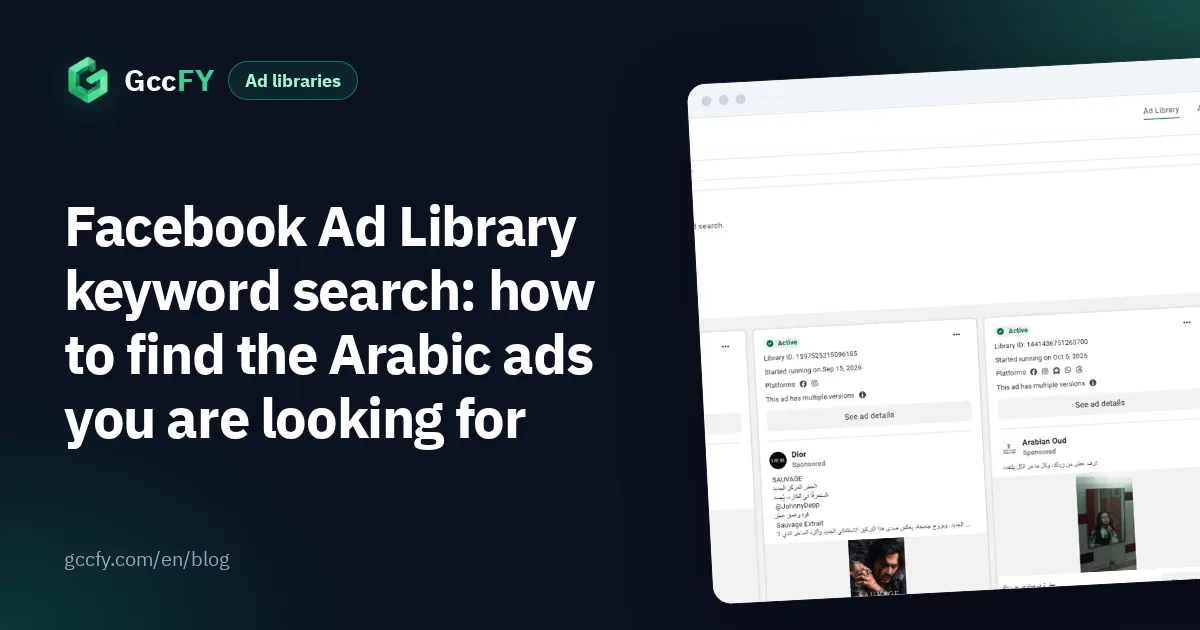
Keyword search in the library matches the ad text as written, in any language. So type the Arabic word in the search box whatever the interface language, and the Arabic ads that mention it appear. Here is a search for «عطر» (perfume) in Saudi Arabia from an English interface:
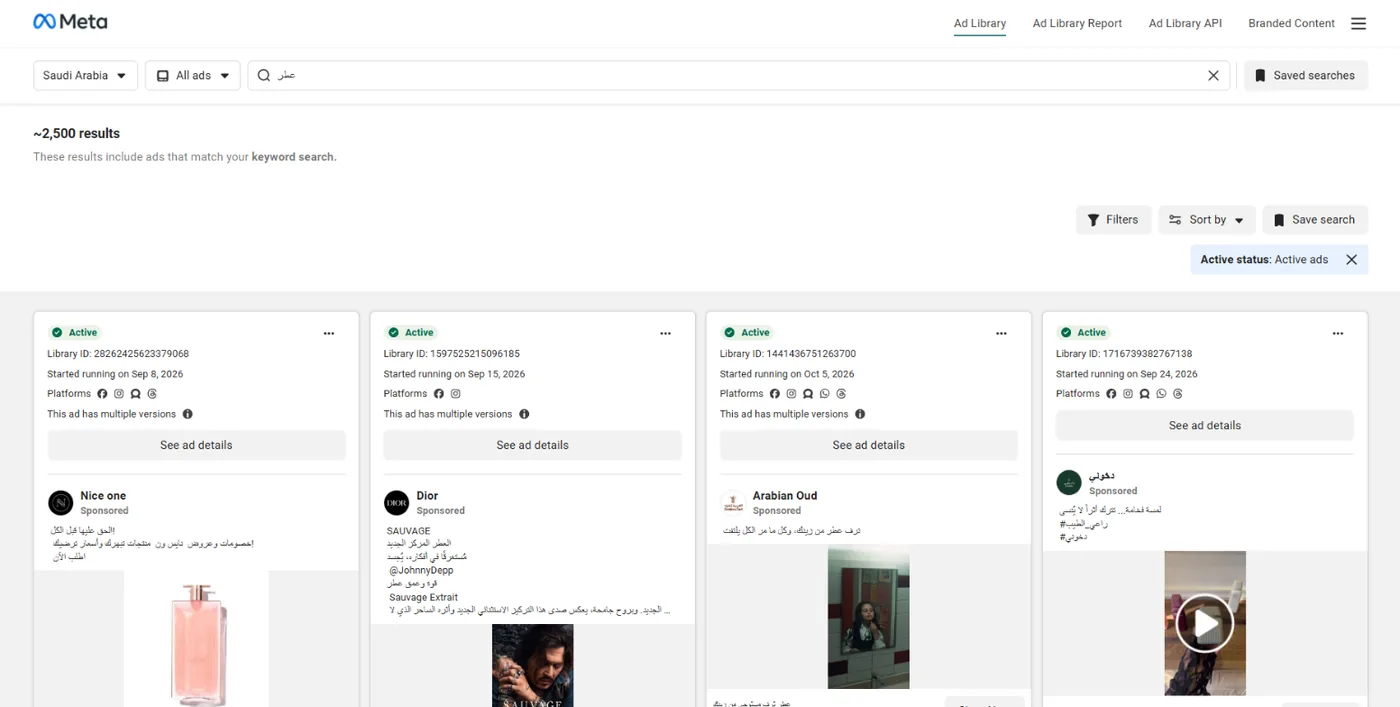
Three rules shape the results far more than the interface language:
- Spelling: «عباية» and «عبايه» (abaya), «إكسسوارات» and «اكسسوارات» (accessories) return different results. Search both.
- Exact phrase: put a phrase in quotation marks, such as "الدفع عند الاستلام" (cash on delivery), to see only the ads that contain it in full.
- Country: "Saudi Arabia" means the ad was delivered there, so the results also include ads in English and other languages. Choose "All" for the word in every country.
The language filter helps to drop non-Arabic ads, but it follows Meta's detection, and many Gulf ads write «توصيل مجاني» and "Free delivery" side by side. The full rules are in Ad Library keyword search.
Why the ad text is in the advertiser's language
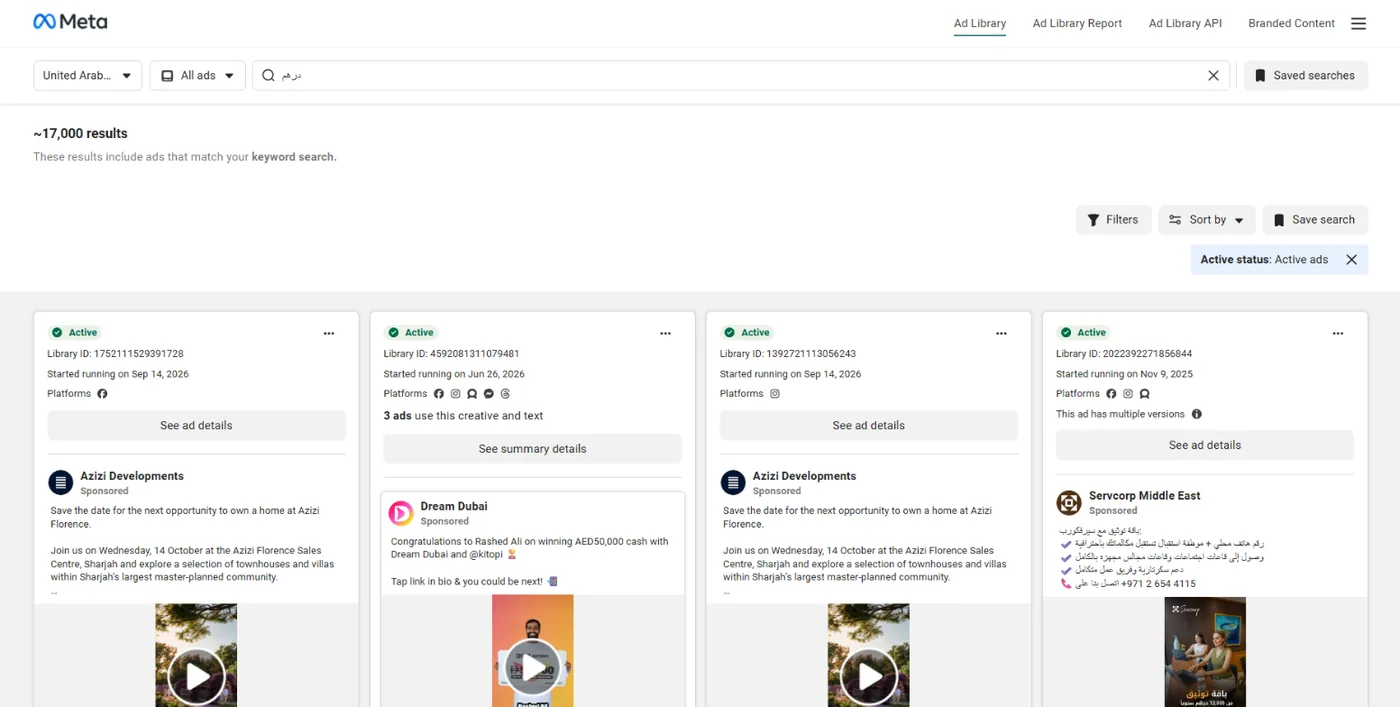
The library shows the ad as people see it: its copy, image and button exactly as the advertiser wrote them in their Ads Manager. Nothing is translated. That is why in a country such as the UAE, where Arabic and global stores advertise together, one word brings back Arabic and English ads side by side:
This is information, not a flaw: the ad's language tells you whom the advertiser targets. An ad in Gulf Arabic targets the local buyer, an ad in English usually targets residents or the wider market, and an ad mixing both wants both. In our study of the newest 160,000 Arabic ads in GccFY between 2026-10-25 and 2026-11-06, half the ads are shorter than 60 words: Gulf ads are short, so the word you search should be the product word itself.
Glossary of the library's labels: English and Arabic
If you read a guide in one language and use the interface in the other, these are the phrases you will meet:
| English | Arabic | Meaning |
|---|---|---|
| Ad Library | مكتبة الإعلانات | The library's name |
| All ads | كل الإعلانات | The commercial ads category |
| Active | نشط | The ad is running now |
| Started running on | بدأ تشغيله في | The ad's start date |
| This ad has multiple versions | لهذا الإعلان عدة نسخ | The advertiser tests different copy or images |
| Low impression count | عدد ظهور منخفض | The ad reached few people |
| Platforms | المنصات | Where the ad runs |
| See ad details | عرض تفاصيل الإعلان | Library ID, versions and About the advertiser |
| Filters | الفلاتر | Language, advertiser, platform, media, status and dates |
| Sort by | الترتيب | Impressions high to low, or most recent |
| Save search | حفظ البحث | Keeps your keywords and filters, not the ads |
| Copy ad link | نسخ رابط الإعلان | A link that opens the ad while it is active |
| About the advertiser | حول المعلن | The Facebook and Instagram accounts and their followers |
Every step with pictures, one by one, in Ad Library step by step.
An Arabic library with an Arabic and English interface: GccFY
GccFY works in both interfaces, Arabic and English, but what sets it apart is that its content is Arabic by nature: Arabic ads of stores selling in the six Gulf countries, searched inside their text with an Arabic word and narrowed by country, store platform, ad type, button and running time. You never think about the interface language or the language filter: ads in other languages do not enter the library at all.
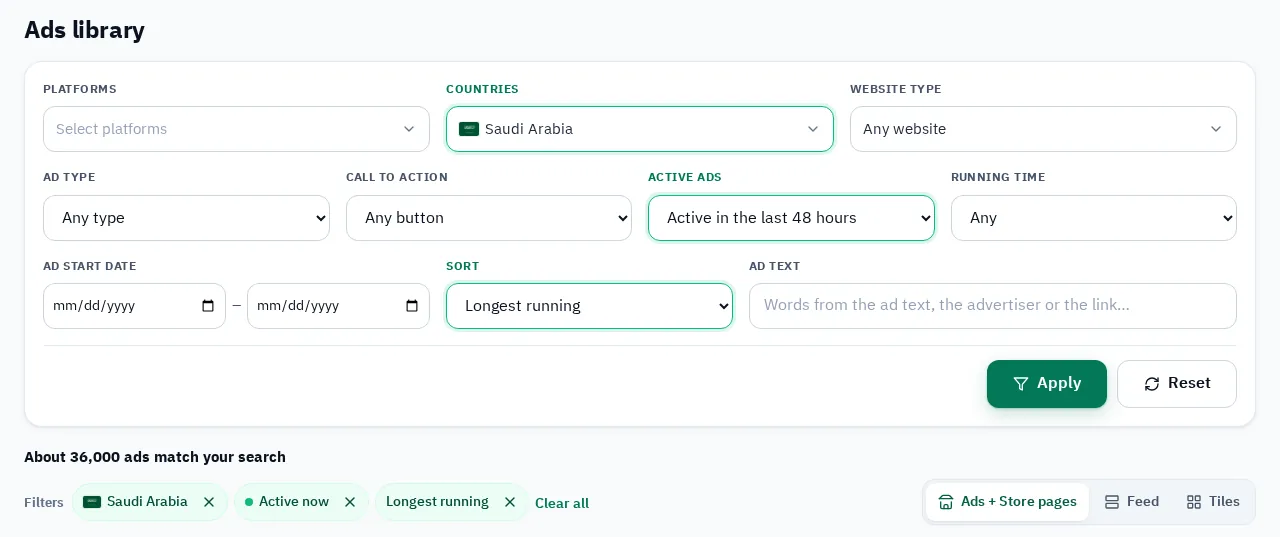
Every card carries a button that opens the same ad in Meta's library, in whatever interface language you use there. 1,290,000+ Arabic ads today, and stopped ads stay searchable. How to find the ads of any Page, product or country on Facebook: How to find ads on Facebook.