In this article
Key takeaways
- Eight points in a fixed order: platform, number and age of ads, the longest-running ad, the landing page, price, offers, pixels, countries.
- Compare the price with the market's quartiles, not your gut: in Saudi Arabia half of the prices written in ads sit between SAR 99 and 370, with a median of 199.
- Compare offers with the market: a discount or offer in 34% of Saudi ads, cash on delivery in 12%, and in Oman 26%.
- Save the result in a GccFY collection with a note, and repeat the checklist in two weeks: the change matters more than one snapshot.
The checklist: a table to print
| # | Minute | Check | Where | Write down | Your note |
|---|---|---|---|---|---|
| 1 | 0-1 | Platform | Wappalyzer or the ad card in GccFY | Salla, Zid, Shopify, WooCommerce, YouCan, LightFunnels, EasyOrders, WhatsApp | |
| 2 | 1-3 | Number of ads and Page age | Meta's library by Page name, and the About tab | Active count, Page creation date | |
| 3 | 3-5 | The longest-running ad | GccFY: longest running | Product, offer, days running | |
| 4 | 5-7 | Landing page | The store page snapshot behind the ad | Delivery, payment methods, trust | |
| 5 | 7-9 | Price against the market | The price table below | Below the lower quartile, middle, or above the upper quartile | |
| 6 | 9-12 | Offers against the market | The offers table below | Discount, free delivery, cash on delivery, instalments, gift | |
| 7 | 12-13 | Pixels | Meta Pixel Helper or the store page window | Meta, TikTok, Snapchat, Google | |
| 8 | 13-15 | Countries | The Domains screen in GccFY | Countries it advertises in, any new one |
Print the table or copy it into a sheet, one page per competitor. The detailed guide for every step and every platform is in Spy on any online store.
Minutes 0-5: platform, ads, and the longest-running ad
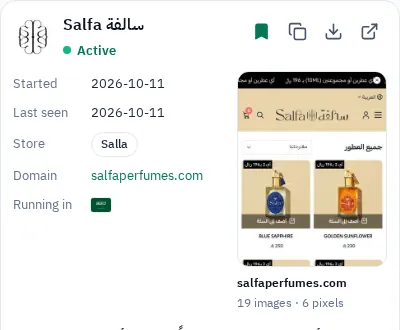
- Platform: the Wappalyzer extension reveals it, and in GccFY it is written on the ad card. The platform tells you whether it sells with online payment or cash on delivery (Which platform is this store).
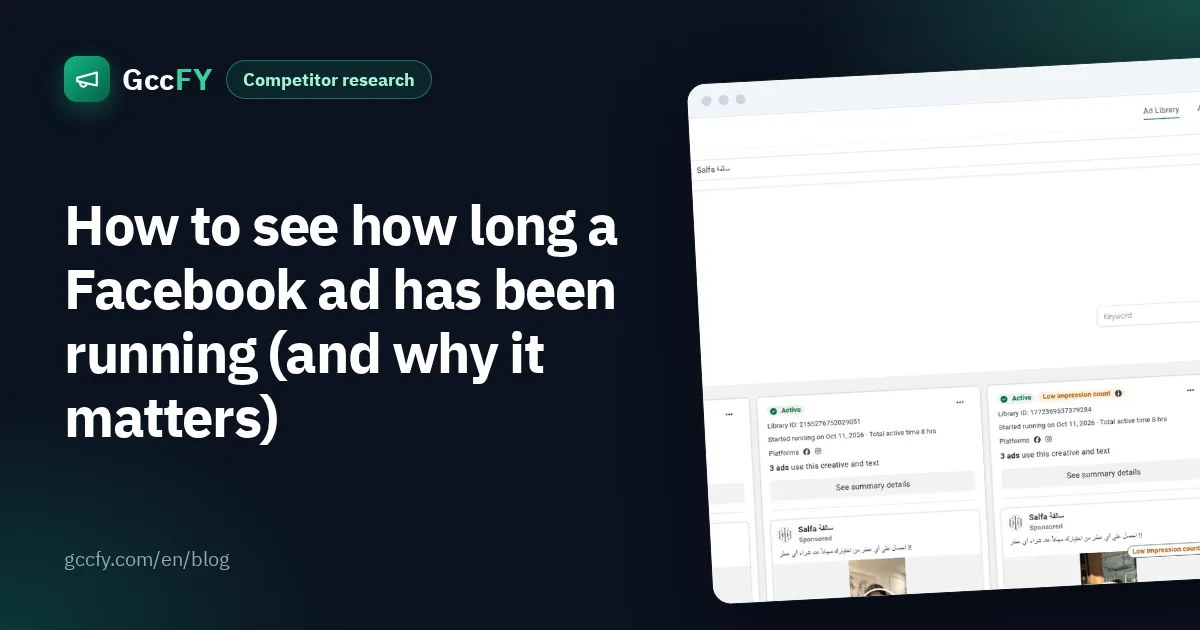
- Number and age of ads: in Meta's library search the Page name and pick it from the list. The number above the results ("~45 results", for example) is approximate and counts ad versions, and the About tab gives the Page's creation date. A one-month-old Page with dozens of ads is not a brand that is years old.
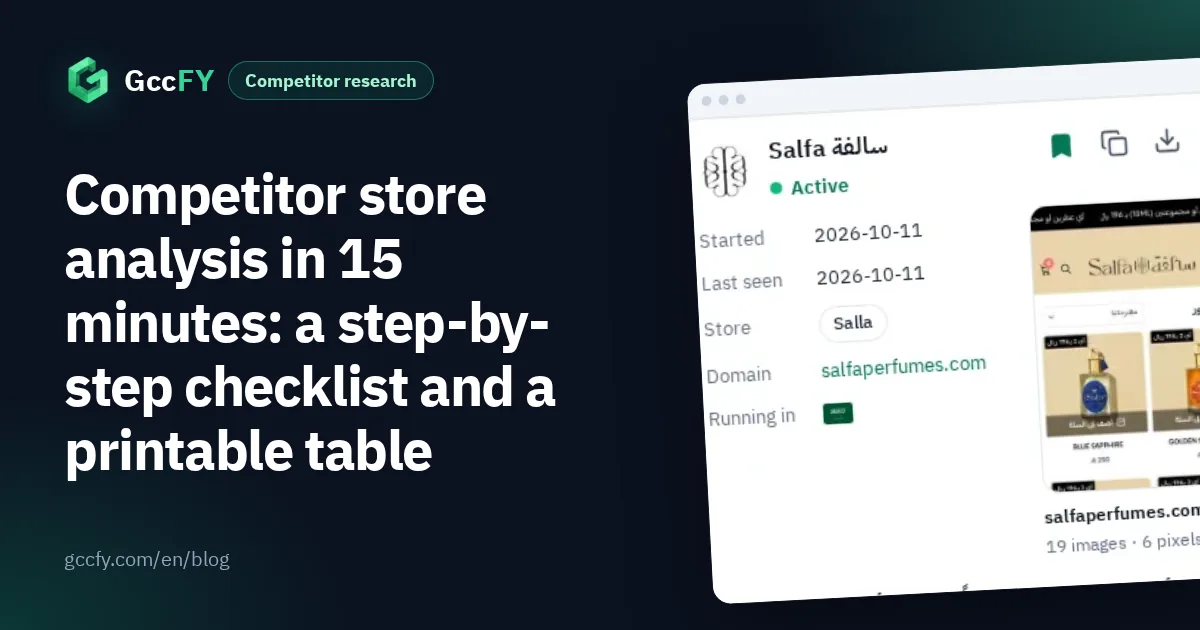
- The longest-running ad: in GccFY sort the advertiser's ads by longest running. That is usually the ad that pays, so note its product, offer and days. Why running time is the most honest signal: Ad running time.
Minutes 5-9: the landing page, and price against the market
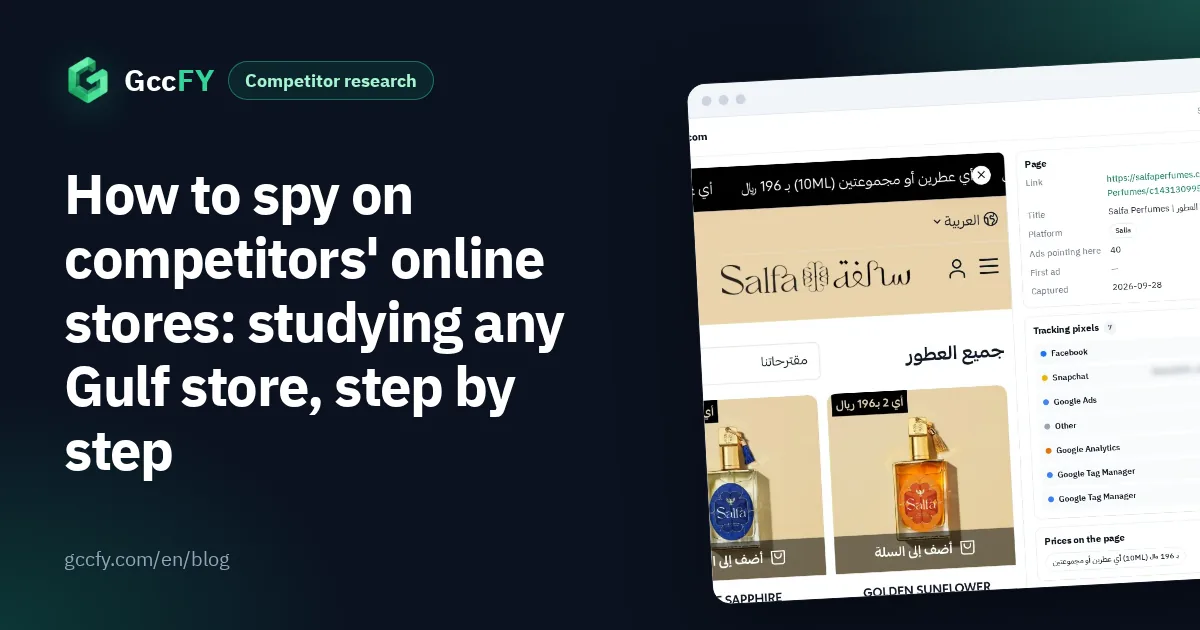
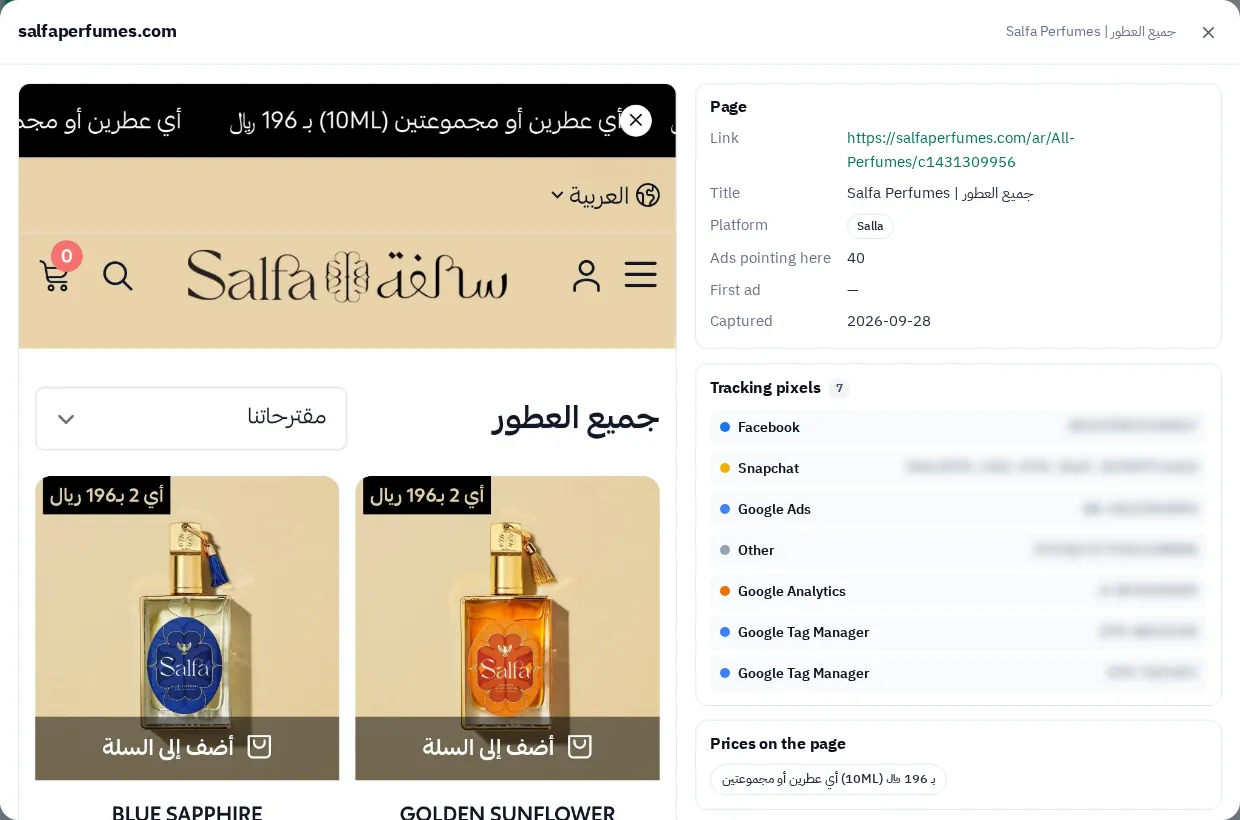
Open the snapshot of the store page behind its longest-running ad in GccFY: the price before and after discount, delivery, payment methods and returns policy, as the buyer saw them the day the ad ran. Then place the price in its country's market:
| Country | Currency | Lower quartile | Median | Upper quartile |
|---|---|---|---|---|
| Saudi Arabia | SAR | 99 | 199 | 370 |
| UAE | AED | 130 | 280 | 600 |
| Kuwait | KWD | 12 | 21 | 49 |
| Qatar | QAR | 100 | 211 | 500 |
| Bahrain | BHD | 12 | 22 | 60 |
| Oman | OMR | 14 | 20 | 40 |
Prices come from ads that state one in the copy, all categories together. Below the lower quartile is a competitor selling on low price and volume; above the upper quartile, one selling on value or brand. For a sharper comparison, compare within its category: perfumes are not electronics.
Minutes 9-12: offers against the market
| Country | Discount or offer | Free delivery | Cash on delivery | Instalments | Gift |
|---|---|---|---|---|---|
| Saudi Arabia | 34% | 10% | 12% | 4% | 8% |
| UAE | 40% | 11% | 14% | 4% | 9% |
| Kuwait | 35% | 12% | 13% | 1% | 10% |
| Qatar | 34% | 13% | 17% | 2% | 9% |
| Bahrain | 31% | 16% | 18% | 1% | 11% |
| Oman | 46% | 17% | 26% | 1% | 13% |
The share of each country's ads that mention the offer in the copy. Read the competitor's five newest ads and count: does it offer discounts more or less than its market? Oman, for example, is the market with the most offers and cash on delivery, and instalments show up in Saudi Arabia and the UAE more than elsewhere. A competitor with no offer at all in a market full of offers is selling on its brand, or losing.
Minutes 12-15: pixels and countries
- Pixels: the Meta Pixel Helper extension shows the Meta pixel, and the store page window in GccFY lists the tracking tools we found. A Snapchat or TikTok pixel means the competitor advertises there too, so follow it there.
- Countries: on the Domains screen, find the store's domain to see its ads in every country and the landing pages it sends traffic to. A new country since last time means a store that is growing.
And what you will not find in any box: sales, revenue, orders, conversion rate and profit. Those are private, and no tool sees them. The checklist gathers only honest public signals, from published information, with no fake orders and no copying.
Save the analysis and repeat it
In GccFY save the competitor's longest-running and newest ads into a collection named after it, with a short note on each: the price, the offer, and where it sits in the market. Two weeks later open the collection and run the checklist again: what stopped? What survived? Did it add a country? The change between two snapshots says more than any single one.
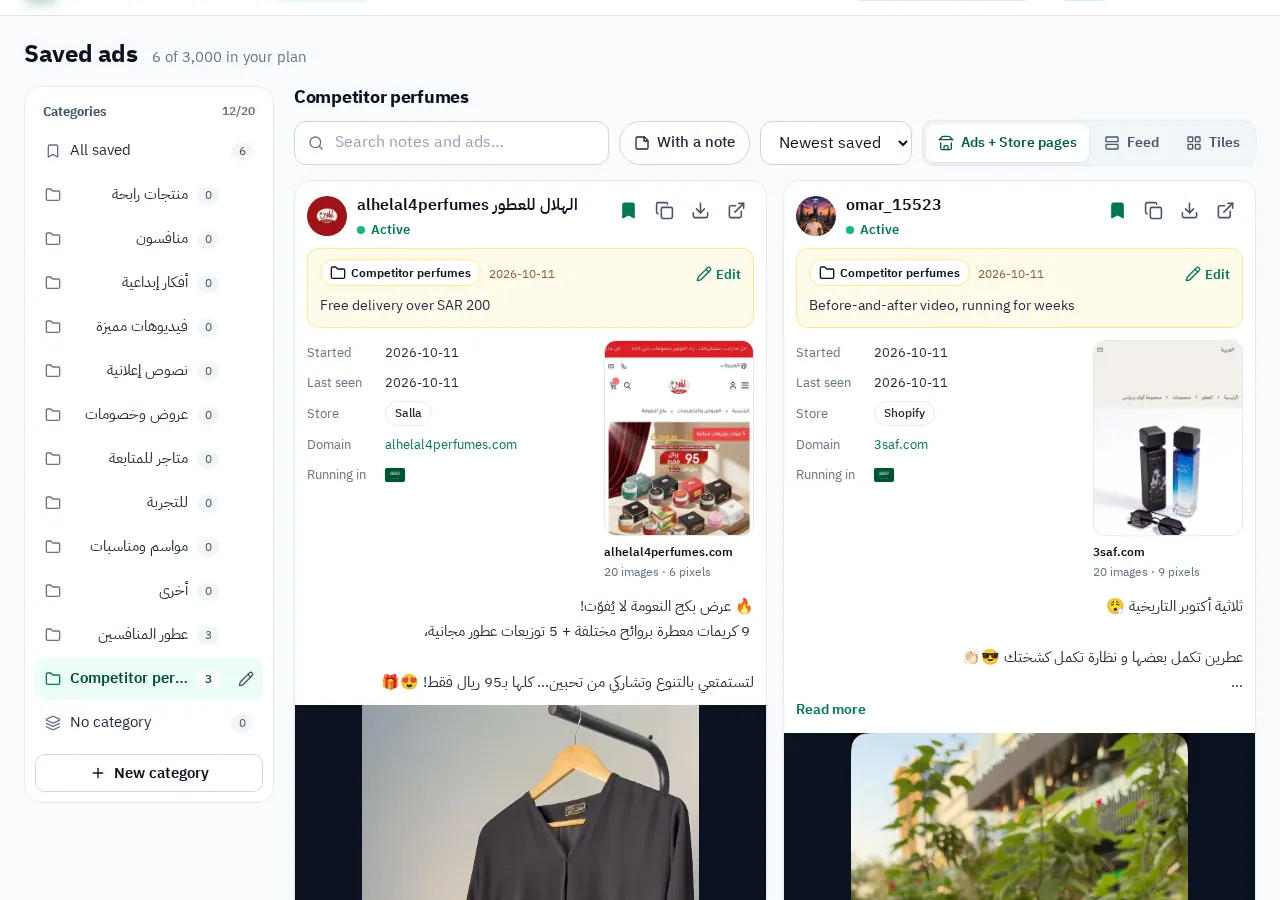
How to organise collections: Saving Ad Library ads. The weekly routine for following competitors' ads: Competitor ads.