In this article
Key takeaways
- In the Meta Ad Library, each ad shows "Started running on" and a date; the days since then are its running time.
- Most ads die fast: in our sample of stopped Arabic ads, half ran for two days or less and only 8% lasted 30 days or more.
- An ad running for weeks, with new versions being added, is the strongest signal of a winning offer.
- Watch the exceptions: duplicated ads restart with a new date, and some big brands leave ads on permanently.
Where to find an ad's running time
In the Facebook Ad Library, each ad card says "Started running on" followed by a date. The difference between that date and today is how long it has run so far, as long as it is still active. For ads the library keeps after they stop (political ads, and ads delivered in the EU) both the start and end dates are shown.
The problem: the library does not sort results by running time, so you read the dates one by one. And when a commercial ad stops it disappears, so you never learn how long it lived. That is why GccFY keeps every ad with its days running, even after it stops.
How long do ads usually live? Numbers from the Gulf
We took a random sample of 4,102 Arabic ads that have stopped and counted the days each one ran:
- Half of the ads ran for two days or less, and 60% did not pass three days. Mostly failed tests or short promotions.
- 74% did not last a week. Advertisers test a lot and stop fast.
- Only 18% passed two weeks, and 8% passed 30 days. That minority is what deserves your attention.
In a sample of ads that are active now, 24% have been running for 30 days or more: winners stay on, so they pile up among the active ads.
How to read running time
| Running time | What it usually means |
|---|---|
| Under 3 days | A new test: nothing proven yet. |
| 4 to 13 days | Passed the first test: worth watching. |
| 14 to 29 days | A strong signal: the advertiser keeps paying. |
| 30 days or more | Usually a winner, or a brand's always-on ad. |
Duration alone is not enough. A long-running ad that keeps getting new versions is far stronger than a long-running ad nobody touches. Look at:
- Versions: "This ad has multiple versions" means the offer is being scaled and tested.
- New ads with the same creative: the advertiser is moving a winner to new audiences or countries.
- Other advertisers on the product: if several stores sell the same item, the demand is real.
Exceptions that will fool you
- Duplicated ads restart: when an advertiser copies a winning ad into a new campaign, it shows a new start date. A "two-day-old" ad may be a copy of an old winner; open all of the advertiser's ads to see the full picture.
- Always-on ads: big brands leave a generic ad running for months on a small budget. That is not necessarily a winning product.
- Forgotten ads: some small advertisers forget an ad running on a tiny budget. If the store is idle and the landing page is broken, ignore it.
- Seasons: a Ramadan ad runs for 30 days because Ramadan lasts 30 days, not because it wins all year.
Running time in GccFY
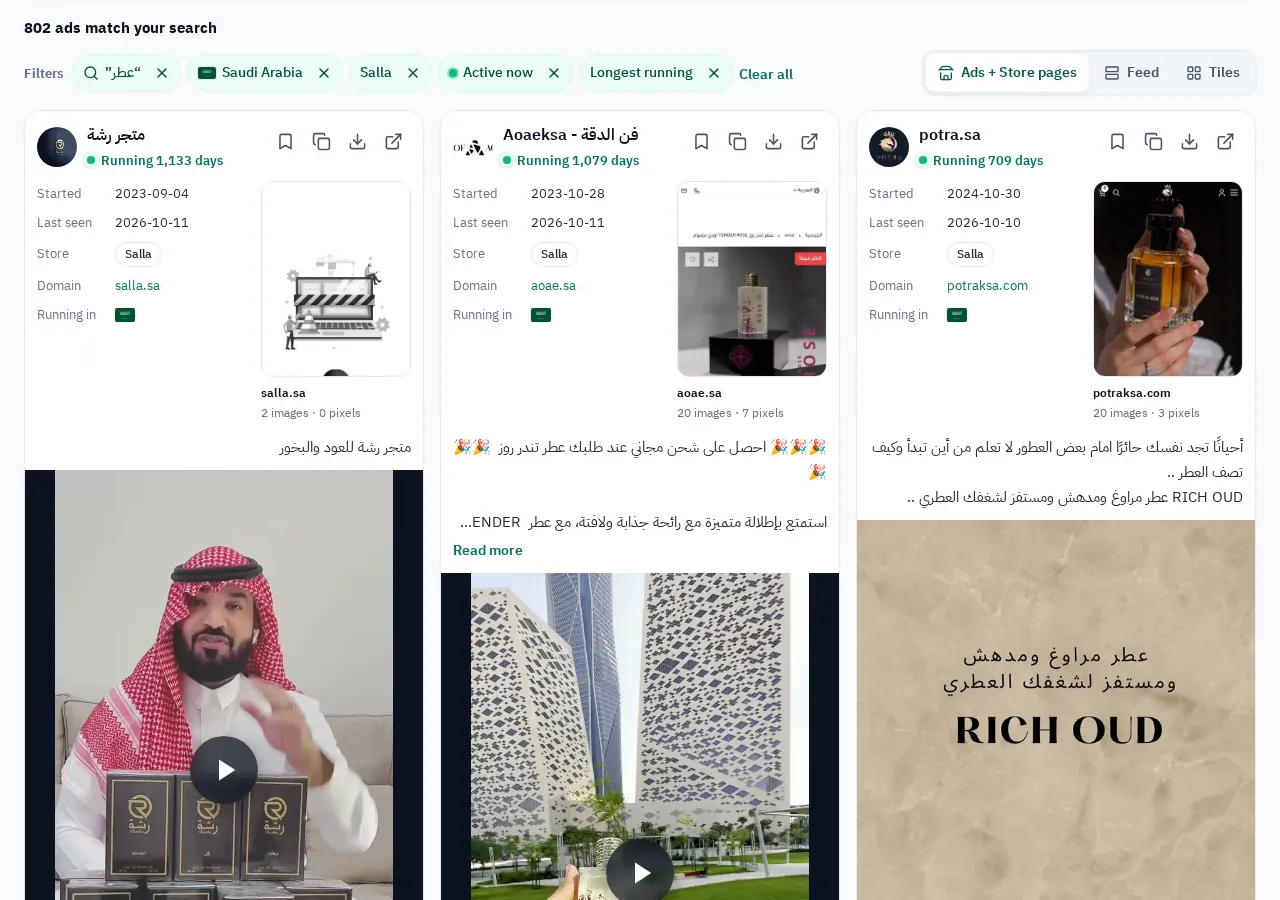
GccFY shows the days running on every ad, and lets you:
- Sort by "longest running": the active ads that survived longest come first.
- Filter by running time: ads that have run for at least 7, 14 or 30 days.
- See stopped ads: we keep them with their duration, so you know what a competitor tried and dropped.
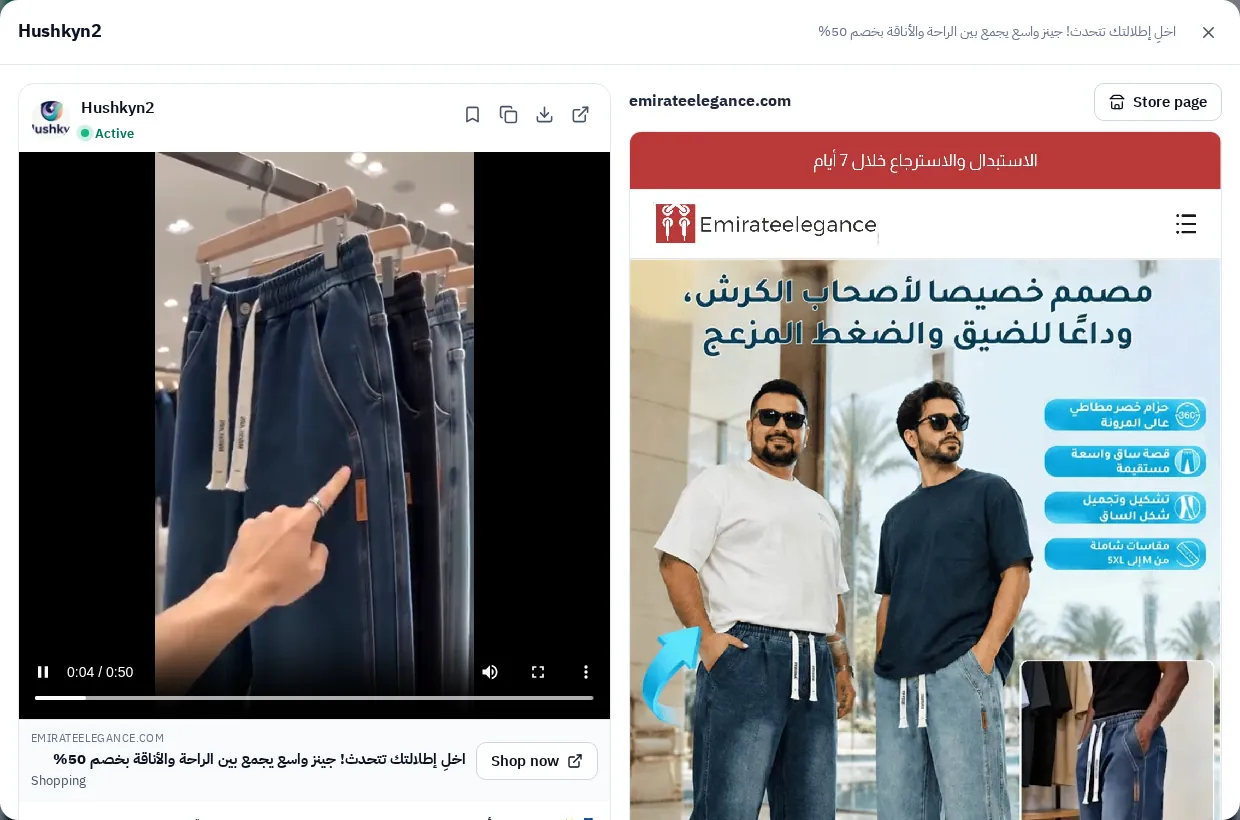
A practical 15-minute method
- Choose your country and category, and "active".
- Sort by longest running and take the first 20 ads.
- Drop always-on brand ads and idle stores.
- For each remaining ad: open the advertiser, count new versions and open the landing page.
- Record offer, price and angle in a sheet, as in Competitor ads.