In this article
Key takeaways
- The Meta pixel is almost universal on all three: 93% of Salla store pages, 93% on Zid, 92% on Shopify.
- The difference is Snapchat and TikTok: the Snapchat pixel is on 82% of Salla stores and 83% of Zid stores, against 49% of Shopify stores.
- The Google Ads tag is on only about half of stores on each platform: install it when you actually advertise on Google.
- In Kuwait Shopify is the leading store platform (after WhatsApp without a store): 14% of Kuwait's ads lead to it, against 1% for Salla.
Why your store needs the pixel before the first ad
A pixel is a small piece of an ad platform's code on your store pages. It sends the platform "events": a product view, an add to cart, a checkout started, a purchase. With these events the platform learns who buys, shows your ad to similar people, retargets those who added to cart and did not finish, and tells you what each order cost.
So install the pixel of every platform you will advertise on before the first riyal: the platform learns from the first days of the campaign. A seller on WhatsApp without a store has no pixel at all, one of that model's limits (Selling on WhatsApp, no store).
What each platform's stores install
| Pixel | Salla | Zid | Shopify |
|---|---|---|---|
| Meta (Facebook and Instagram) | 93% | 93% | 92% |
| TikTok | 85% | 88% | 53% |
| Snapchat | 82% | 83% | 49% |
| Google Ads | 56% | 53% | 47% |
| Google Analytics | 92% | 81% | 62% |
The share of each platform's store pages in our second study (October 2026). The clear difference is Snapchat and TikTok:
Salla and Zid stores, mostly Saudi, advertise on Snapchat and TikTok far more than Shopify stores, which spread across the UAE and Kuwait. The full study is in Tracking pixels in Gulf stores.
Which pixels your store needs
- Meta, always: Facebook and Instagram ads are the base in the Gulf, and the pixel is on the vast majority of stores on all three platforms.
- Snapchat and TikTok if your market is Saudi Arabia: Salla and Zid stores install both widely because their Saudi audience is large. Read Snapchat ads and TikTok ads library to see how to read your competitors' ads there.
- Google Ads if you advertise on search: only about half of stores carry it, and it is useless without Google campaigns.
- Google Analytics for every store: free, and it shows traffic from every source, including unpaid.
Shopify in Kuwait: Shopify is the leading store platform there, behind only selling over WhatsApp without a store (14% of Kuwait's ads, and 27% of all Shopify ads run in Kuwait). A Kuwaiti Shopify store needs Meta first, then Snapchat and TikTok depending on its audience; check Kuwaiti competitors' pixels before you decide. For Shopify stores in the UAE and the Gulf: Shopify stores in the Gulf.
Where the pixel is set on each platform
The exact steps change with platform updates, so follow each platform's current help centre. The general idea:
- Salla and Zid: both offer ready integrations for the Meta, TikTok, Snapchat and Google pixels from the store dashboard: you connect your ad account or paste the pixel ID, and the platform sends the store's events automatically. That is why Snapchat and TikTok are so common on their stores.
- Shopify: most pixels are connected through each platform's official app (Meta, TikTok, Snapchat and Google) from the Shopify App Store, not by pasting code by hand.
- Check after connecting: open the platform's events manager, visit your store, add a product to cart, and make sure the event arrived.
- Do not install a pixel twice: a ready integration plus manual code for the same pixel doubles the purchase count and spoils the campaign's decisions.
How to check a competitor's pixels
- Free browser extensions: Meta Pixel Helper, TikTok Pixel Helper and Snap Pixel Helper show the pixel when you open the competitor's store in Chrome.
- Page source: search it for fbq (Meta), ttq (TikTok), snaptr (Snapchat) or gtag (Google).
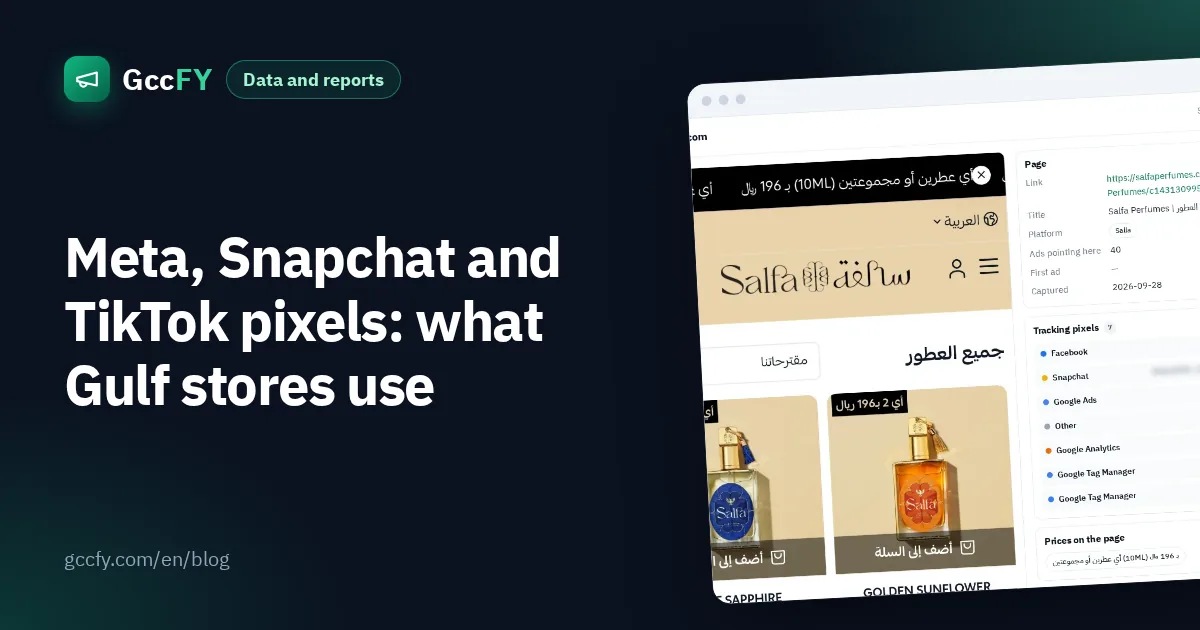
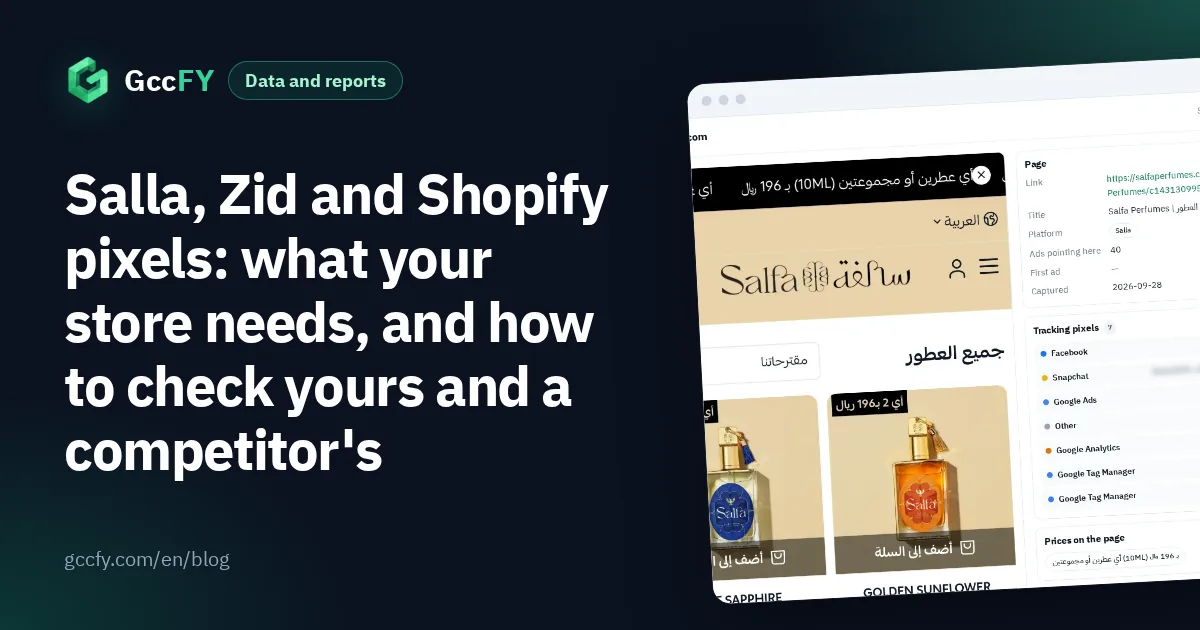
- GccFY: the store page window lists the tracking tools we found on the latest snapshot, and the library's "pixel" filter gathers the ads of stores carrying a given pixel.
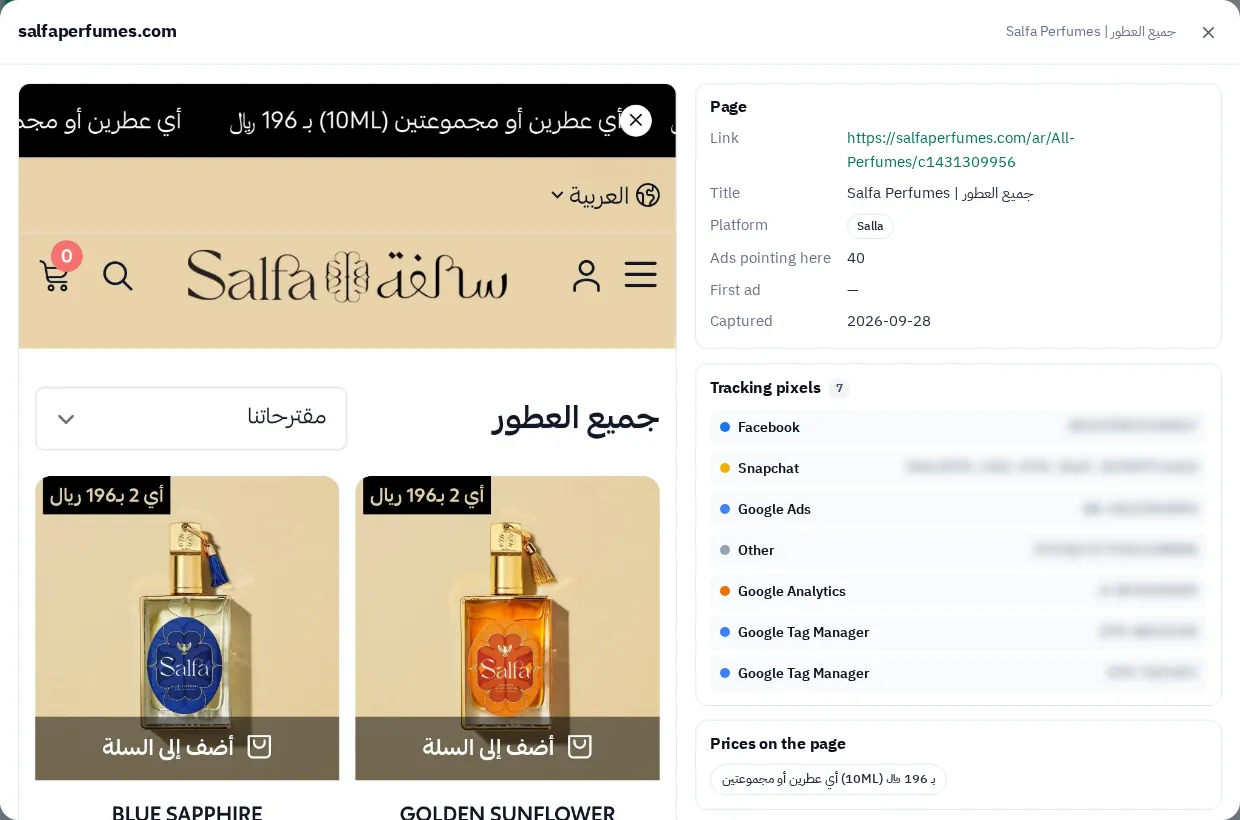
A Snapchat pixel on a competitor's store means they advertise there too: follow their Snapchat ads, not only Meta. For the platform map and its ads: Salla, Zid and Shopify.
Common pixel mistakes
- Launching before connecting: days of ads without purchase events are days lost for the platform's learning.
- A pixel for a platform you do not use: every pixel slows the page a little. Install only what you use.
- Forgetting the purchase event: a pixel that counts only views does not teach the platform who buys.
- Pasting the wrong pixel ID: after every connection, check in the events manager that the data reaches the right account.