In this article
Key takeaways
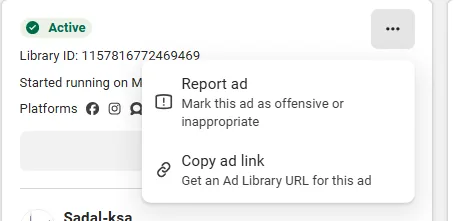
- There is no download button in Meta's library: the card menu offers "Report ad" and "Copy ad link" only.
- The browser's own options on the video (open in a new tab or save) sometimes work; screen recording always works.
- An ad link loses its value when the ad stops: commercial ads disappear from the library outside the EU.
- In GccFY the ad's media stays on its card after it stops, you save it into collections, and the download button comes with paid plans. 69% of the newest 160,000 Arabic ads are video.
The truth first: no download button
Open any video ad in the library and press the "…" menu in the corner of the card. You will find two options: Report ad and Copy ad link. No download, no save, no file sharing.
The ad link itself opens the ad only while it is active: a commercial ad disappears from the library once the advertiser stops it (outside the EU). Copy the link alone and a week later you may land on an empty page. "Save search" keeps your keywords and filters, not the ads.
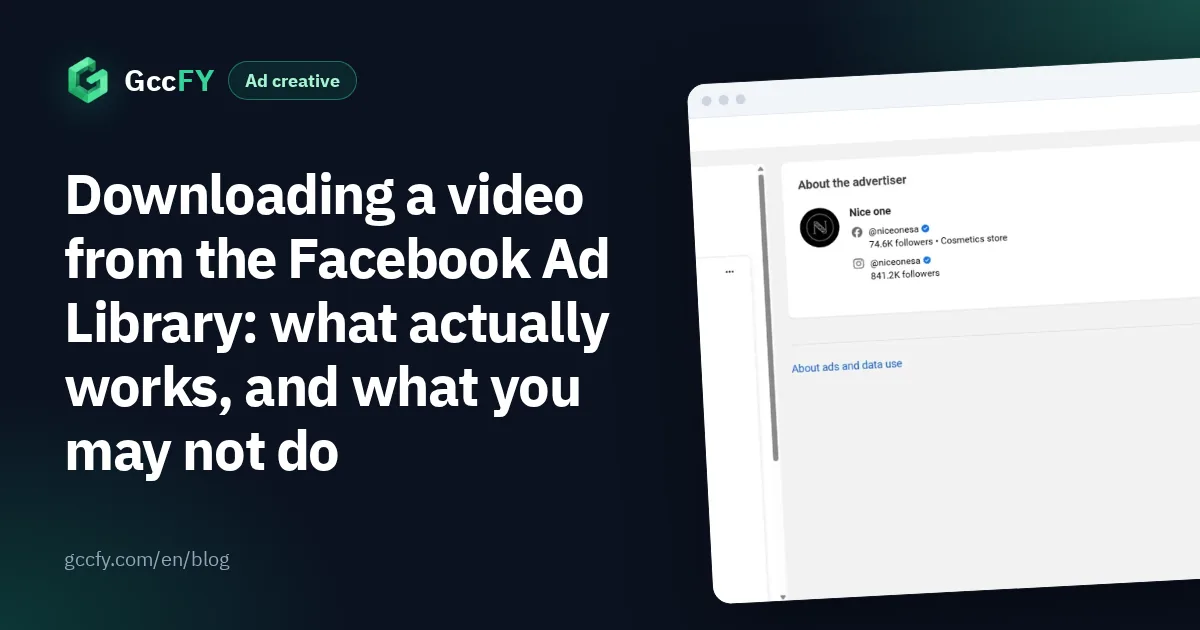
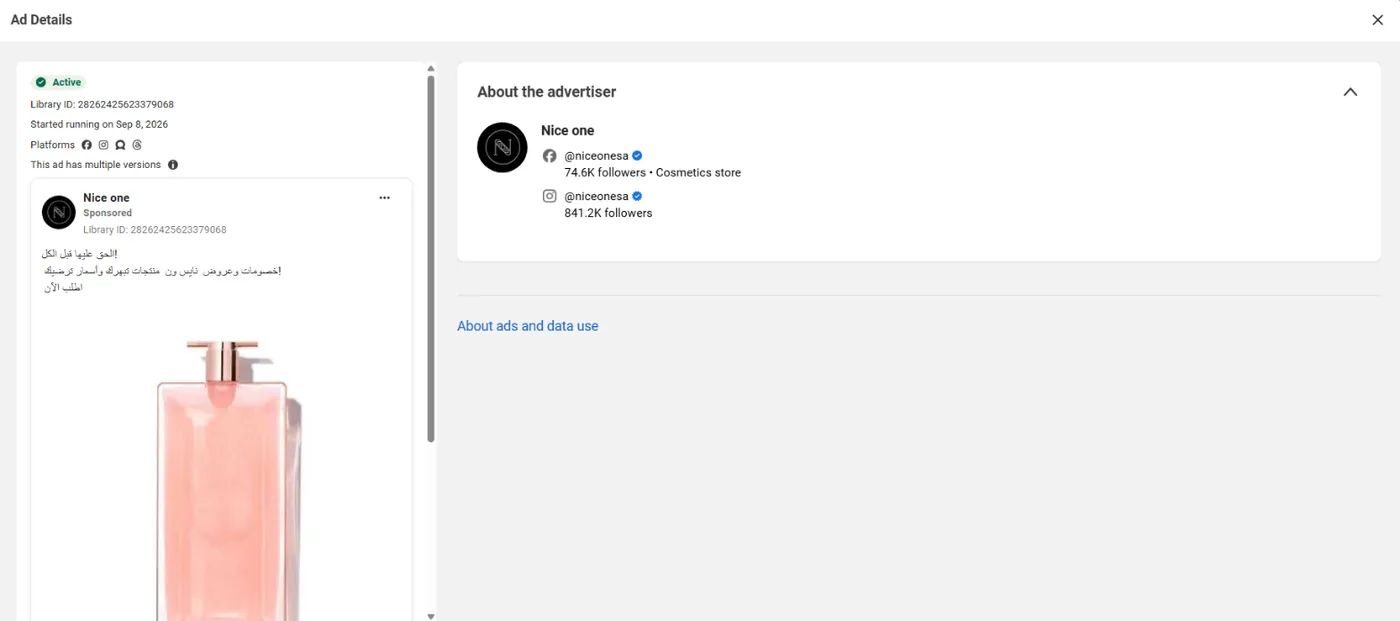
The ad details ("See ad details") show the video larger, with the library ID, the versions, the platforms and "About the advertiser"; it is the best screen for recording or watching the video in full:
Option one: the browser's own tools
The library plays the video the way any web page does, so the browser's ordinary tools sometimes work on it:
- Play the video, then right-click it: some browsers offer to open the video in a new tab or save it, as with any embedded video. If the option appears, use it.
- If it does not appear, do not try to work around it: the library changes the way it serves video from time to time, and what works today may not work tomorrow.
- We recommend no downloader sites or extensions: an extension reads the pages you open, and many "download" sites ask for links and data they have no need for. Screen recording is simpler and safer.
Option two: screen recording (always works)
This method is available to everyone and does not depend on what the library allows:
- Open the ad details so the video shows at its largest, and play it once so it loads fully.
- On a computer: the Windows Snipping Tool captures part of the screen and records video; on a Mac use Cmd+Shift+5. Select the video area only.
- On a phone: screen recording from the control centre; the library works in a mobile browser.
- Name the file with the advertiser, the country and the date, and add a note on the offer, the angle and the running time.
Most tools record the sound if you enable system audio. If what matters is the idea rather than the file, a screenshot of the first second and another of the offer are often enough; every saving method is in Saving Ad Library ads.
Option three: a library that keeps the media for you
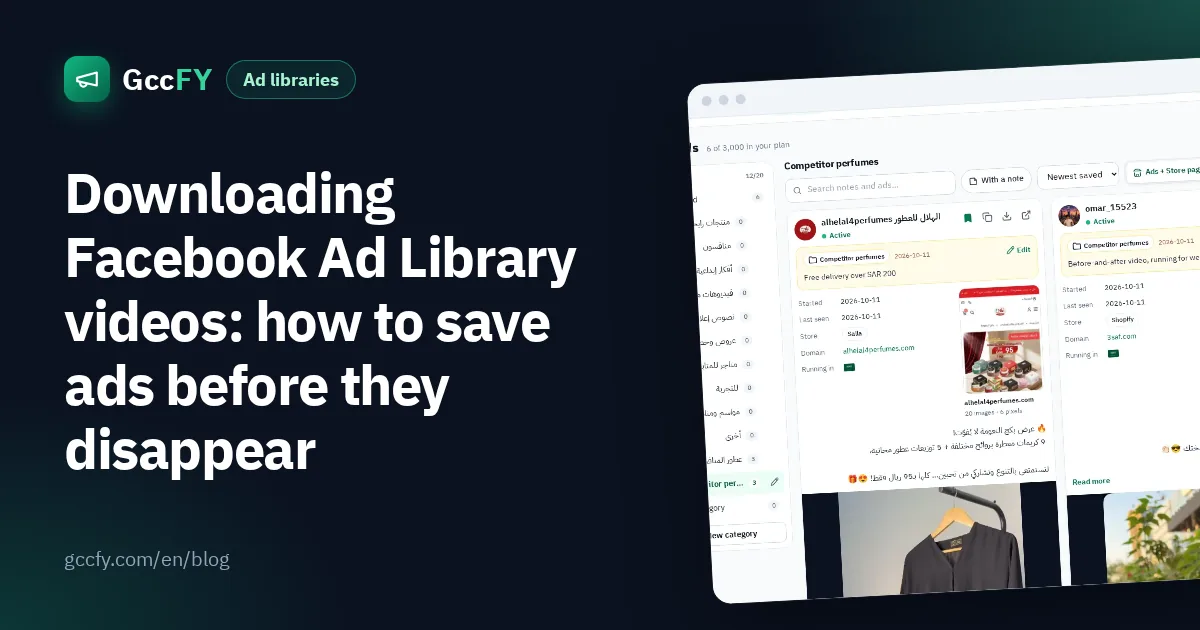
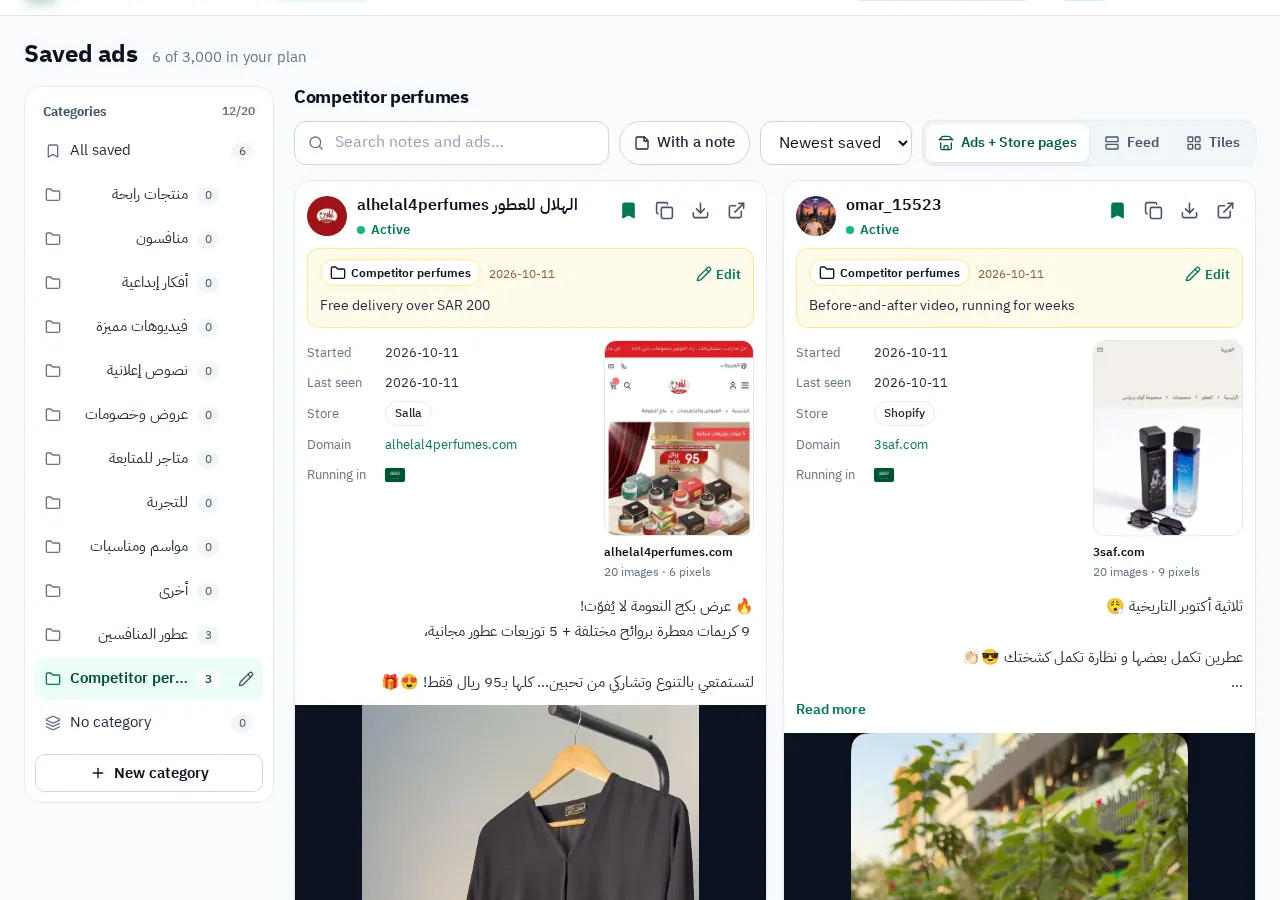
In GccFY the ad's image and video stay on its card after the ad stops and vanishes from Meta's library. You save the ad into a collection you choose (competitors, video ideas, offers…) with your note, and come back whenever you like. The download button on the card saves the ad's images and videos for study on paid plans.
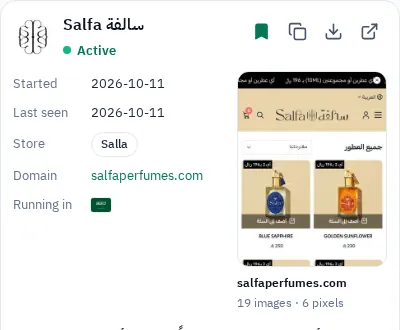
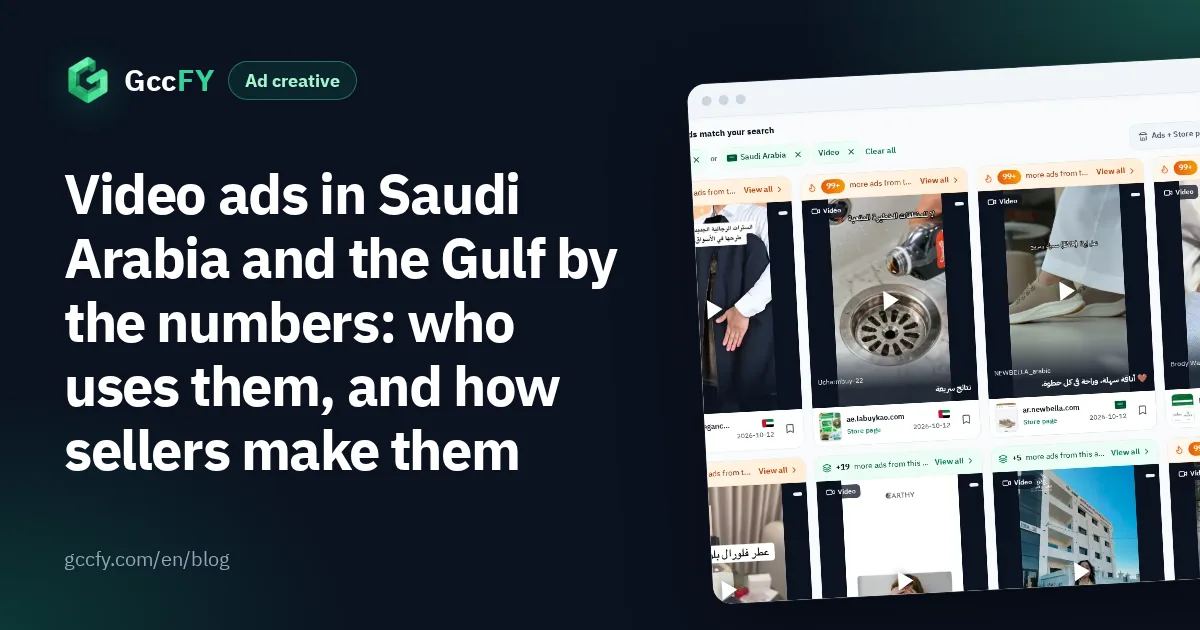
Video is the dominant format of Gulf ads: between 2026-10-25 and 2026-11-06, 69% of the newest 160,000 Arabic ads were video, against 17% single images and 5% carousels. In Saudi Arabia alone, 62% are video. Sort your category's videos by "longest running" to see what survived for weeks, and open the store page behind each ad for the price and the offer.
What to study in a competitor's video
The file alone is worthless; what you take from it is not. Write down, for every video you keep:
- The first two seconds: what shows before the viewer decides to scroll? A product, a face, a question, a price?
- On-screen text: many watch without sound, so the offer is written on the video.
- Shot order: problem, then product, then proof, then offer? Or the product from the first frame?
- Offer and button: a discount, free delivery or cash on delivery, and "Shop now" against "Send WhatsApp message".
- Running time: from "Started running on…". The video running for weeks is the one worth analysing.
Video numbers in the Gulf by country, niche and store platform, and what the videos that last do, are in Video ads in the Gulf. Every library step with pictures is in Ad Library step by step.
What you may and may not do with a saved video
- You may: keep the video for study, analyse the angle, the shots and the offer, and share it inside your team as a reference.
- You may not: republish a competitor's video or parts of it in your ads or accounts, reuse its music or footage, or copy its text word for word. The video, images and copy belong to their owners.
- Best practice: take the idea (the opening, the shot order, the wording of the offer) and shoot your own material with your own product. That is how a professional marketer uses the library: Competitor ads.