In this article
Key takeaways
- "Shop now" is on 42% of Gulf ads, "WhatsApp message" on 26% and "Order now" on 14%.
- The WhatsApp button is the store-less seller's button: 41,423 of the 41,447 ads using it lead to a chat, not a store.
- Salla stores lean to "Order now" (46%) over "Shop now" (42%); Shopify leans to "Shop now" (59%).
- The UAE has the Gulf's highest WhatsApp-button share (30%); Saudi Arabia the highest "Order now" share (20%).
The buttons in Gulf ads
Three buttons cover most store ads in the Gulf: "Shop now" (42%), "WhatsApp message" (26%) and "Order now" (14%). After them come "See details" (3%), "Send message" (3%) and "Learn more" (3%) with small shares.
The button is not decoration: each one promises the buyer a different next step. "Shop now" promises a store to browse, "Order now" a quick order of one product, "WhatsApp message" a person who answers their question. Pick the button that matches what they will actually find after the click.
Buttons by country
| Country | Shop now | WhatsApp message | Order now |
|---|---|---|---|
| Saudi Arabia | 36% | 23% | 20% |
| UAE | 41% | 30% | 11% |
| Kuwait | 43% | 23% | 16% |
| Qatar | 43% | 22% | 15% |
| Bahrain | 44% | 19% | 16% |
| Oman | 46% | 27% | 10% |
"Shop now" is first in every country. The differences are in the other two: the UAE has the Gulf's highest WhatsApp-button share, Saudi Arabia the highest "Order now" share (Salla and Zid stores and quick order pages). And Oman has the highest "Shop now" share and the lowest "Order now":
Your store platform picks the button for you
The clearest result of the study: the button follows where the ad leads more than it follows the country or the product.
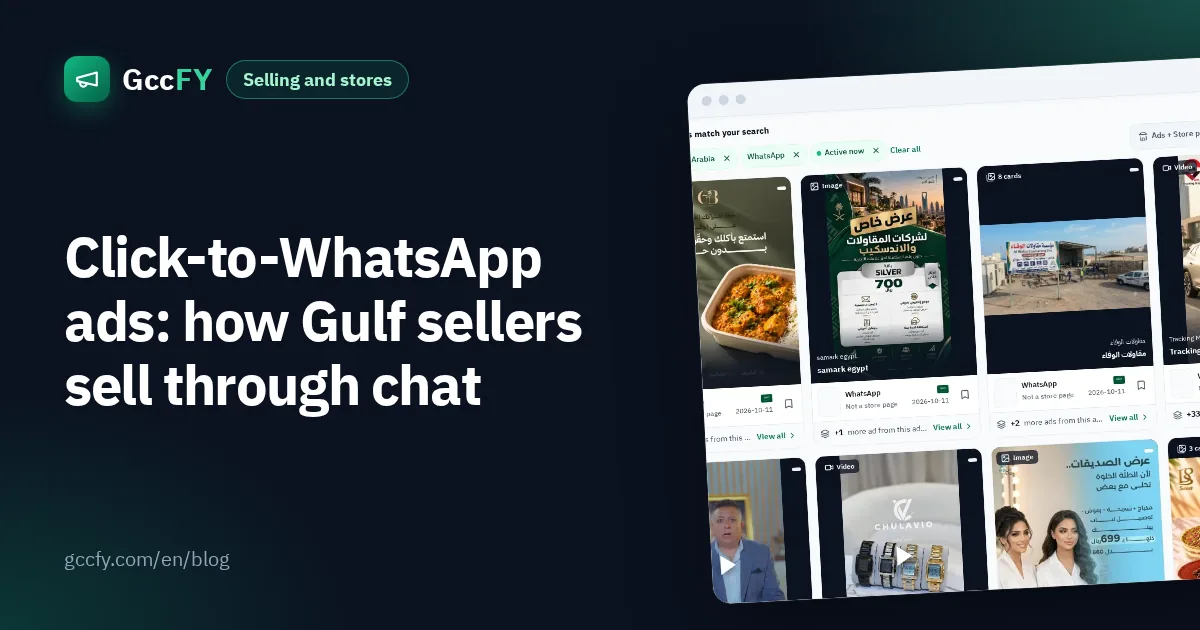
- WhatsApp without a store: 94% of WhatsApp sellers' ads carry the "WhatsApp message" button, and 41,423 of the 41,447 ads with that button in the whole Gulf lead to a chat. The WhatsApp button and selling without a store are nearly the same thing. Details in WhatsApp ads.
- Salla: "Order now" (46%) ahead of "Shop now" (42%).
- Zid: "Order now" more clearly (54%).
- EasyOrders: "Order now" on 71%: a one-product page with an order form.
- Shopify: "Shop now" on 59% and "Order now" on 28%.
How the platforms differ beyond buttons: Salla, Zid and Shopify.
Buttons by category
| Category | Shop now | WhatsApp message | Order now |
|---|---|---|---|
| Makeup | 78% | 8% | 6% |
| Fashion and shoes | 76% | 8% | 7% |
| Electronics | 68% | 12% | 10% |
| Perfumes and incense | 56% | 12% | 18% |
| Skincare | 54% | 22% | 15% |
| Home and furniture | 47% | 30% | 10% |
| Food, coffee and dates | 40% | 20% | 19% |
Makeup and fashion are all but settled on "Shop now": a visual product with a clear price, and sizes or shades the buyer picks alone. Home and furniture has the highest WhatsApp-button share of any category: buyers ask about size, delivery and assembly before paying. And food spreads across all three buttons, with the highest "Order now" share of any category: hospitality and dates orders are decided fast.
The decision table: your situation → the button
| Your situation | Button | Why |
|---|---|---|
| A store with a cart and several products (Shopify, Salla), advertising a range | Shop now | The buyer will browse and choose |
| One product on a quick order page, or cash on delivery | Order now | It promises one step: the order |
| No store, or a product that needs a question (size, scent, made to measure, delivery) | WhatsApp message | The sale happens in the chat |
| An expensive product or a new idea that needs explaining first | Learn more / See details | It does not push a buyer who is not convinced yet |
| You want the messages in Messenger or Instagram, not WhatsApp | Send message | The chat lands in the Page's inbox |
| Makeup or fashion with a clear price | Shop now | What nearly the whole category uses |
If you hesitate between two, test them: two versions of the same ad, a different button on each, and compare the cost per order, not the cost per click. And the copy should say what the button says ("order now, pay on delivery"): templates in Arabic ad copy, and the offers ads mention in Ad offers in numbers.
See live examples of every button
In GccFY the button is a filter like the country, the store platform and the ad type, so you can gather the "Order now" ads of your category and country, sorted by longest running, and open the store page behind each one to see what the buyer finds after the click.