In this article
Key takeaways
- A click-to-message ad opens a WhatsApp chat with the seller instead of a store page, and is run from Meta Ads Manager.
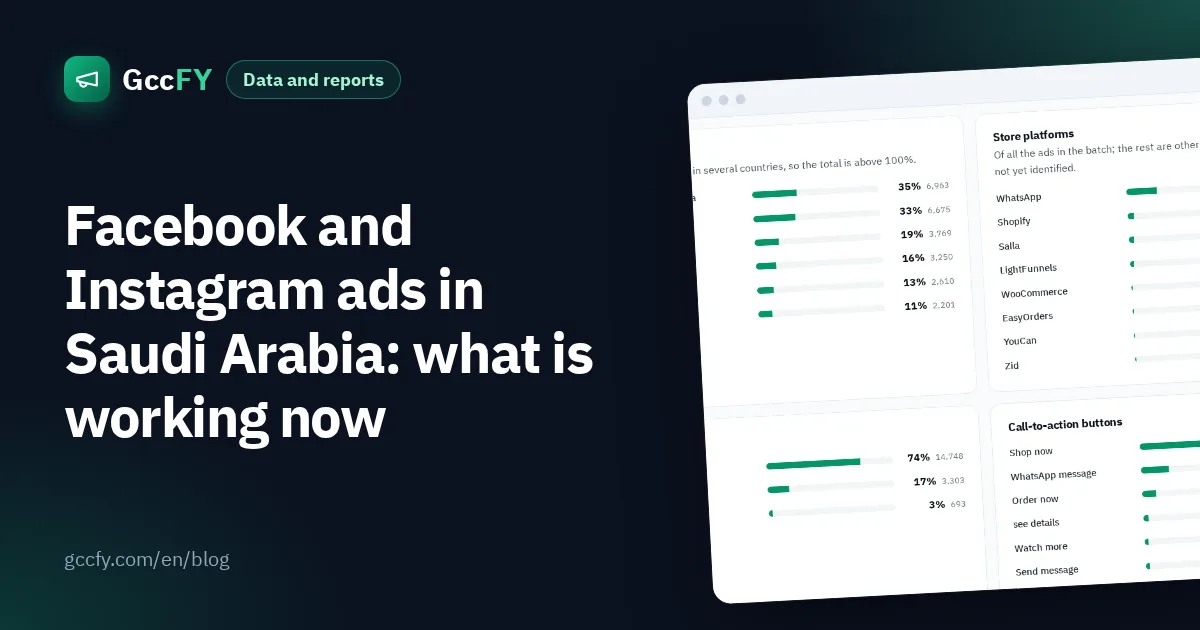
- The "Send WhatsApp message" button is on 30% of the newest Arabic ads in our library; in Saudi Arabia it overtook "Shop now" in our study (29% vs 25%).
- A clear price in the ad cuts wasted chats, and fast replies are what turn chats into orders.
- WhatsApp is great to start with and for products that need a question; a store wins as orders grow.
How a WhatsApp ad works
A click-to-message ad on Facebook or Instagram carries a button such as "Send WhatsApp message". When a viewer taps it, a WhatsApp chat with the seller opens directly, often with a pre-filled message the advertiser wrote, such as "I want to order". The customer asks about sizes or delivery and orders inside the chat.
To run one, you connect your Facebook Page or Instagram account to a WhatsApp Business number, then choose an objective that supports messaging in Ads Manager (such as engagement or sales) and set WhatsApp as the message destination.
Why WhatsApp ads are everywhere in the Gulf
The numbers show WhatsApp is not a side channel in the Gulf:
- Trust: buyers ask a question and get a human answer before paying, which matters for a new store nobody knows.
- Cash on delivery: agreed in the chat, and preferred by many buyers.
- A fast start: no store or payment gateway is needed to start selling.
- Upselling: in the chat you can suggest a second product or a larger quantity.
- Products that need a question: sizes, perfumes, services and made-to-order items.
Study live examples before you start
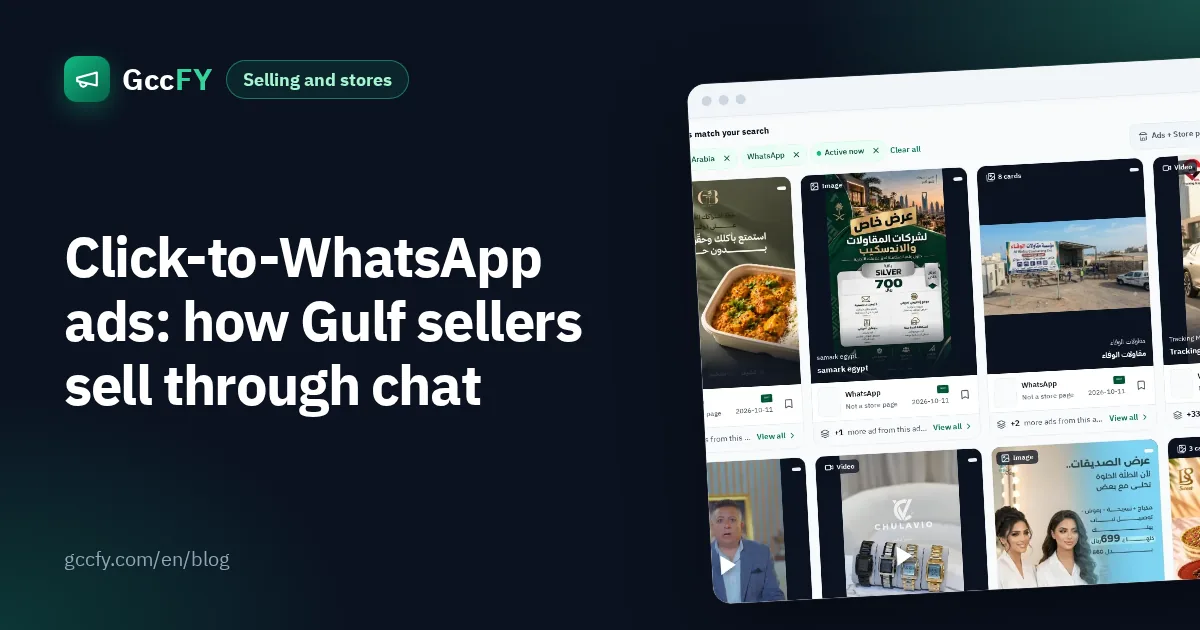
The best way to learn how to write a WhatsApp ad is to read dozens of ads running right now in your category and country. In GccFY, the WhatsApp filter collects the ads that end in a chat, and you can narrow them by country, product and running time.
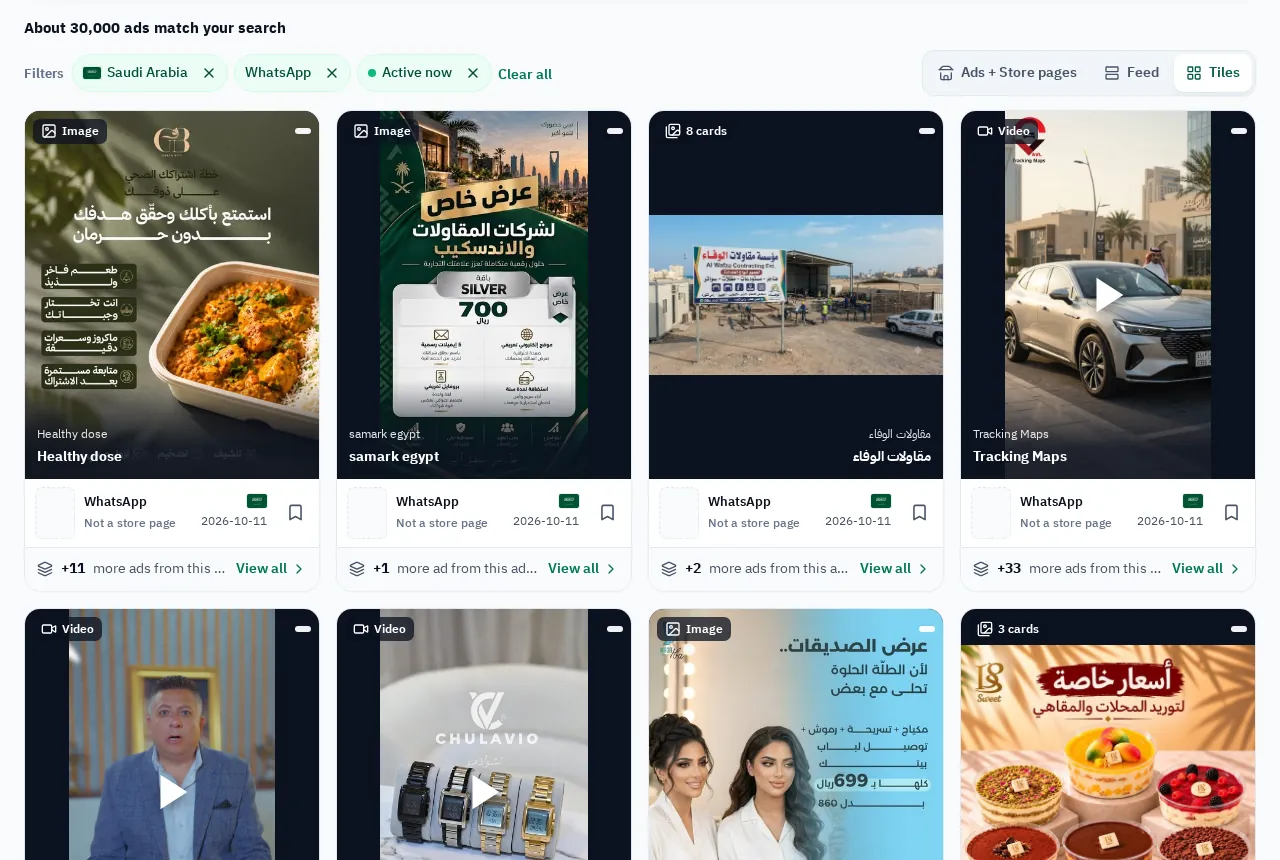
In the ads that have run for weeks, notice: do they state the price? Do they say "cash on delivery"? What is the first line of the copy, and the first two seconds of the video? See the WhatsApp selling ads page for live Gulf examples.
How to write a WhatsApp ad that sells
- Show the price: a viewer who knows the price and still messages you is serious, so fewer chats go nowhere.
- Film the product itself: in use, on camera, not generic supplier photos.
- A real limited offer: "limited stock" or "offer ends this weekend", if it is true.
- A direct call: "Order now on WhatsApp, pay on delivery".
- The opening message: pre-fill a message that saves the customer typing, such as "I want the offer".
For the Arabic phrasing that sells, read Arabic ad copy.
Set up WhatsApp Business before your first ad
- Business profile: name, logo, opening hours and address or delivery cities.
- Catalogue: add products with photos and prices so customers can browse inside the chat.
- Quick replies: saved answers for repeated questions: price, delivery, sizes, payment.
- Labels: organise chats: new order, awaiting confirmation, shipped, delivered.
- Greeting and away messages: no customer is left without a reply outside working hours.
Speed is everything: a chat left waiting for hours goes cold and the customer messages a competitor. If you cannot reply within minutes at peak times, lower the ad budget until you can.
How to measure WhatsApp ads
Ads Manager counts the conversations that started, but not who bought. Work it out yourself:
| Metric | How to calculate it |
|---|---|
| Cost per conversation | Spend ÷ conversations started (from Ads Manager) |
| Close rate | Confirmed orders ÷ conversations (from your WhatsApp labels) |
| Cost per order | Cost per conversation ÷ close rate |
| Delivery rate | Delivered orders ÷ confirmed (cash on delivery raises refusals) |
Example: if a conversation costs SAR 6 and a quarter of conversations close, an order costs SAR 24 before refused deliveries.
When to move to an online store
WhatsApp is ideal at the start and for a limited number of orders, but every order needs a person to answer. As orders grow, a store on Salla, Zid or Shopify is faster for the customer and cheaper for you, and WhatsApp stays the channel for questions and after-sales. Many advertisers run both: a store ad and a WhatsApp ad for the same product, comparing cost per order. Read Salla and Zid store ads.