In this article
Key takeaways
- The only official tool for display ads is the Google Ads Transparency Center: search the advertiser, pick the region, and filter the platform to Display and the format to image.
- No library lets you search banners by product, shows the sites a banner appeared on, or shows spend and performance.
- In Gulf store ads on Facebook and Instagram, a still image is 17% of the newest Arabic ads and video 69%: image ads are a minority, but not rare.
- GccFY shows the image and video ads of Gulf stores with a format filter, the store page and the running time.
What display ads are, and why they are hard to find
A display ad is the image or animated banner that appears on a news site, in an app or on a blog, not in search results and not inside social apps. It reaches the user through ad networks, the largest being the Google Display Network. The catch is that a banner is shown to whoever matches its targeting, so you can browse for a week and never see your competitor's banner once.
That is why people search for a "display ad library": one place showing the banners running right now. The short answer: there is one official tool for Google ads, and none for the other display networks.
Google Ads Transparency Center: the official place for banners
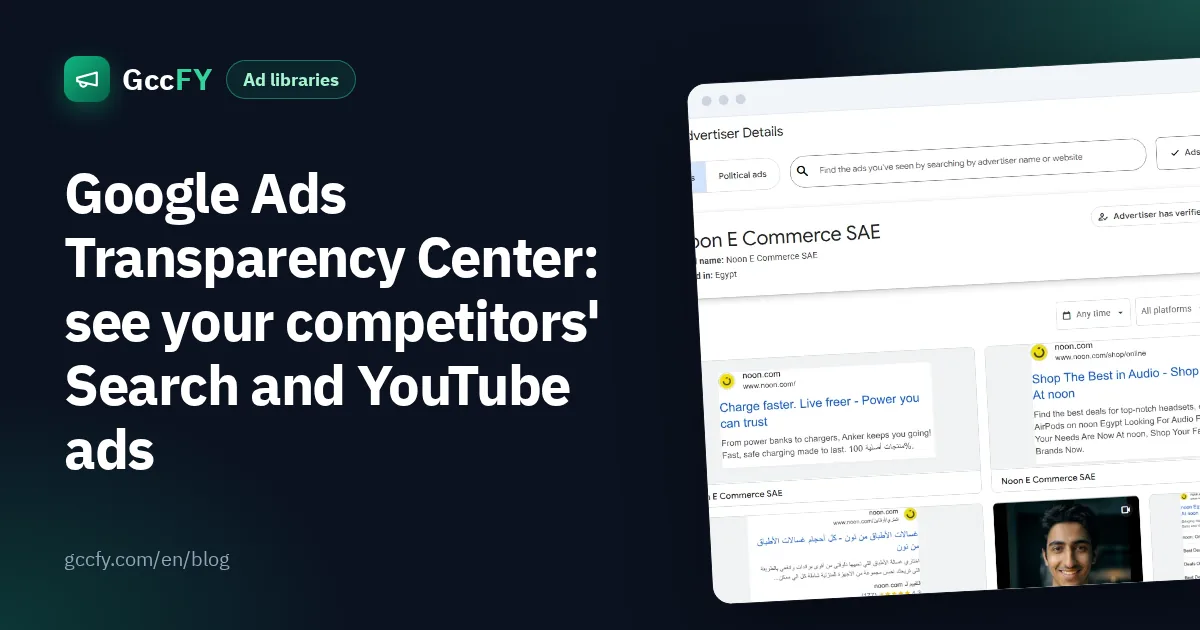
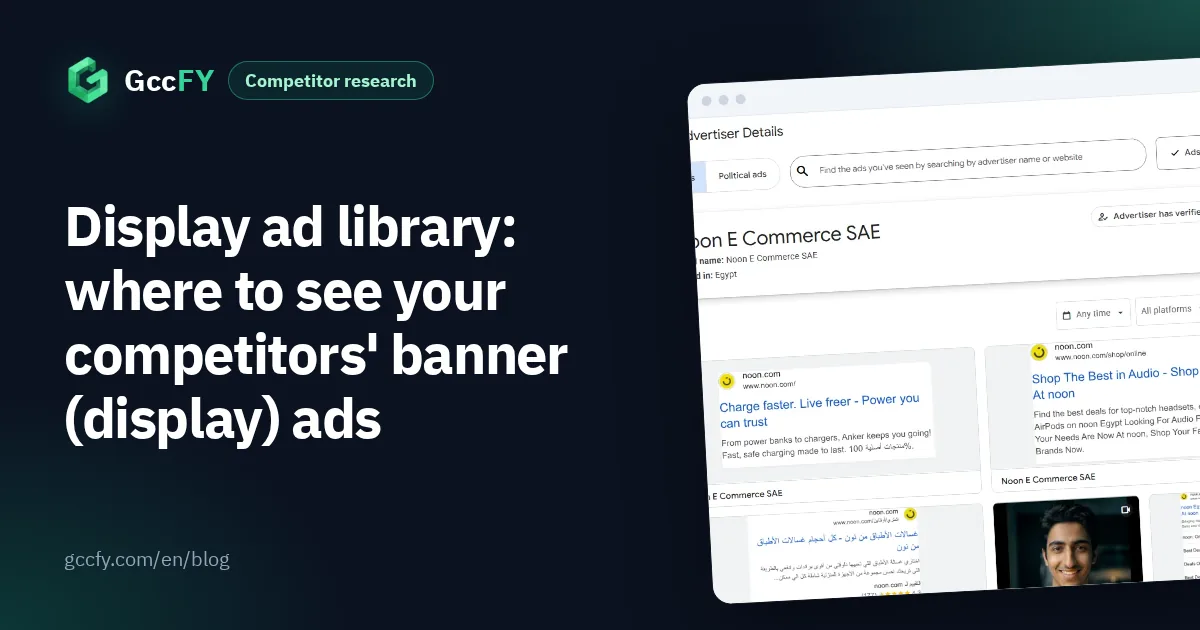
The Google Ads Transparency Center at adstransparency.google.com shows verified advertisers' ads across all of Google's platforms: Search, YouTube, Display, Google Play, Maps and Shopping. On the advertiser's page there is a platform filter and a format filter: text, image or video. So the route to a competitor's banners is:
- Open the tool and pick the region with the button next to the search box ("Ads in Saudi Arabia", for example).
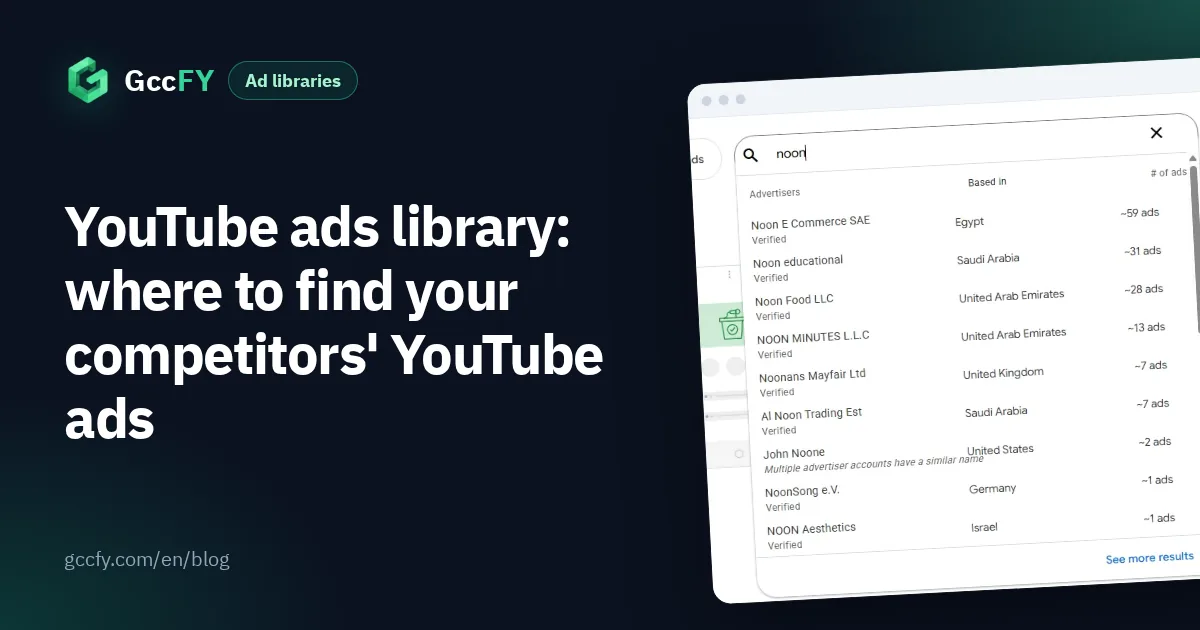
- Type the advertiser's name or website, and pick the advertiser from the list.
- On their page, set the platform filter to Display and the format filter to image.
- Open any ad to see the image, the regions it ran in and when it was last shown.
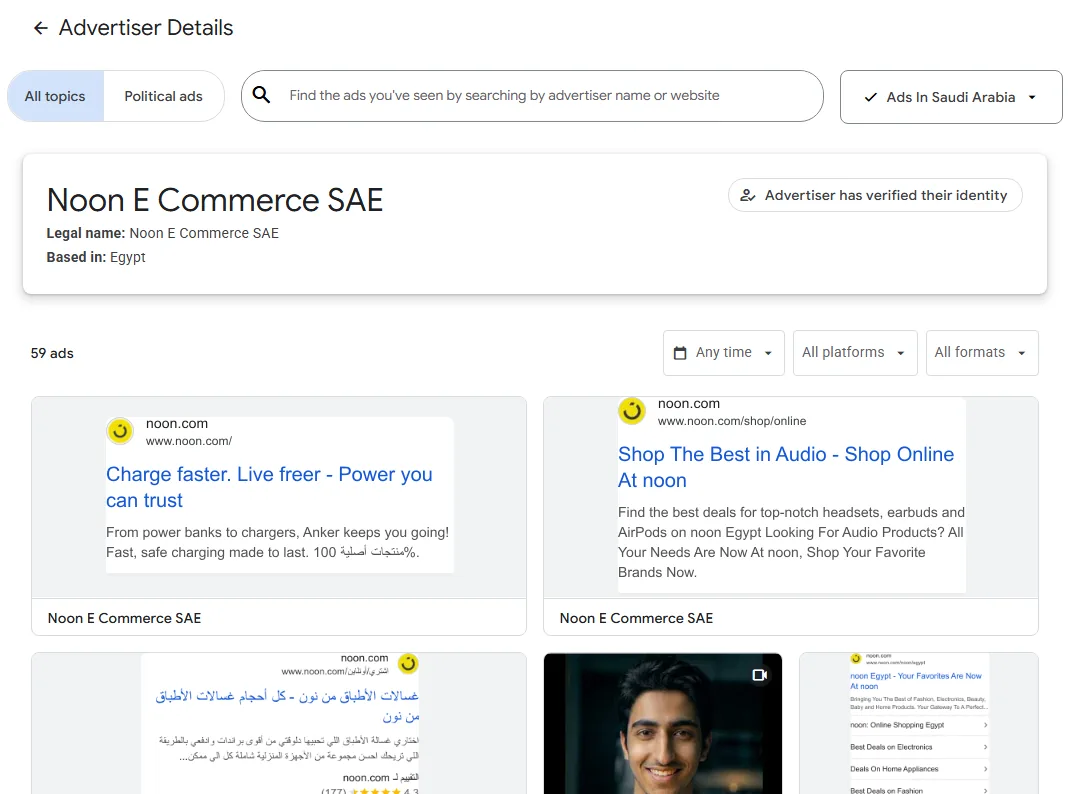
What to read in a banner: the written offer, the product image the competitor chose, and the small print (delivery, warranty, price). The full guide to the tool is Google Ads Transparency Center, and YouTube video ads are covered in YouTube ads library.
What no library shows
- Search by product: in Google's Transparency Center you search by advertiser name or website only; you cannot type "watches" to see every watch banner in the UAE.
- The sites a banner appeared on: you see the ad and its regions, not the websites and apps it was placed in.
- Keywords, bids and budgets: not shown for commercial ads.
- Performance: no clicks or conversions in any official library.
- Other display networks: banners served through networks other than Google have no official library.
- Small stores: most small Gulf stores advertise on Meta, Snapchat and TikTok more than on Google, so they have few banners to begin with.
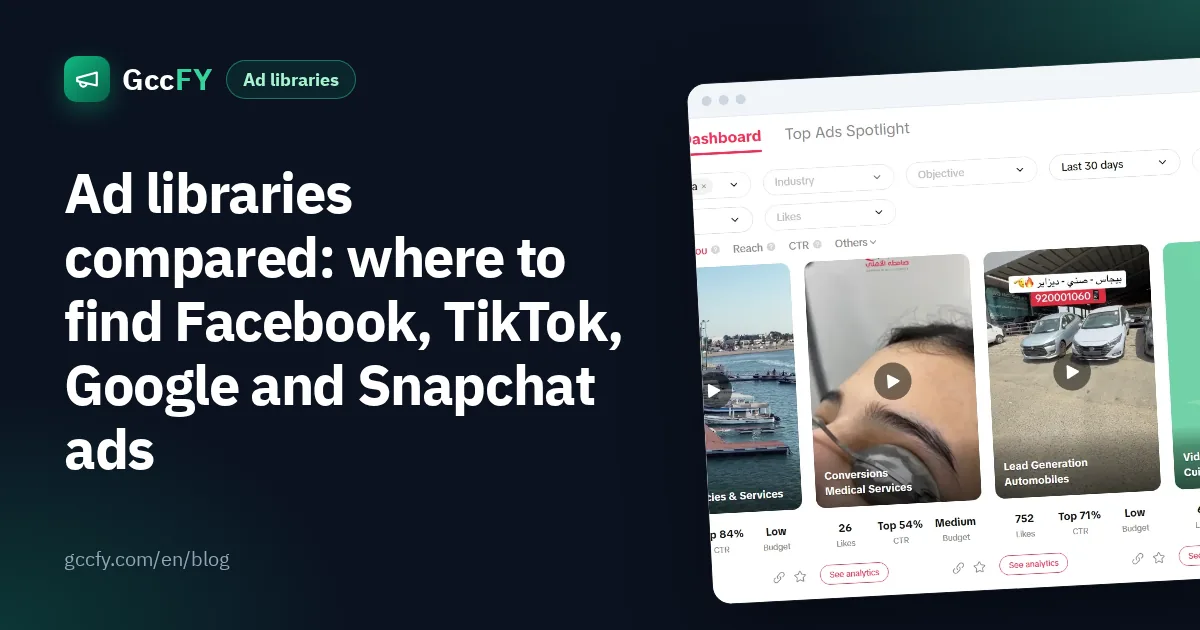
For what each official library shows in detail, read Ad libraries compared.
The image ads of Gulf stores: on Facebook and Instagram
The image ad a Gulf buyer actually sees mostly comes from Facebook and Instagram, not from the Display Network. From our study of the newest 160,000 Arabic ads of Gulf stores (2026-10-25 to 2026-11-06):
| Format | Share of the newest Arabic ads |
|---|---|
| Video | 69% |
| Still image | 17% |
| Dynamic (catalogue) ad | 9% |
| Carousel | 5% |
Video leads, but a still image is about one ad in six, and it rises in Saudi Arabia to 21% against 16% in the UAE and 17% in Kuwait. So if you study image ads to design your own banners, this is the largest sample and the closest to your market.
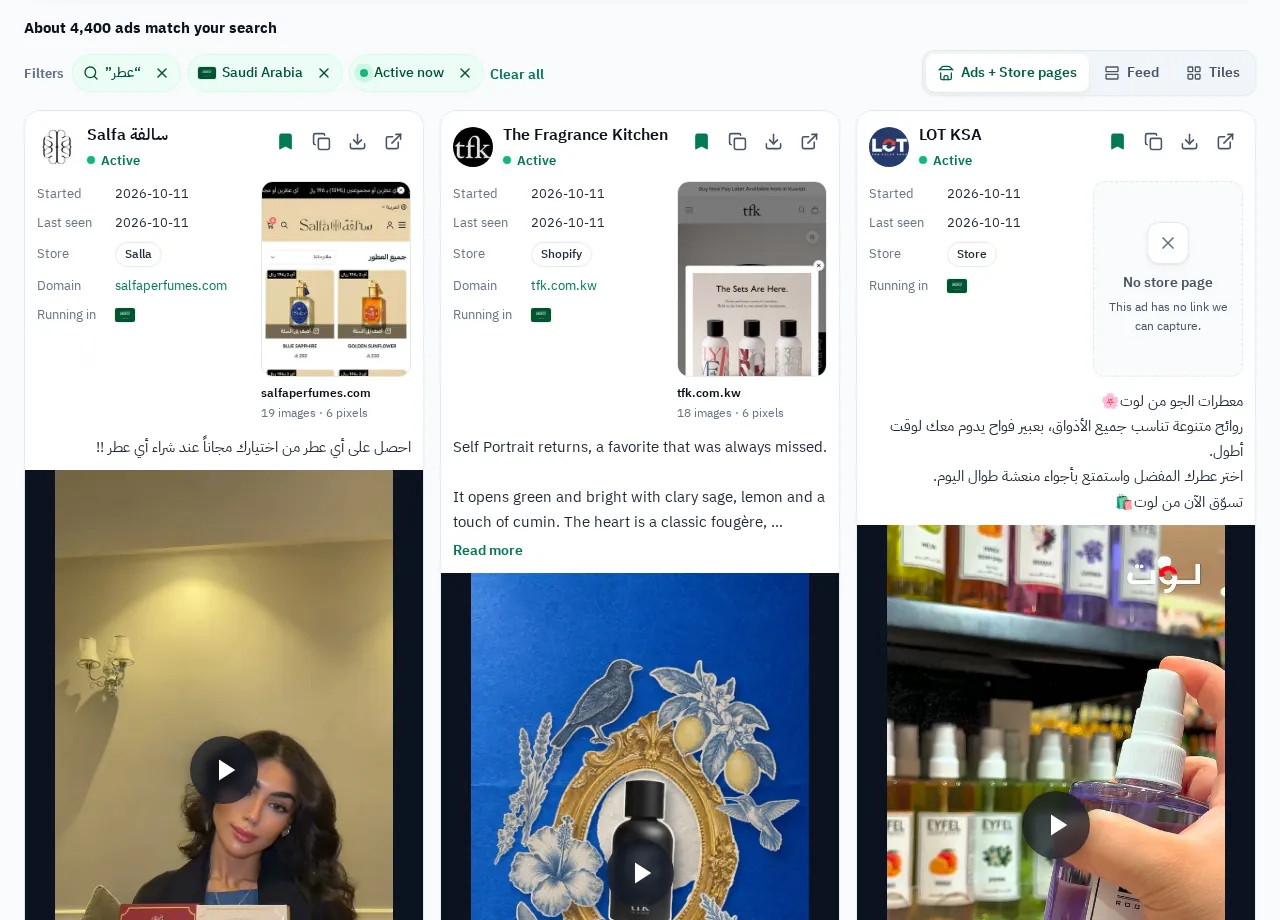
In GccFY the format filter (image, video or carousel) works with country, product and store platform, plus the sort by longest running: the image ad that survived for weeks is the one worth studying. Video in numbers: Video ads in the Gulf.
How to use image ads when designing your own
- The number on the image: notice where competitors put the price or the discount on the banner, and how large.
- Product alone or in use: record which one repeats in the longest-running ads of your category.
- The short line: a banner holds one sentence; collect the sentences competitors use, do not copy them, write a better one.
- Testing: design three versions of the image for one offer, and change one element at a time.
To follow a competitor's ads on every platform, Google included, read Competitor ads on every platform.