In this article
Key takeaways
- The Google Ads Transparency Center shows verified advertisers' ads on Search, YouTube, Shopping, Maps, Play and Display.
- Search by advertiser name or website, and choose the region "Saudi Arabia" or "UAE".
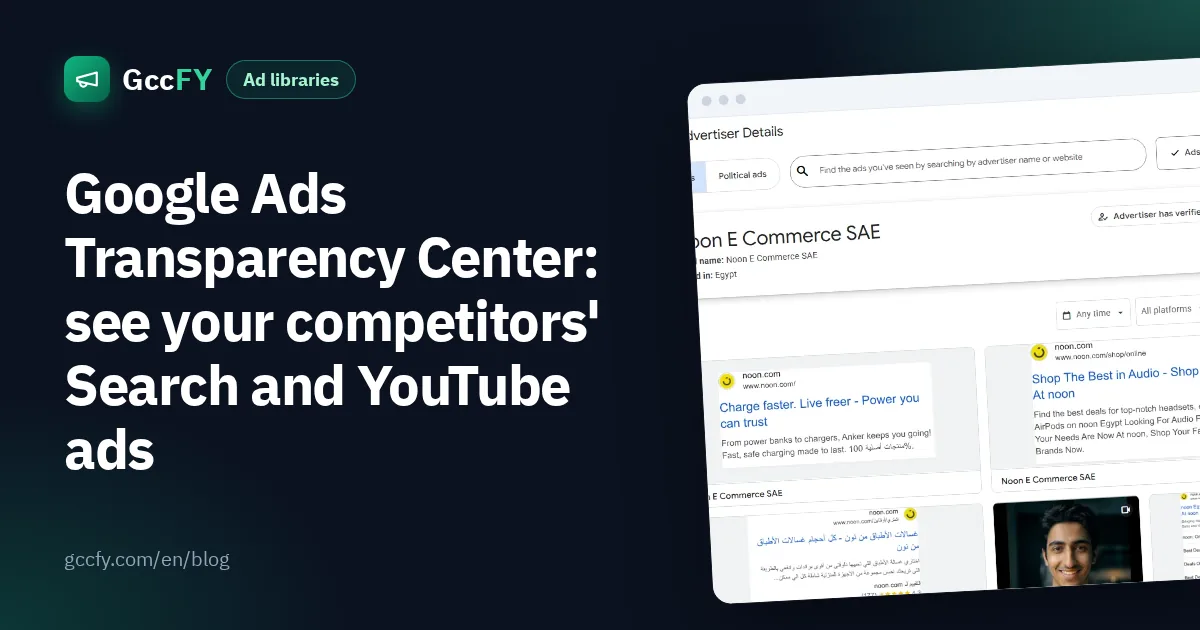
- An advertiser's page reveals their legal name, the country they are based in and whether they verified their identity.
- The tool shows neither keywords nor budgets for commercial ads.
What is the Google Ads Transparency Center?
A public Google tool at adstransparency.google.com that shows the ads verified advertisers run across Google's ad platforms: Search, YouTube, Display, Google Play, Maps and Shopping. It is Google's equivalent of the Facebook Ad Library.
How to search it, step by step
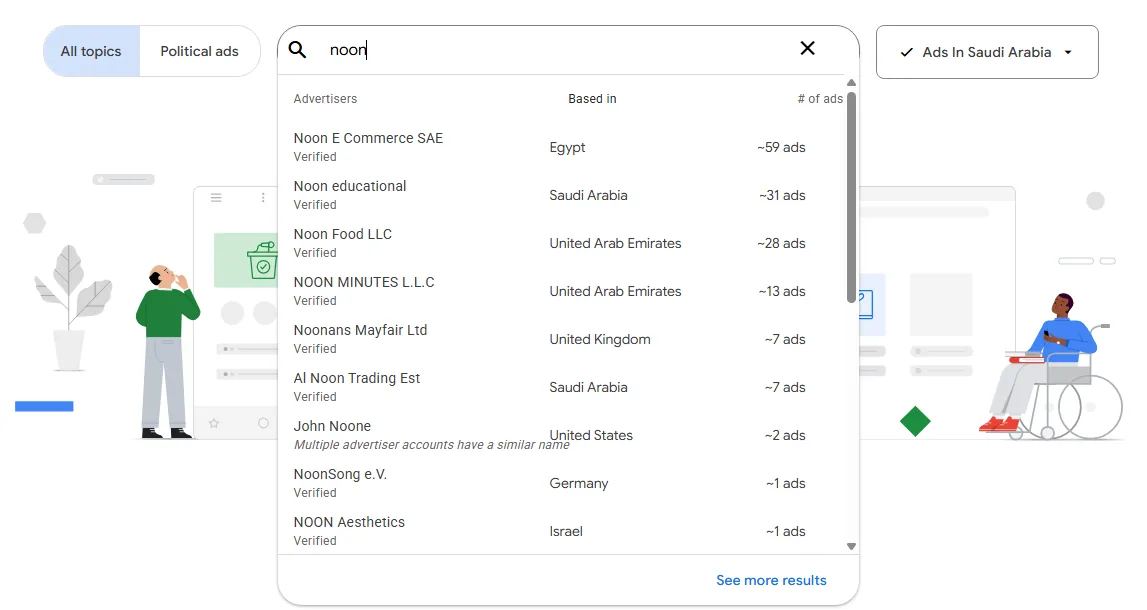
- Open adstransparency.google.com and pick the region with the button next to the search box, such as "Ads in Saudi Arabia".
- Type the advertiser's name or website. A list of matching advertisers appears, with each one's country and number of ads.
- Pick the advertiser to open their page.
- Narrow their ads with the filters: time, platform and format (text, image or video).
- Open any ad to see its copy, image or video, the regions it ran in and when it was last shown.
What to read on an advertiser's page
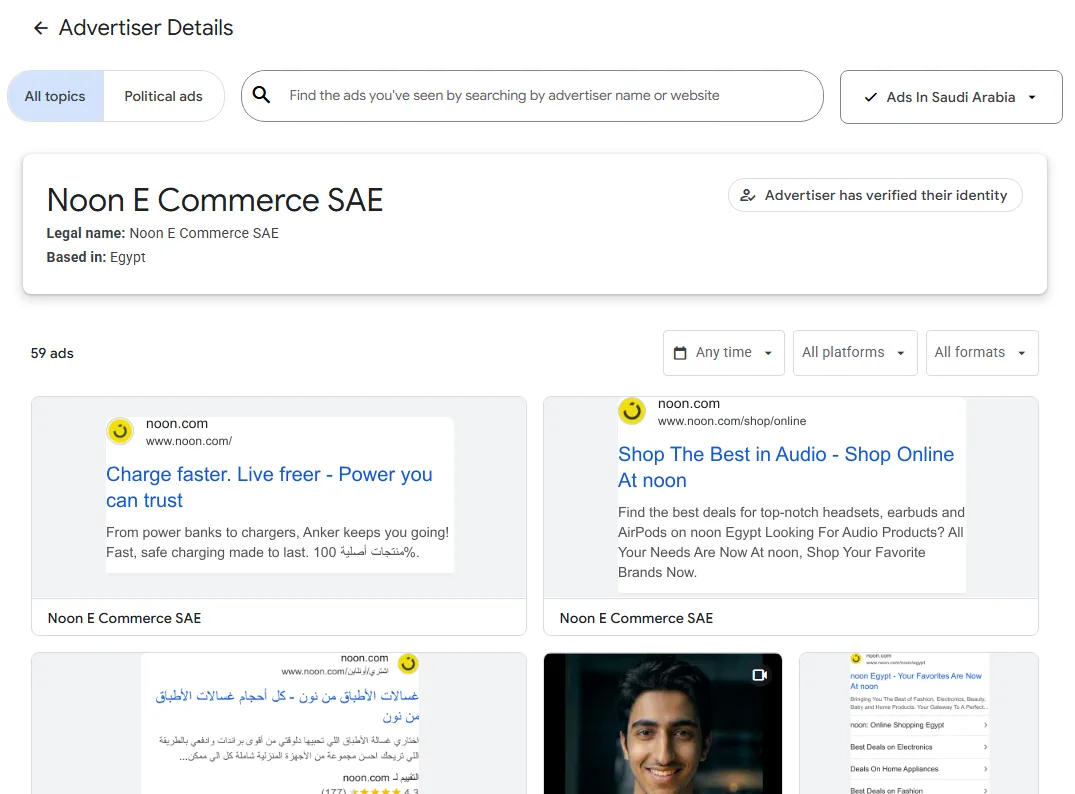
- Legal name and country: is the competitor a local company, or selling into Saudi Arabia from abroad?
- Identity verification: "Advertiser has verified their identity" means Google checked them.
- Number of ads: a sign of how active they are on Google.
- Search ad copy: headlines and descriptions reveal their offers and the words they push.
How store owners use it
- Search copy: read your competitors' search headlines to learn what they promise (free delivery, warranty, price).
- YouTube: watch the video ads of the big brands in your category.
- Seasons: open advertisers' pages before Ramadan and White Friday to see when their offers start.
- Compare with Meta: set a competitor's Google messages against their Facebook and Instagram ads.
The tool's limits
- No keywords or bids: you see the ad, not the keywords the advertiser bought.
- No budgets: except for political ads in some regions.
- Search by advertiser, not product: you cannot search "perfume" to see every perfume ad in Saudi Arabia.
- Few small stores: most small Gulf stores advertise on Meta, Snapchat and TikTok more than on Google.
Since most Gulf store ads run on Facebook and Instagram, the key place to research is the Meta Ad Library, or GccFY for Arabic Gulf ads with search by product, country and store platform.