In this article
Key takeaways
- There is no dedicated YouTube ad library: its ads are in Google's Ads Transparency Center at adstransparency.google.com.
- Search the advertiser's name or website, pick the region ("Ads in Saudi Arabia"), then filter the platform to YouTube and the format to video.
- You cannot search by product ("perfume"), and you see neither keywords nor budgets for commercial ads.
- Most small Gulf stores advertise on Meta, Snapchat and TikTok more than on Google; video is 69% of their newest Arabic ads in our library.
Is there a YouTube ads library?
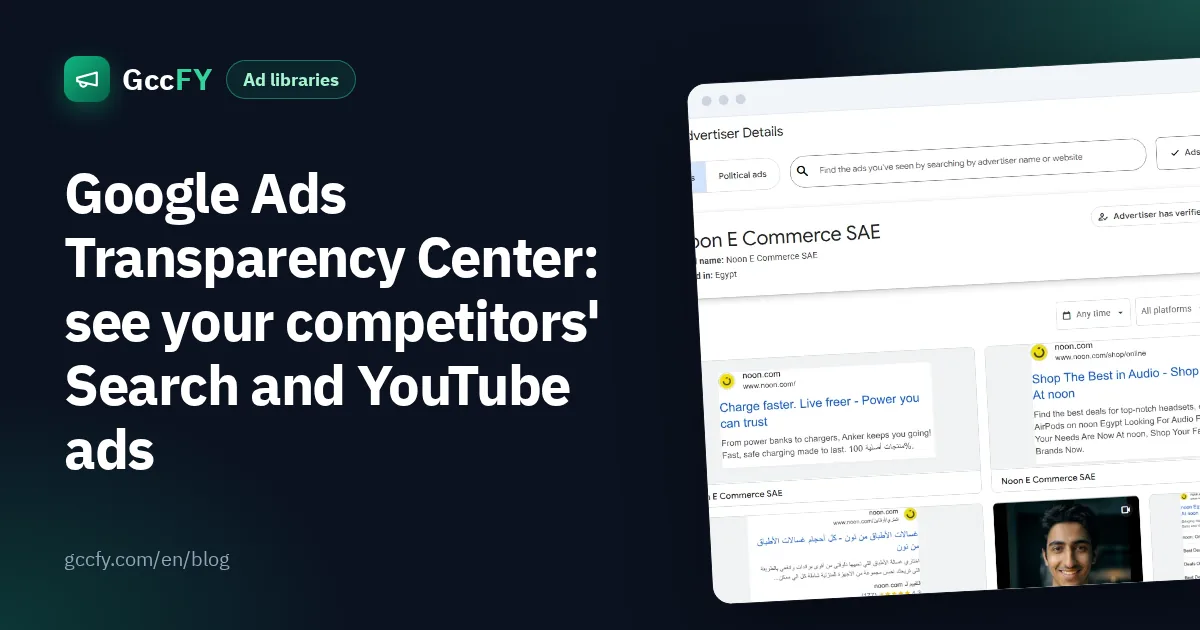
Not under the YouTube name. YouTube ads are part of the Google Ads Transparency Center at adstransparency.google.com: a public tool that shows the ads verified advertisers run across all of Google's ad platforms: Search, YouTube, Display, Google Play, Maps and Shopping. It is Google's equivalent of the Meta Ad Library, and it is free with no ad account needed.
So whoever searches for a "YouTube ad library" is really looking for this tool, with the platform filter set to YouTube.
How to see an advertiser's YouTube ads, step by step
- Open adstransparency.google.com and pick the region with the button next to the search box, such as "Ads in Saudi Arabia".
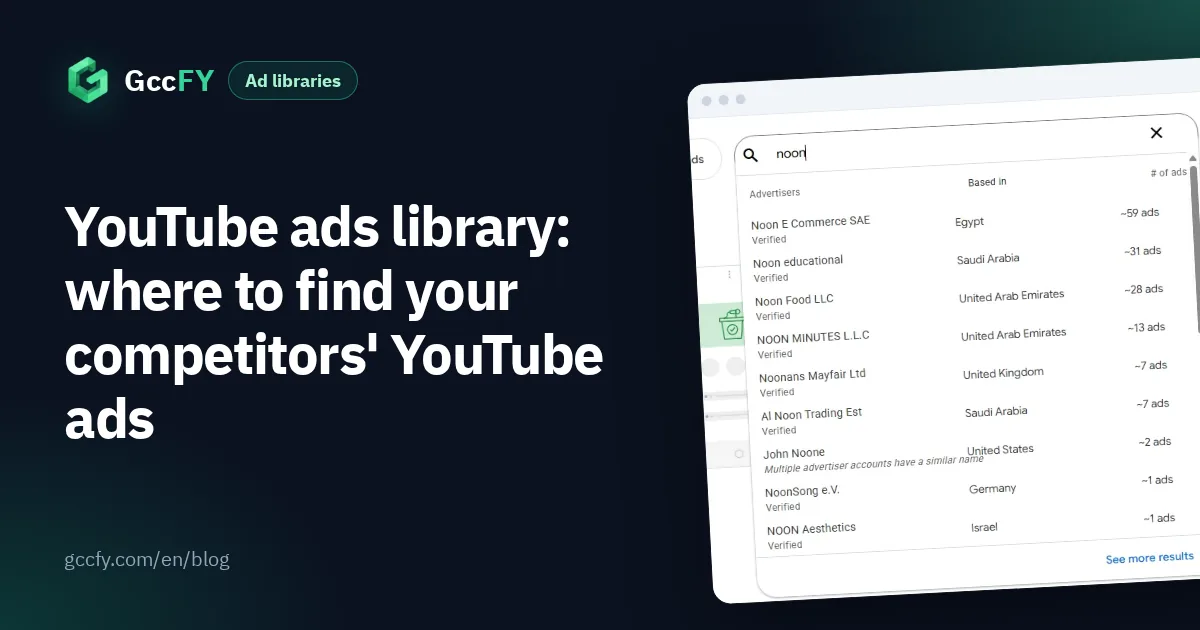
- Type the advertiser's name or website. A list of matching advertisers appears, with the country each one is based in and its number of ads.
- Pick the advertiser to open their page.
- In the platform filter choose YouTube, in the format filter choose video, and narrow with the time filter if you want a given period.
- Open any ad to see the video, the regions it ran in and when it was last shown.
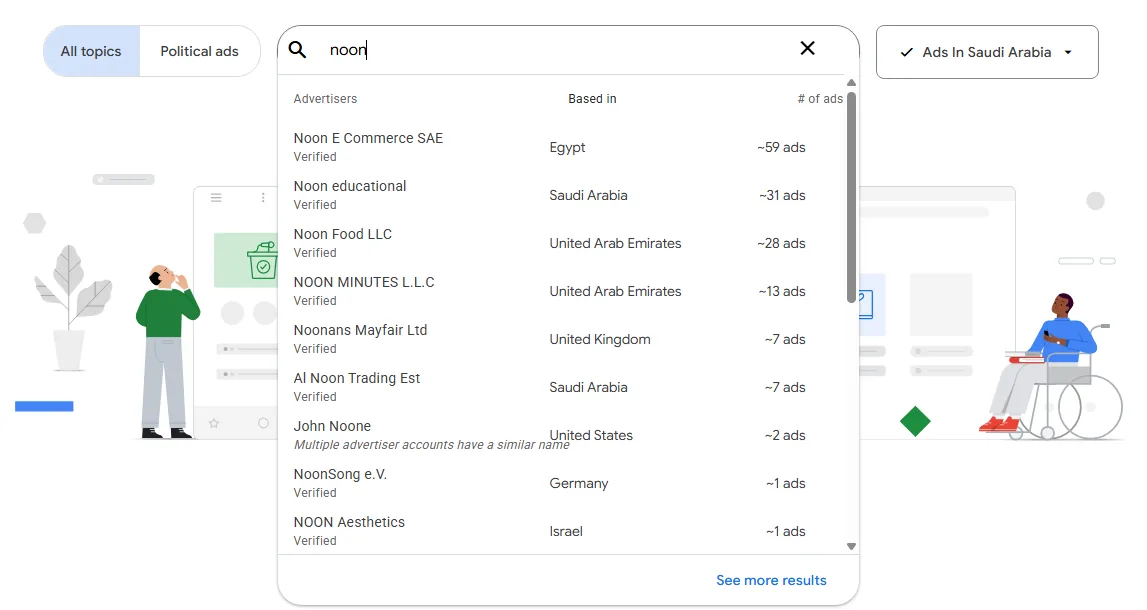
What to read on an advertiser's page
- Legal name and country: is the competitor a local company, or selling into Saudi Arabia from abroad?
- Identity verification: "Advertiser has verified their identity" means Google checked them.
- Number of ads: a sign of how active they are on Google, YouTube included.
- Filters: time, platform (Search, YouTube, Shopping, Maps…) and format (text, image or video).
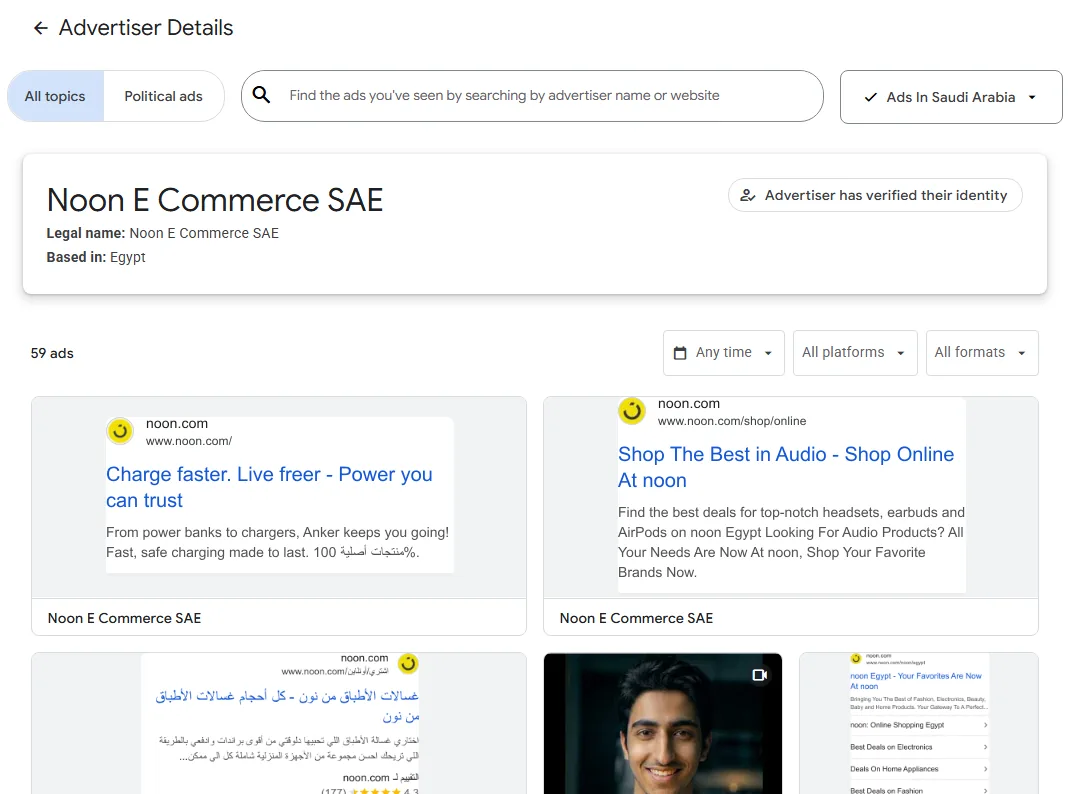
The full guide to the tool, with screenshots: Google Ads Transparency Center.
How store owners use YouTube ads
- Video ideas: watch the video ads of the big brands in your category: how they open, how they show the product, how they close.
- Seasons: open advertisers' pages before Ramadan and White Friday to see when their offers start.
- Compare with Meta: set a competitor's YouTube and Google messages against their Facebook and Instagram ads.
- Search copy: on the same advertiser page, read their search headlines to learn what they promise (free delivery, warranty, price).
The tool's limits
- Search by advertiser, not product: you cannot search "perfume" to see every perfume ad on YouTube in Saudi Arabia; you need the advertiser's name or website.
- No keywords or bids: you see the ad, not the keywords the advertiser bought.
- No budgets: except for political ads in some regions.
- Few small stores: most small Gulf stores advertise on Meta, Snapchat and TikTok more than on Google.
Every platform has its own library and limits: TikTok's official library covers Europe only (TikTok ads library), and Snapchat does not publish its Gulf commercial ads (Snapchat ads). The full table is in Ad libraries compared.
So where are Gulf stores' video ads?
If you are after video ads from stores selling in the Gulf, most of them run on Facebook and Instagram, not YouTube. In our study of the newest 160,000 Arabic ads in the GccFY library, 69% are video, from 24,891 advertiser pages. In GccFY you search them by product, country and store platform and sort them by longest running, which Google's center does not offer.
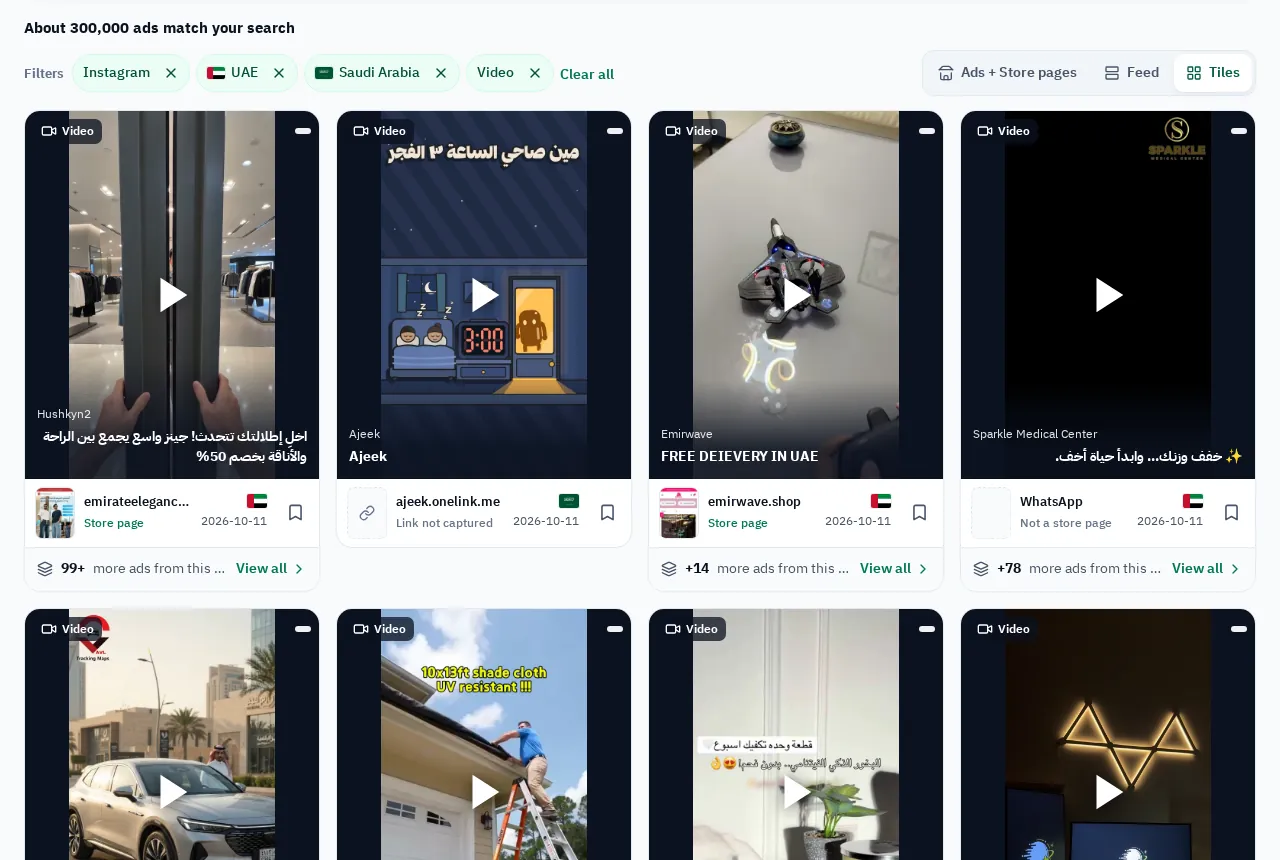
Video shares by country and category are in Video ads in the Gulf. GccFY does not cover YouTube: its library is of Arabic Meta ads in the Gulf.