In this article
Key takeaways
- Instagram ads are part of the Meta Ad Library; narrow them with the "Instagram" platform filter.
- Search the brand or store name: ads appear under the advertising Page, which is usually close to the account name.
- In the Instagram app, "About this account" shows when the account was created, its country and former usernames.
- Regular posts and influencer content are not in the library, except branded content labelled "Paid partnership".
Is there an Instagram ad library?
There is no separate library under the Instagram name. Instagram belongs to Meta, and all of its sponsored ads are published in the Facebook Ad Library together with Facebook and Messenger ads. One ad usually runs on several platforms, so you see the platform icons under it.
In our study of the newest 20,000 Arabic ads, 98% ran on Instagram and 75% on both Instagram and Facebook. In the Gulf, Instagram is not an extra channel: it is the main one.
How to see any account's Instagram ads
- Open the library at facebook.com/ads/library. It works in a mobile browser too.
- Choose the country (Saudi Arabia, for example) and "All ads".
- Type the brand or store name. Ads appear under the advertising Page, which is usually the Instagram account's name or close to it.
- Pick the Page from the suggestions to see all of its ads.
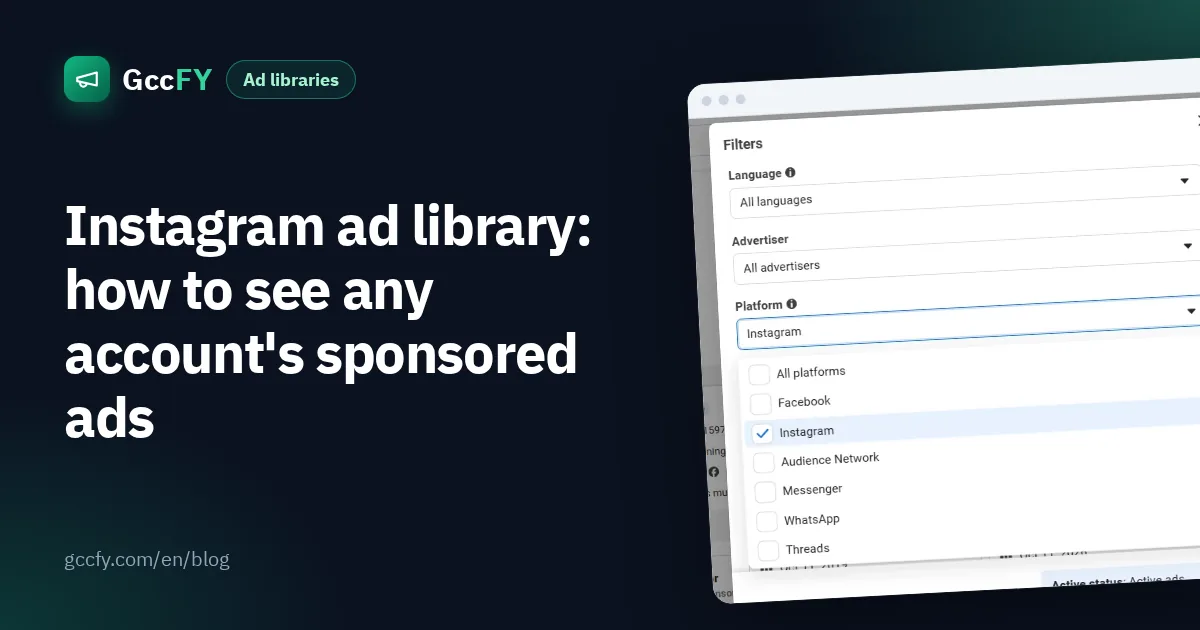
- In the Platform filter choose "Instagram" to see only the ads that run there.
- Open any ad to see its versions, start date and the link it leads to.
Can't find the account? Try the name in English and Arabic, or search a word from its signature product, then open one of its ads to learn the advertising Page's name.
What the Instagram app itself reveals
On any profile in the Instagram app, open the menu and choose "About this account". It shows information that helps you size up a competitor:
- Date joined: a one-month-old store advertising heavily is a different player from a brand that is years old.
- Account based in: is the seller in Saudi Arabia, or selling into it from abroad?
- Former usernames: an account that changed names often may have changed business too.
The ads themselves live in the Meta library.
What to look for in Instagram ads
- Reels and Stories: full-screen vertical video. The first two seconds decide whether the viewer stops.
- On-screen text: many watch without sound, so the offer is written on the video.
- Short captions: half of the Arabic ads in our study are shorter than 55 words.
- The button: "Shop now" to a store, or "Send message" to WhatsApp or Instagram Direct.
What the library does not show
- Regular posts: the library is for paid ads only.
- Influencers: an influencer post appears only if it is branded content labelled "Paid partnership"; the library has a separate search for it.
- Stopped ads: a commercial ad disappears when it stops (outside the EU).
- Numbers: no spend, reach or sales for commercial ads.
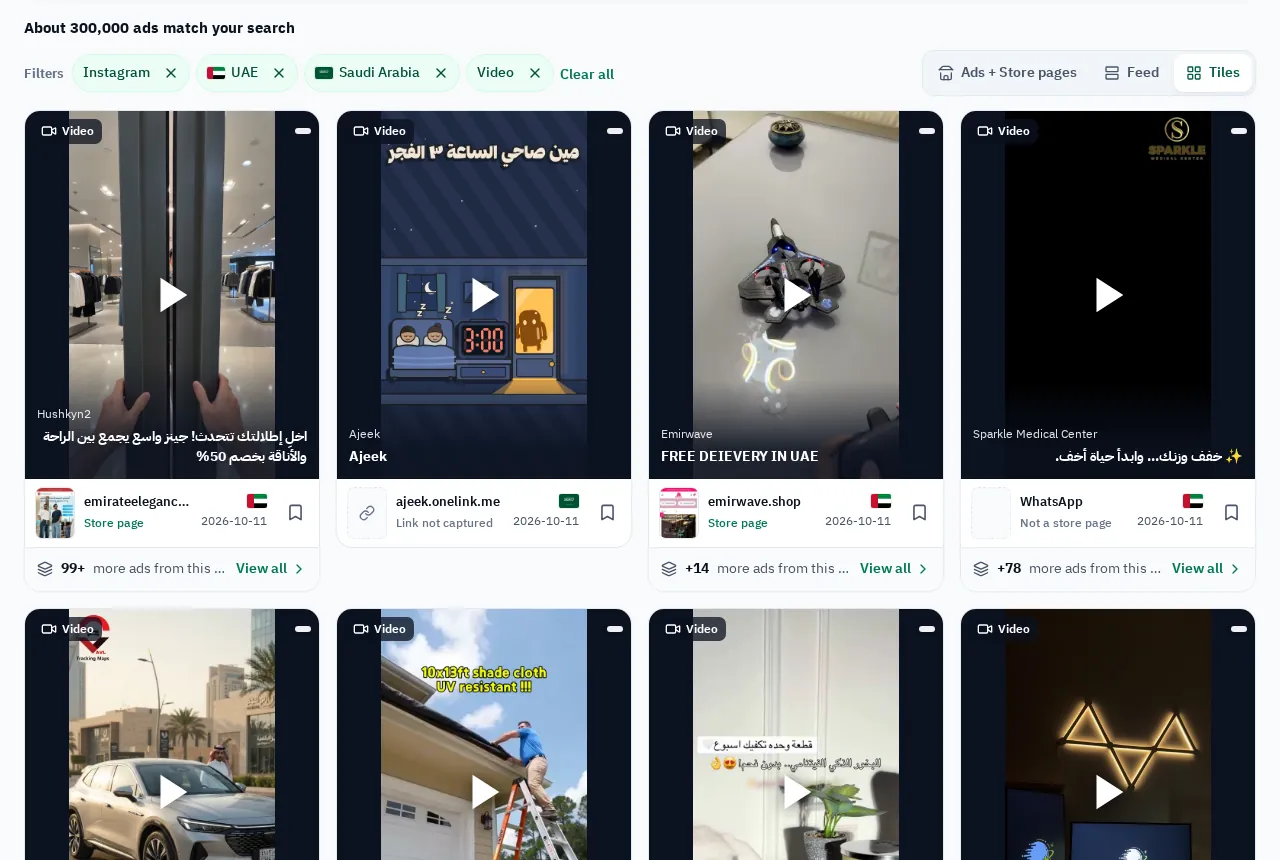
Instagram ads in the Gulf with GccFY
In GccFY you can narrow ads to Instagram with the placement filter, together with country, store platform and ad type. Stopped ads stay saved, so you can see what a competitor ran on Instagram last month.